Move through a codebase without losing the thread.
Browse folders, keep several files open, and edit in a distraction-free native window.
Native for macOS
MeatPad is a local-first home for quick notes, Markdown, and real code projects. Search everything, fold actual syntax, tune every color, and bring your own tools—without moving your work into a browser.
macOS 14+ · No account · Plain files · Preview 0.9
Local-first
Built with SwiftUI
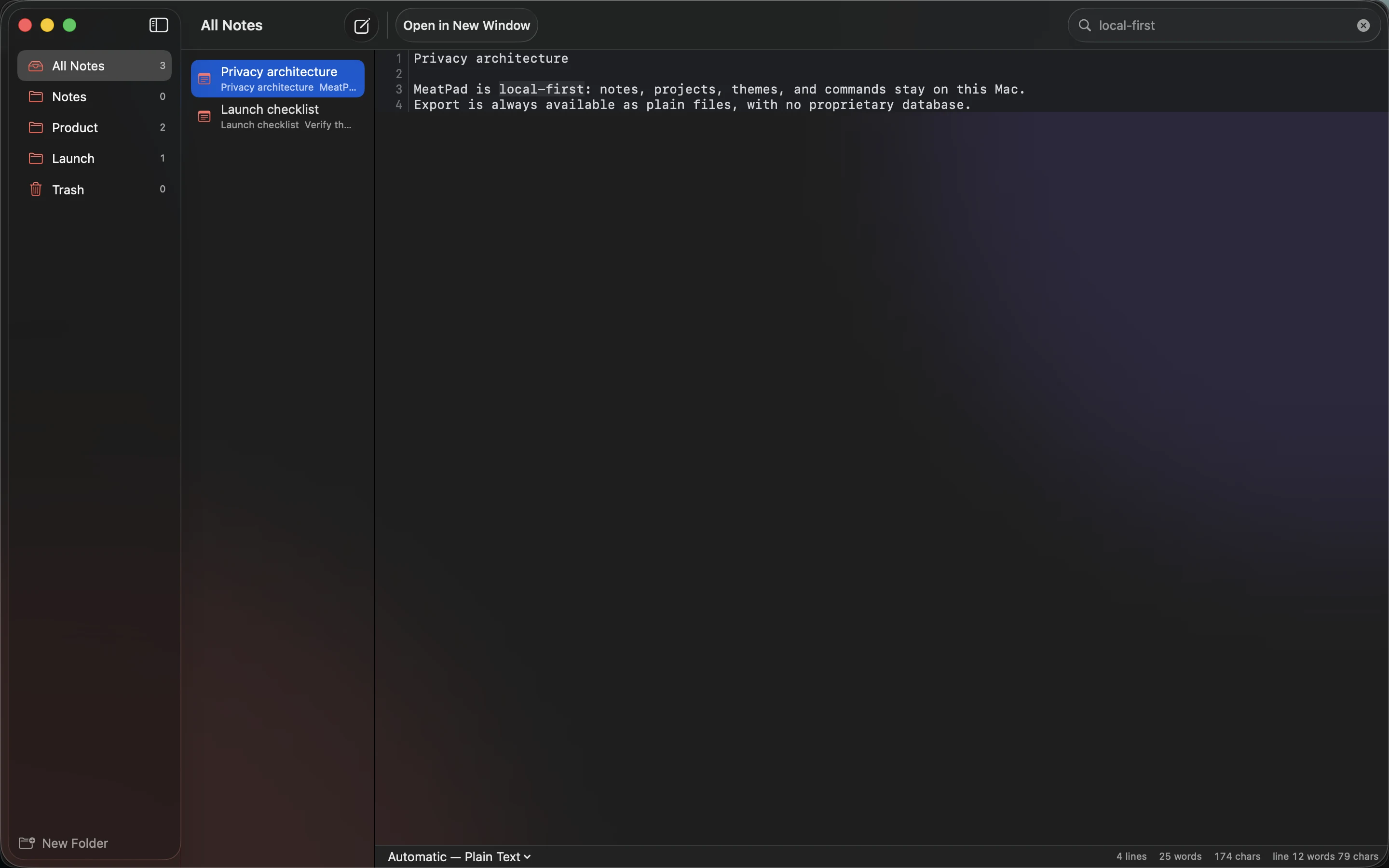
The fast path into thought
Folders keep the broad shape. Full-text search finds the exact thought inside every note. Results update in the same native window, and the source remains ordinary text on your Mac.
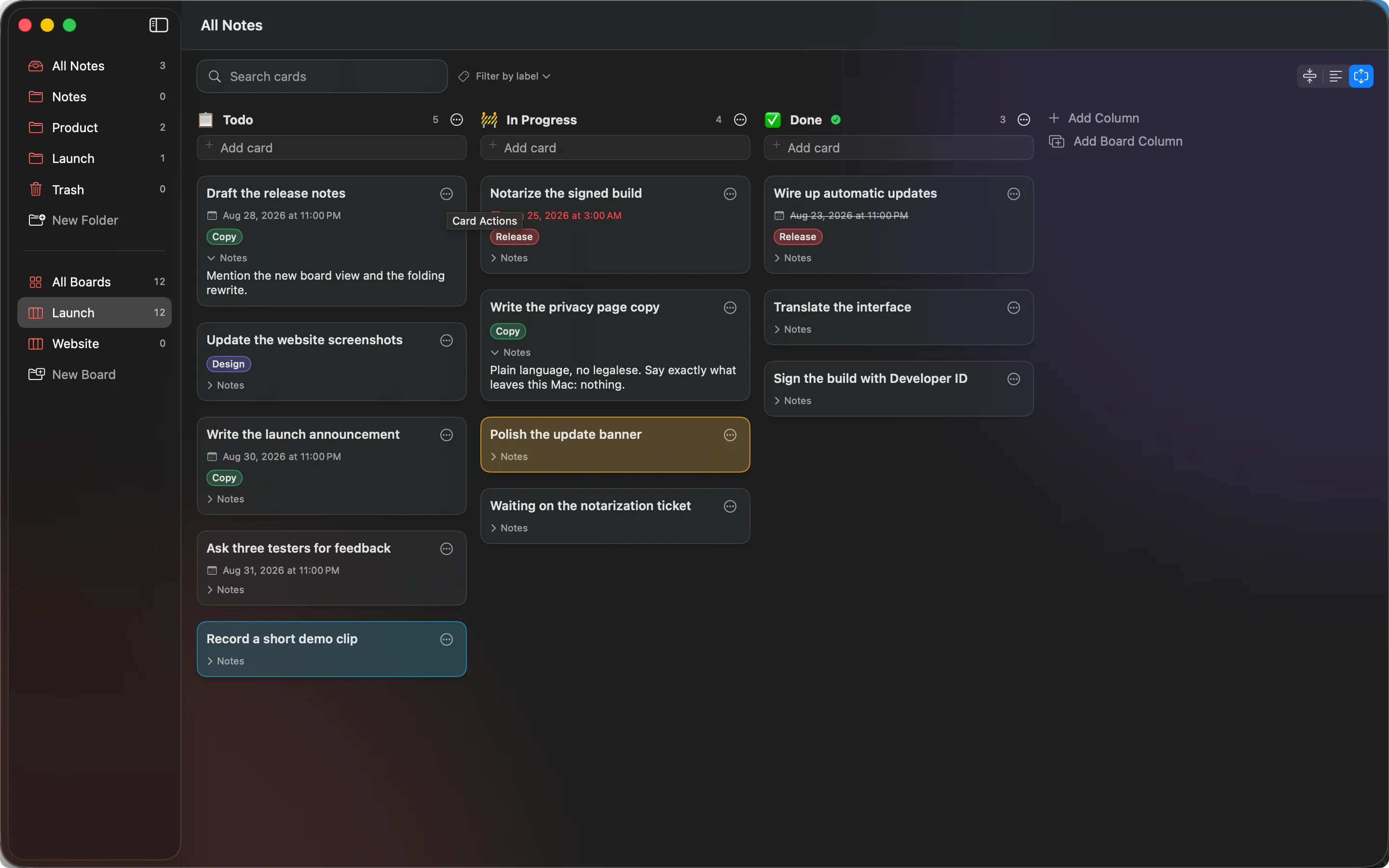
A notebook that can grow teeth
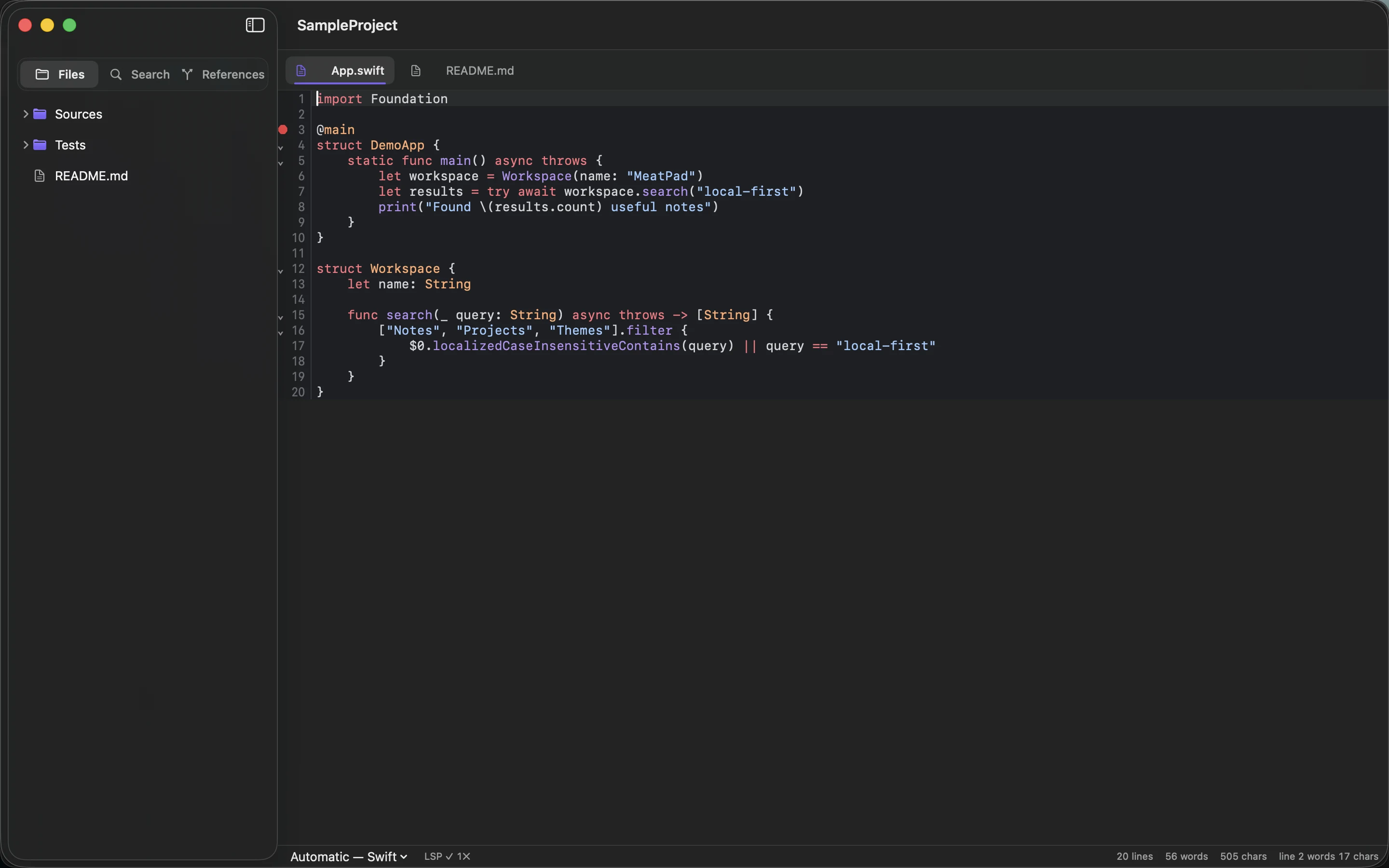
Open a folder and MeatPad becomes a serious editor: file tree, tabs, syntax-aware structure, project search, and tools that understand the document in front of you.
Browse folders, keep several files open, and edit in a distraction-free native window.
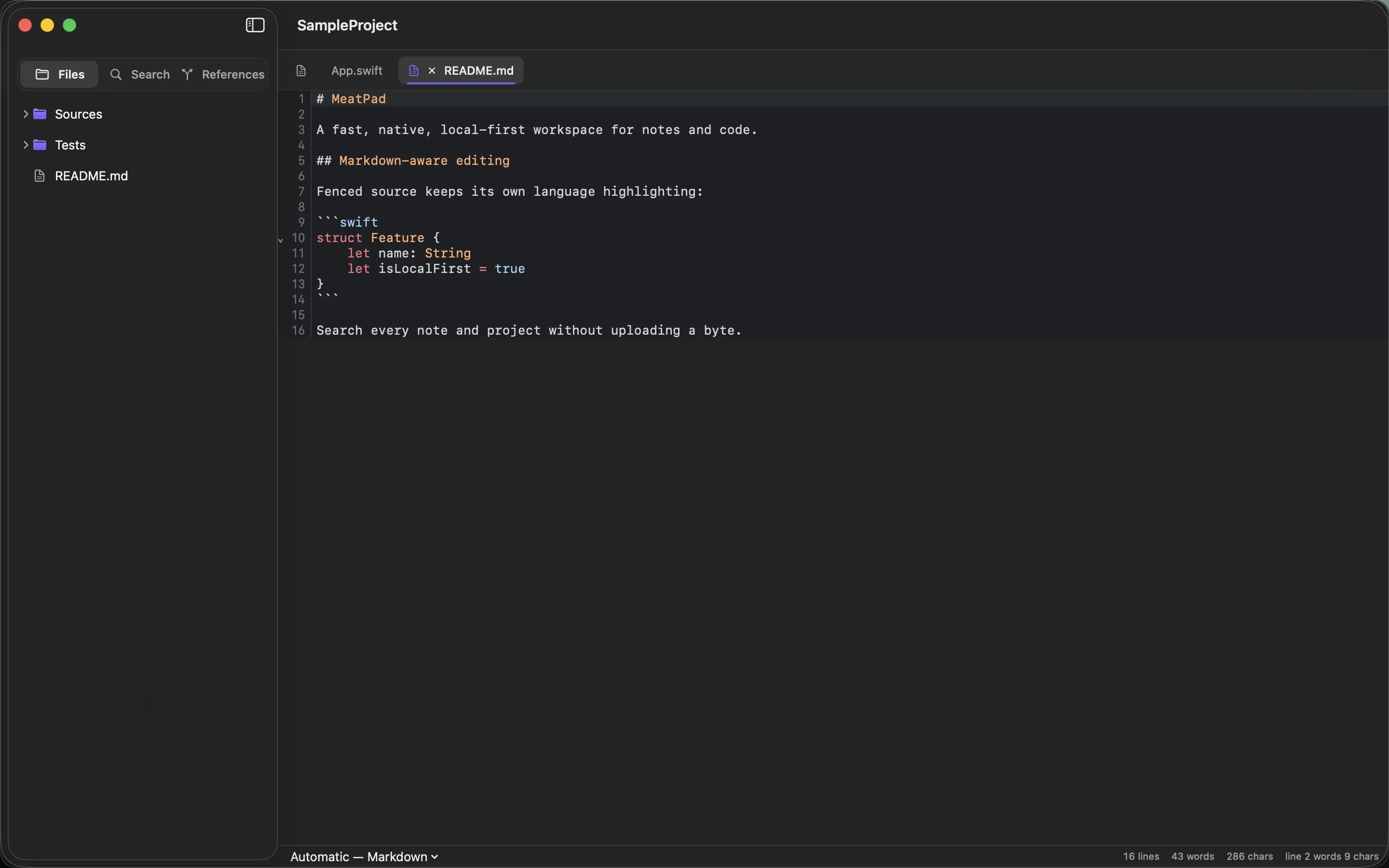
Markdown structure and embedded languages stay legible, with line numbers and native text behavior.
Editor fundamentals, finished
Collapse syntax-defined regions, fold everything, or reopen exactly where you were working.
Search every file, inspect grouped matches, and replace across the project from one panel.
Local completions draw from the open project, snippets, language keywords, and optional server results.
Choose a built-in theme or tune the editor palette token by token—without restarting the app.
Bring your own intelligence
When a supported server is installed, the direct-download build connects projects to diagnostics, completion, hover information, definition, references, document symbols, and rename.
Make the editor yours
Start with a balanced built-in theme, then adjust editor background, text, comments, keywords, strings, numbers, types, and more. The preview updates as you work.
Local means operationally local
MeatPad’s privacy screen says what the app does in plain language. Notes and settings stay on this Mac. Export creates ordinary files. Delete Everything removes local data only after an explicit confirmation.
Take notes and settings out as normal files.
Review the script, working directory, input, environment, and timeout before it runs.
Destructive actions are visible, scoped, and confirmed.
MeatPad 0.9 preview
Download the notarized Mac build now, free. Join the Graphic Meat list below for release notes on the road to 1.0.
Download MeatPad