Choose your photos
Import from Apple Photos and refine the selection. Keep the moments that belong in this book.

 PhotoBooks
Turn an Apple Photos album into beautifully arranged pages. Make it yours, then export a PDF to print or share. Free from first photo to final page.
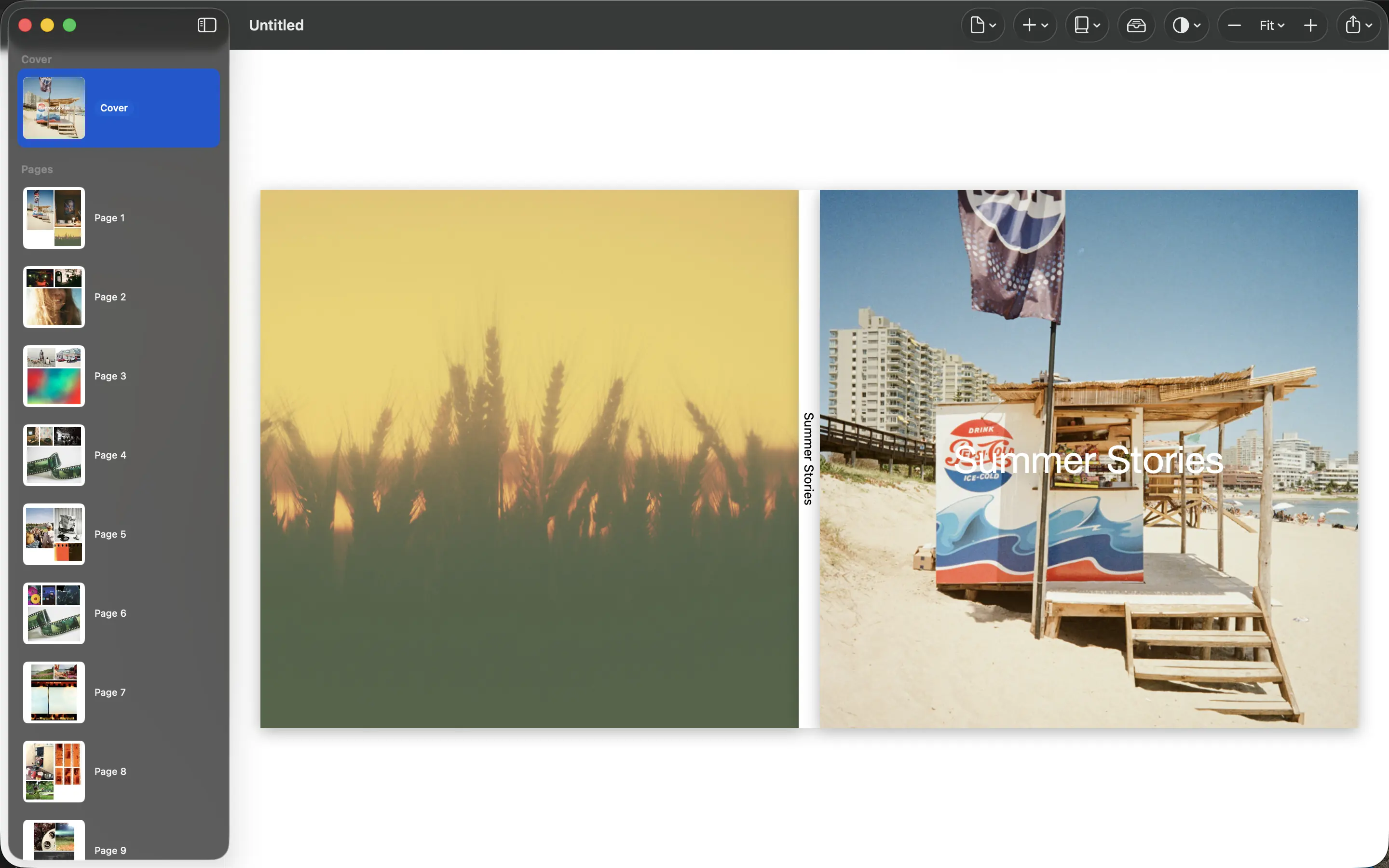
Explore the actual app. Automatic layout gets you started; the controls stay in your hands.
Watch the 30-second demo ↗
Import from Apple Photos and refine the selection. Keep the moments that belong in this book.
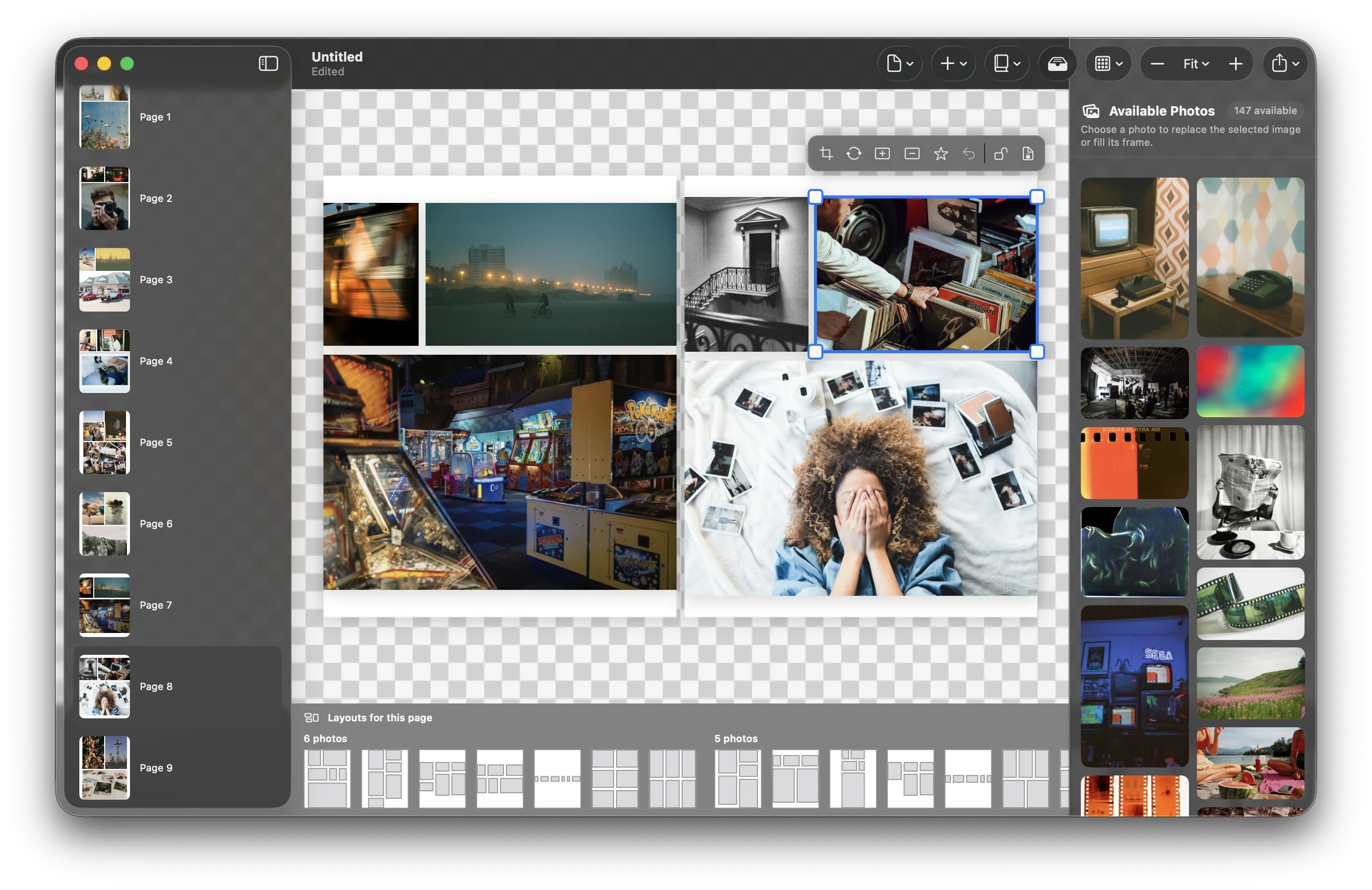
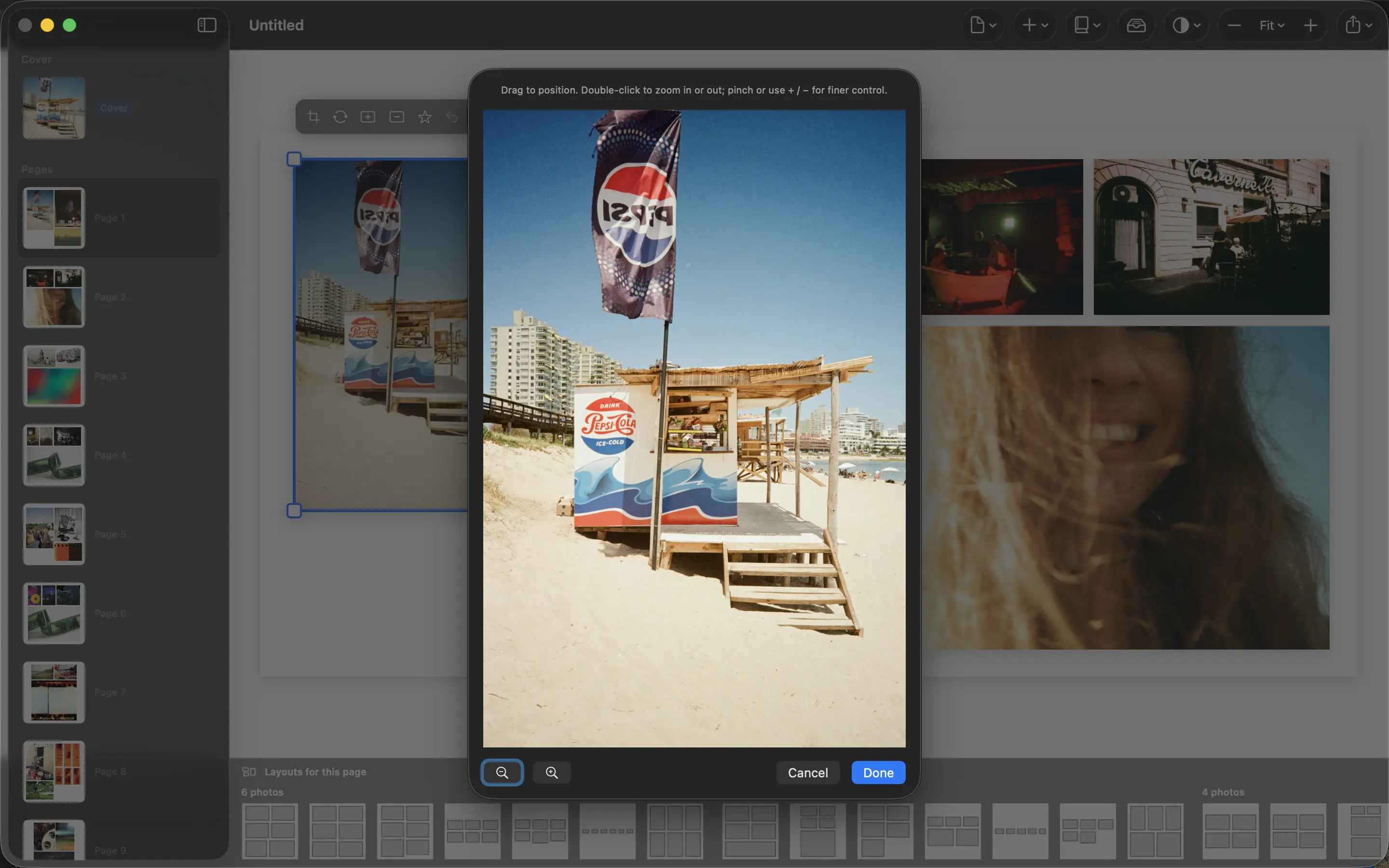
Let the app arrange the pages. Adjust crops, try layouts, and give the cover a title.
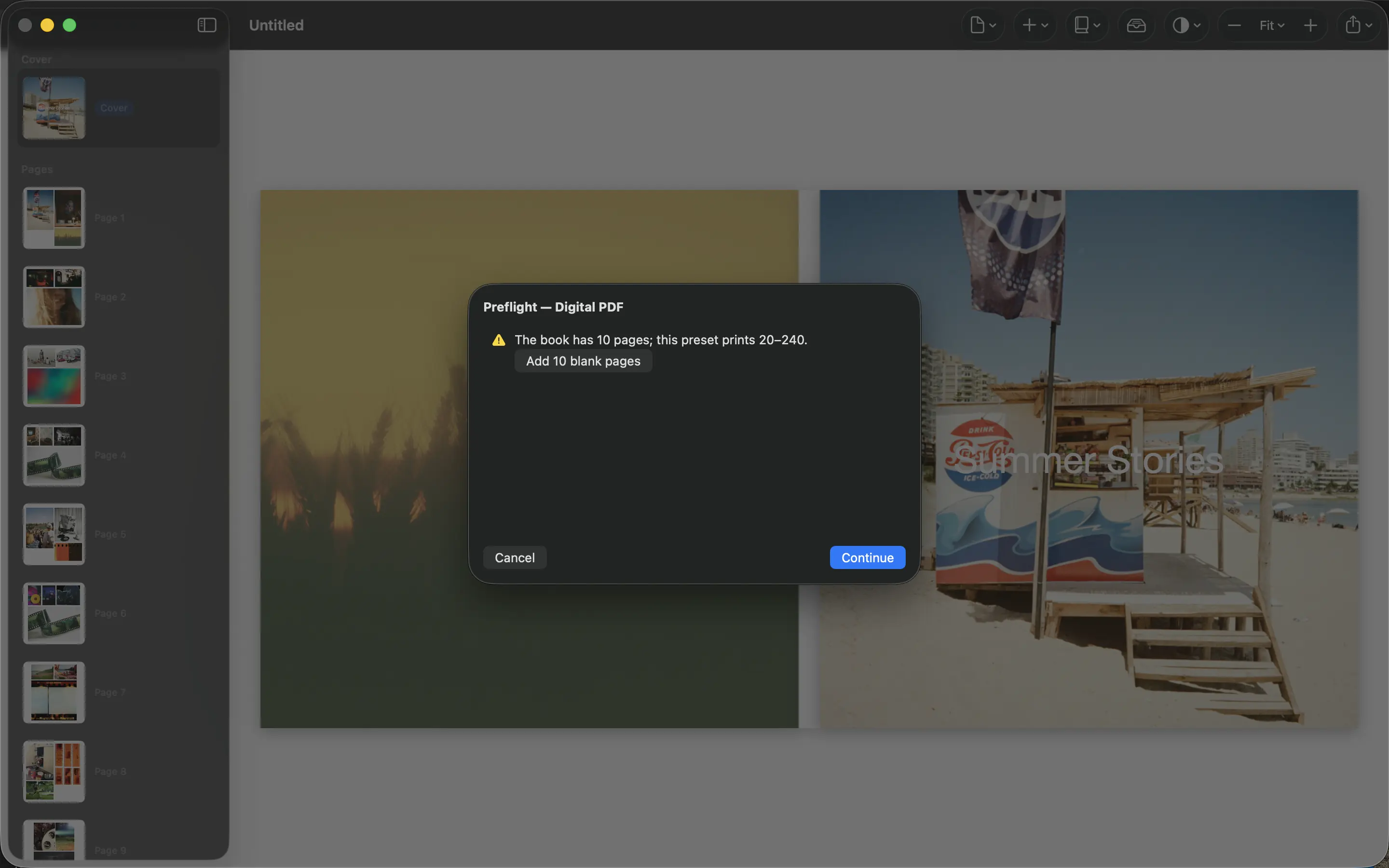
Export a PDF with your chosen size and print settings. Check your printer’s requirements before ordering.
“I have just run a couple of tests for 60 and 120ish image foto books and was blown away!”
See the whole workflow
Choose your photos, set the format, let PhotoBooks arrange every page, and export the finished PDF—all in one focused workflow.
A few practical answers, then you’re ready to begin.
Yes. The app and PDF export are free. There is no export watermark or account requirement. Printing through a third-party service is a separate cost.
Mac with macOS 15 or later, or iPhone and iPad with iOS / iPadOS 18 or later. Choose the download for your device above.
PhotoBooks processes your library on your device. Your photos are not uploaded to a Graphic Meat server.
Yes. Adjust photos and crops, choose alternative layouts, and lock pages you want to keep. Automatic arrangement is a starting point you can edit.
Export a PDF and use a print service that accepts your chosen format. Check its page size, bleed and page-count requirements first. You can also share the PDF digitally.
Start with one album. See what PhotoBooks makes of it.
Ask about compatibility, a feature, or something that isn’t working.