How to turn an Apple Photos album into a photo book
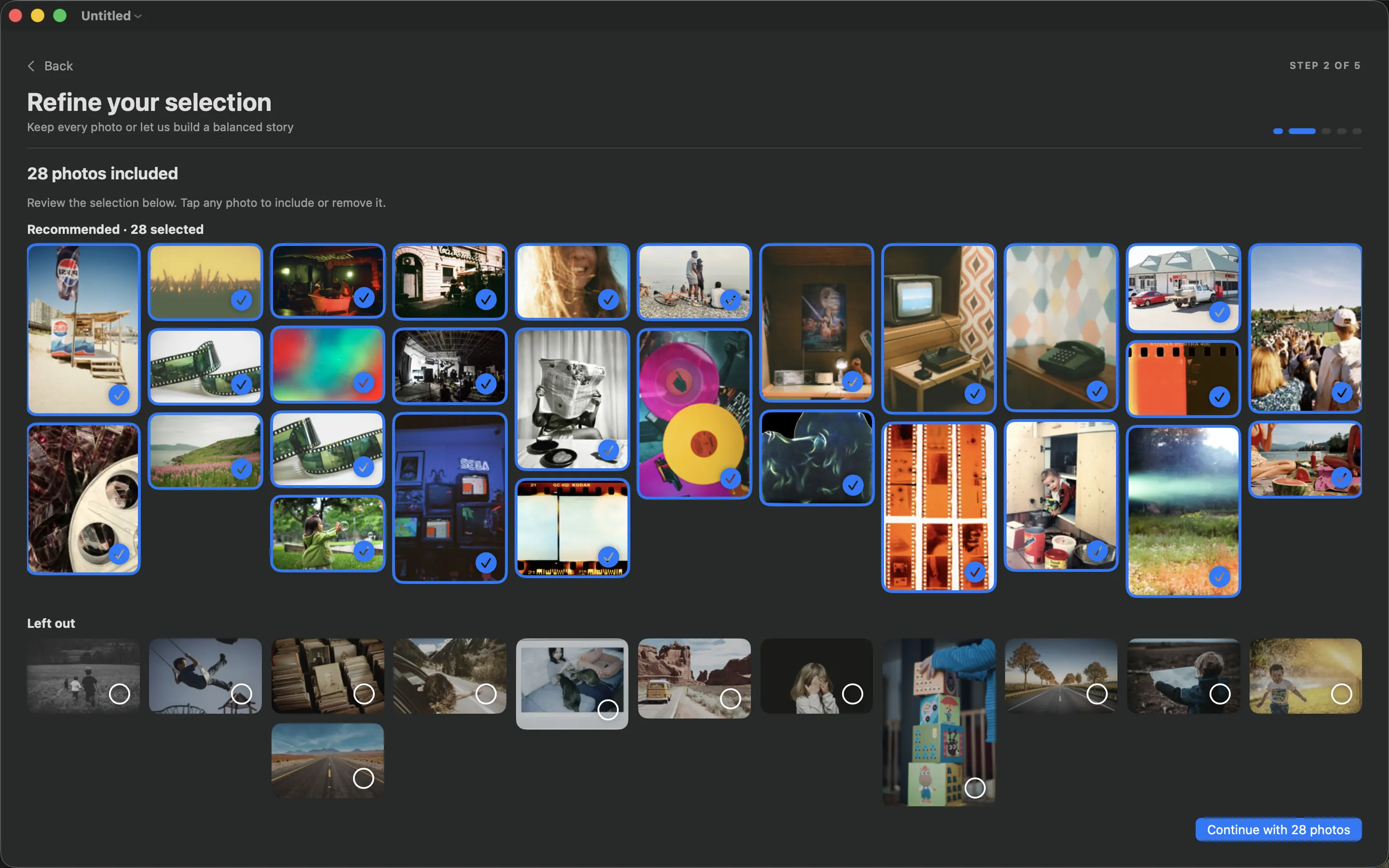
Choose an Apple Photos album, refine its selection, arrange a first draft and check the PDF before printing your photo book.
- PhotoBooks
- Practical guide
From the studio
What we learn while designing independent software: layout engines, private-by-default tools, and the stubborn details between an idea and a useful product.
Choose an Apple Photos album, refine its selection, arrange a first draft and check the PDF before printing your photo book.
A three-pass selection process for removing duplicates, keeping meaningful moments and choosing the photos that carry your book.
Build an annual family photo book with monthly selections, everyday moments and a repeatable end-of-year review.
Build a travel photo book with an opening, a sense of place, small details and an ending rather than a collection of landmarks.
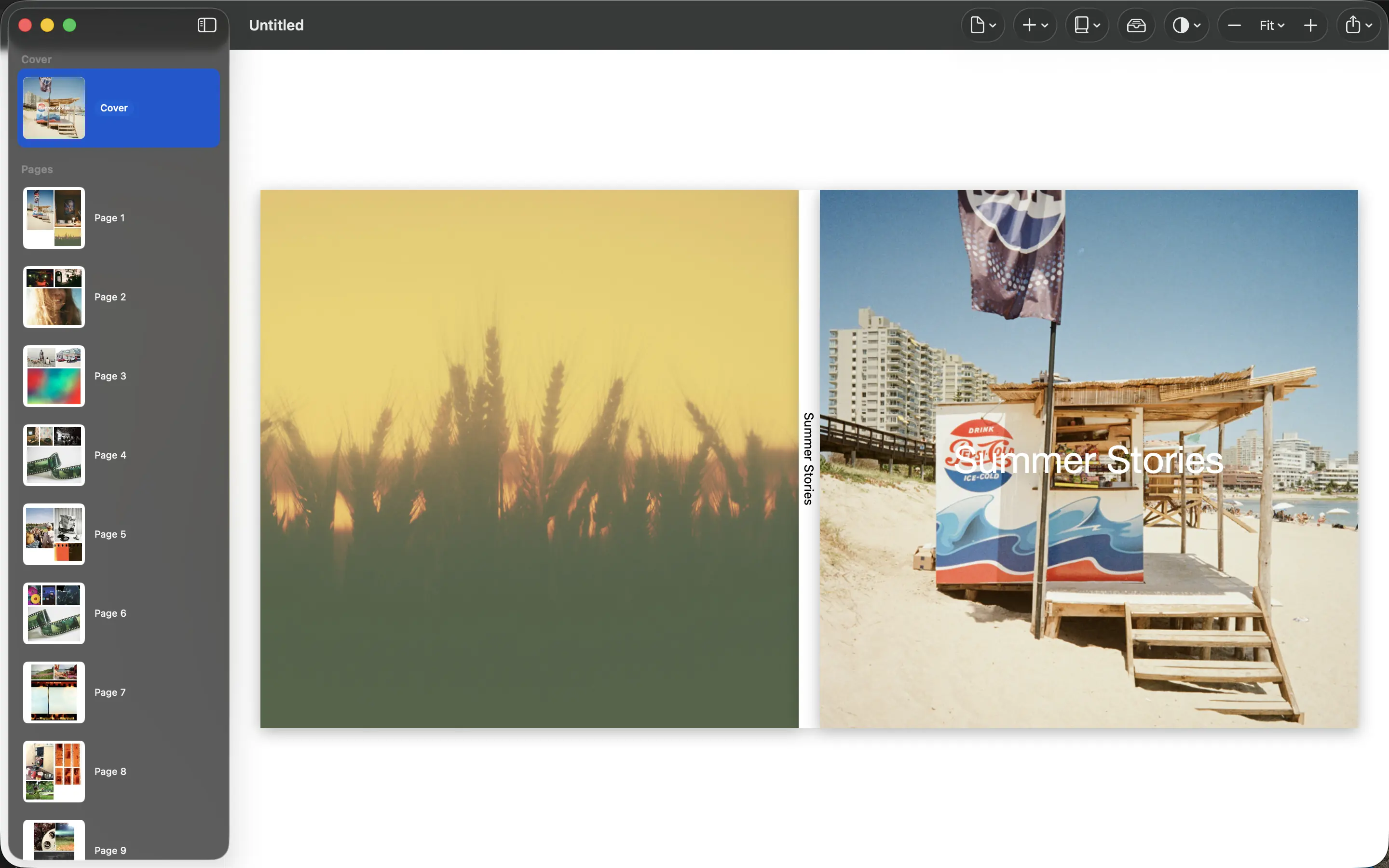
Choose a cover image, readable title and simple hierarchy that introduce your photo book clearly at full size and as a thumbnail.
Write photo book captions that preserve names, dates and small stories without describing what the photograph already shows.
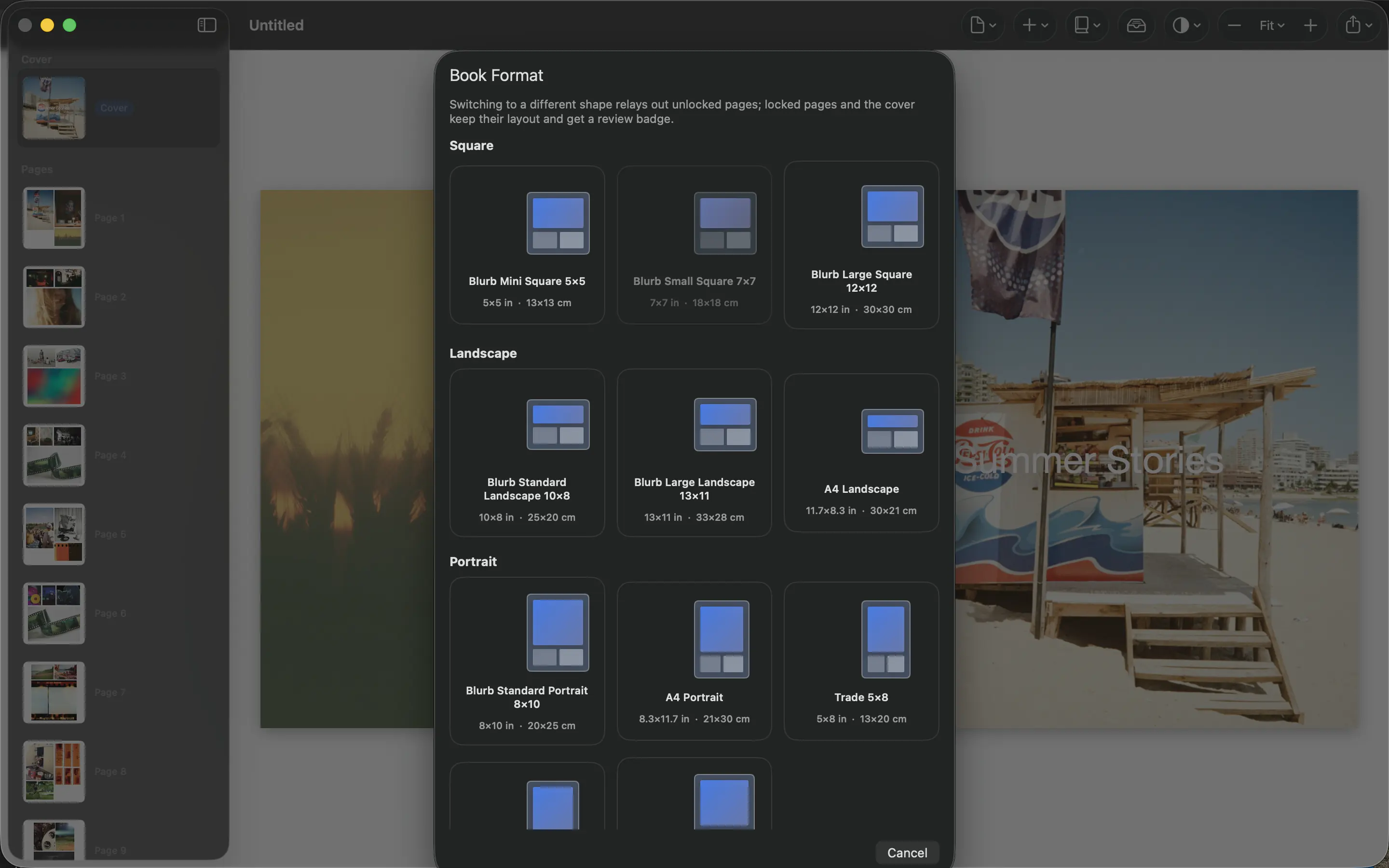
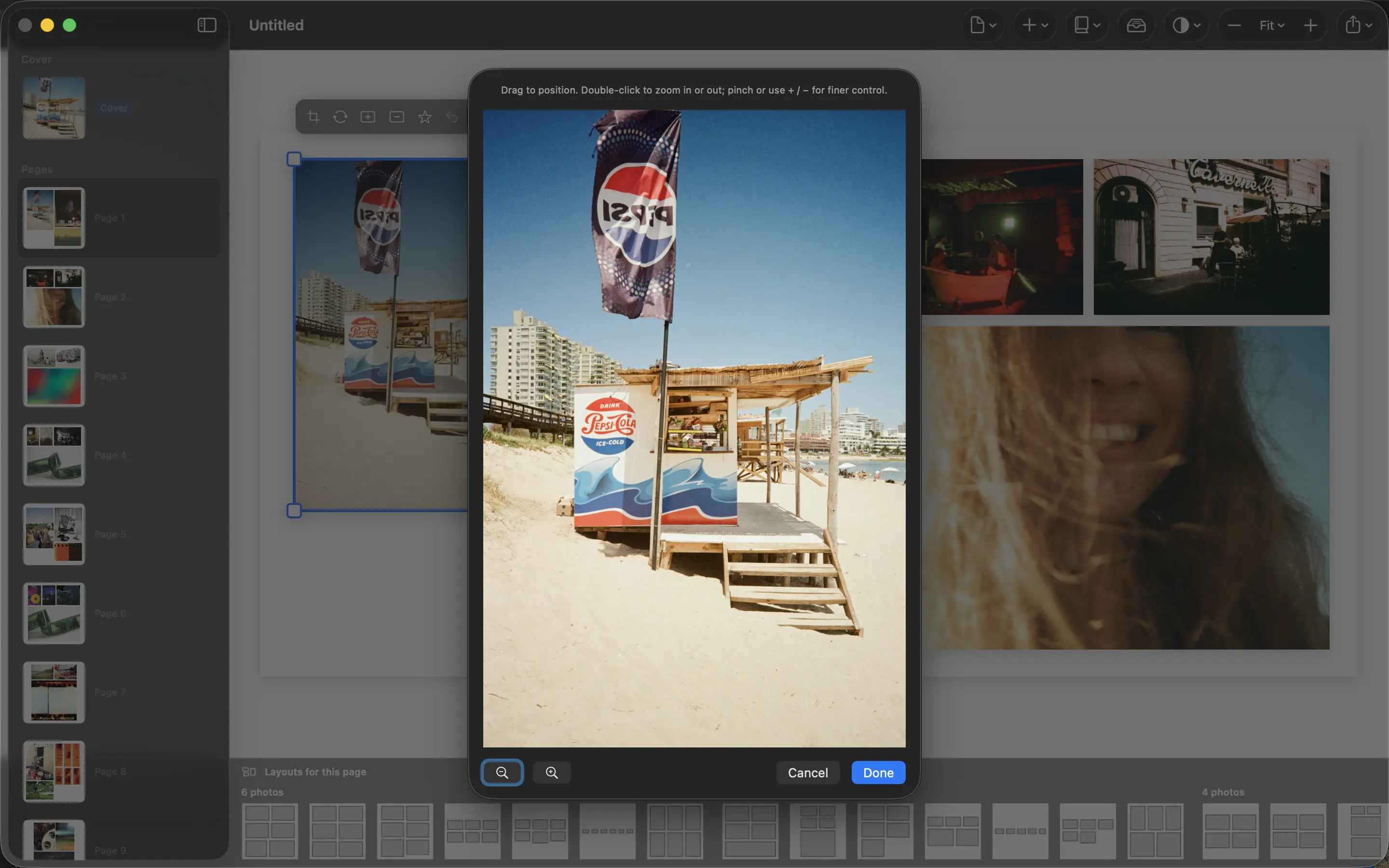
Combine portrait and landscape photographs without losing faces, forcing awkward crops or making every page look the same.
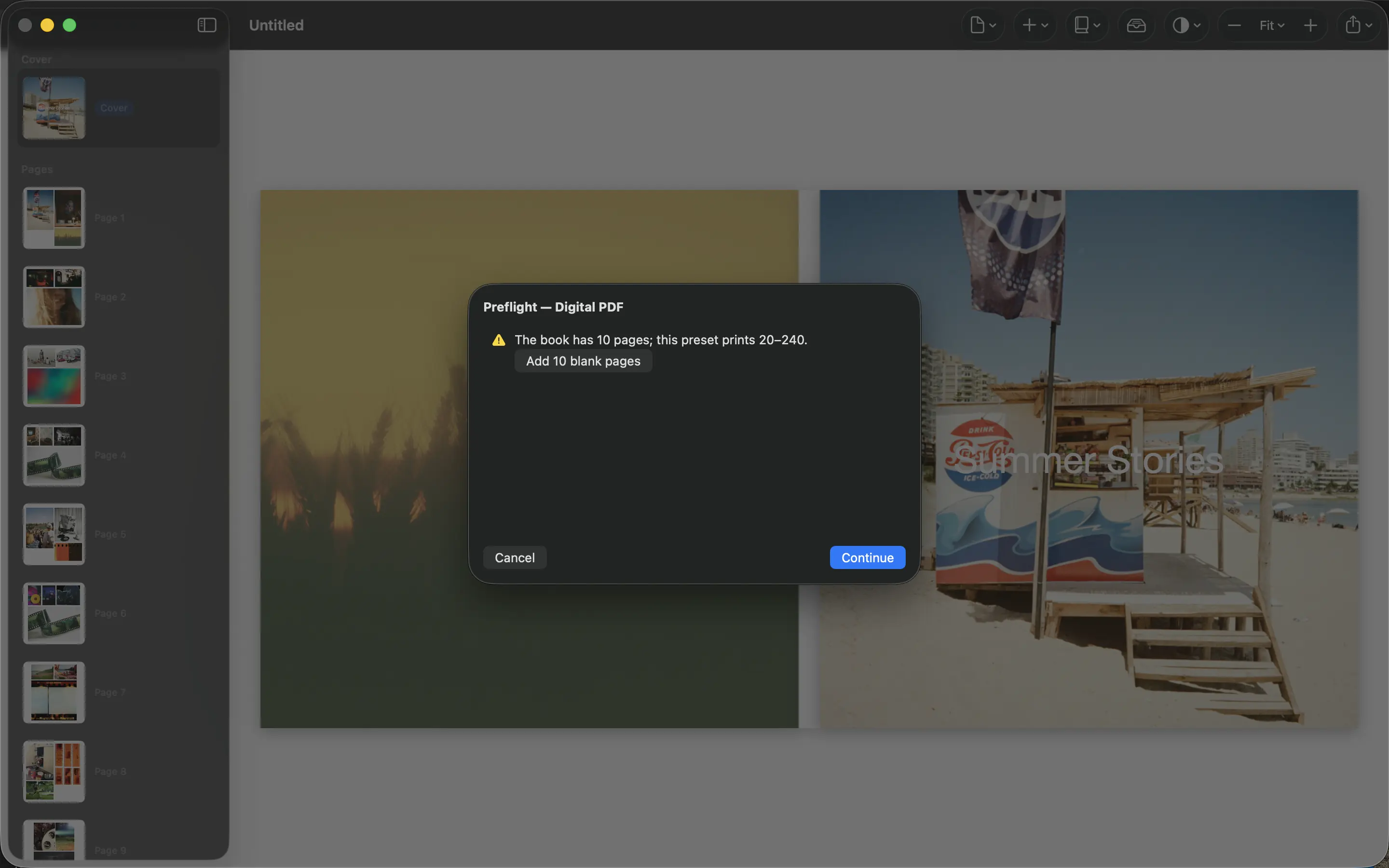
Check page size, bleed, margins, image detail and printer requirements before sending a photo book PDF to production.
Understand screen brightness, paper and viewing light, then use a physical proof to judge the appearance of your printed photo book.
Plan a personal photo book gift around the recipient, collect pictures discreetly and leave time for a printed proof.
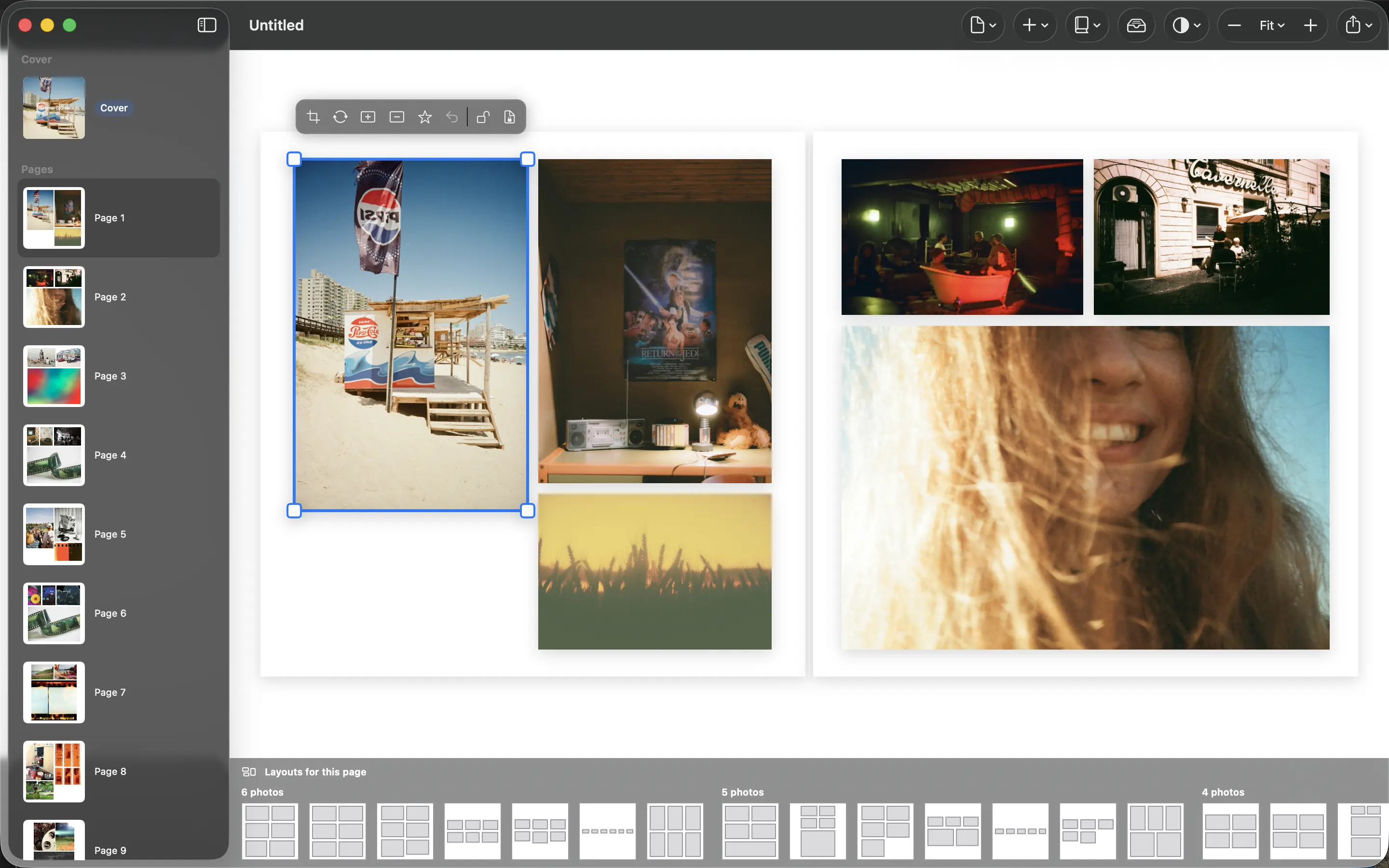
Understand the privacy boundary of on-device photo book creation, including iCloud, exported PDFs and third-party printing.
Choose everyday photographs that preserve routines, familiar places and relationships alongside the big events in a family photo book.
Choose photo density by subject, print size and page rhythm rather than trying to fit the maximum number of images into a book.
Compare chronological, themed and mixed photo book structures and choose the order that makes your collection easy to follow.
Estimate print detail from pixel dimensions, choose smaller placements and protect meaningful photographs without promising lost detail back.
Use margins and empty space to guide attention, separate scenes and give important photographs a calmer place in your book.
Organize a baby’s first-year photo book around growth, family relationships and everyday life without turning every milestone into a deadline.
Review story, crops, spelling, PDF dimensions and printer requirements in separate passes before approving your photo book for print.
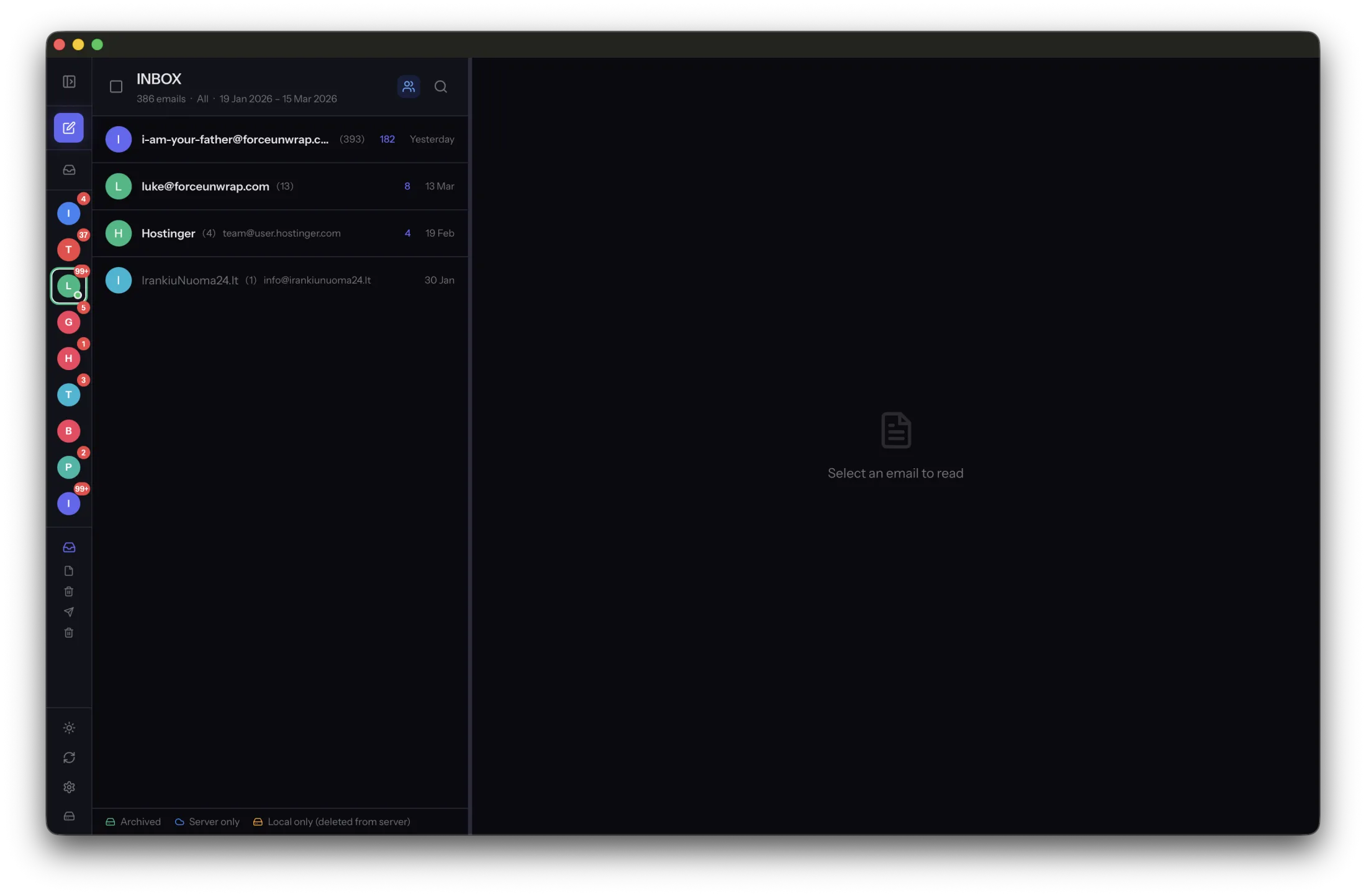
Separate a usable email archive from a recovery backup, and understand why a synced inbox cannot replace either one.
Archive messages, verify bodies and attachments, create a separate backup and then remove server copies in manageable batches.
Learn what an EML file contains, how it differs from a screenshot or PDF, and why open email files help preserve portable archives.
Organize email archive backups by account and date, document their scope and preserve the application-managed message structure.
Preserve standard message files, test another viewer and record archive locations so old email does not depend on one application.
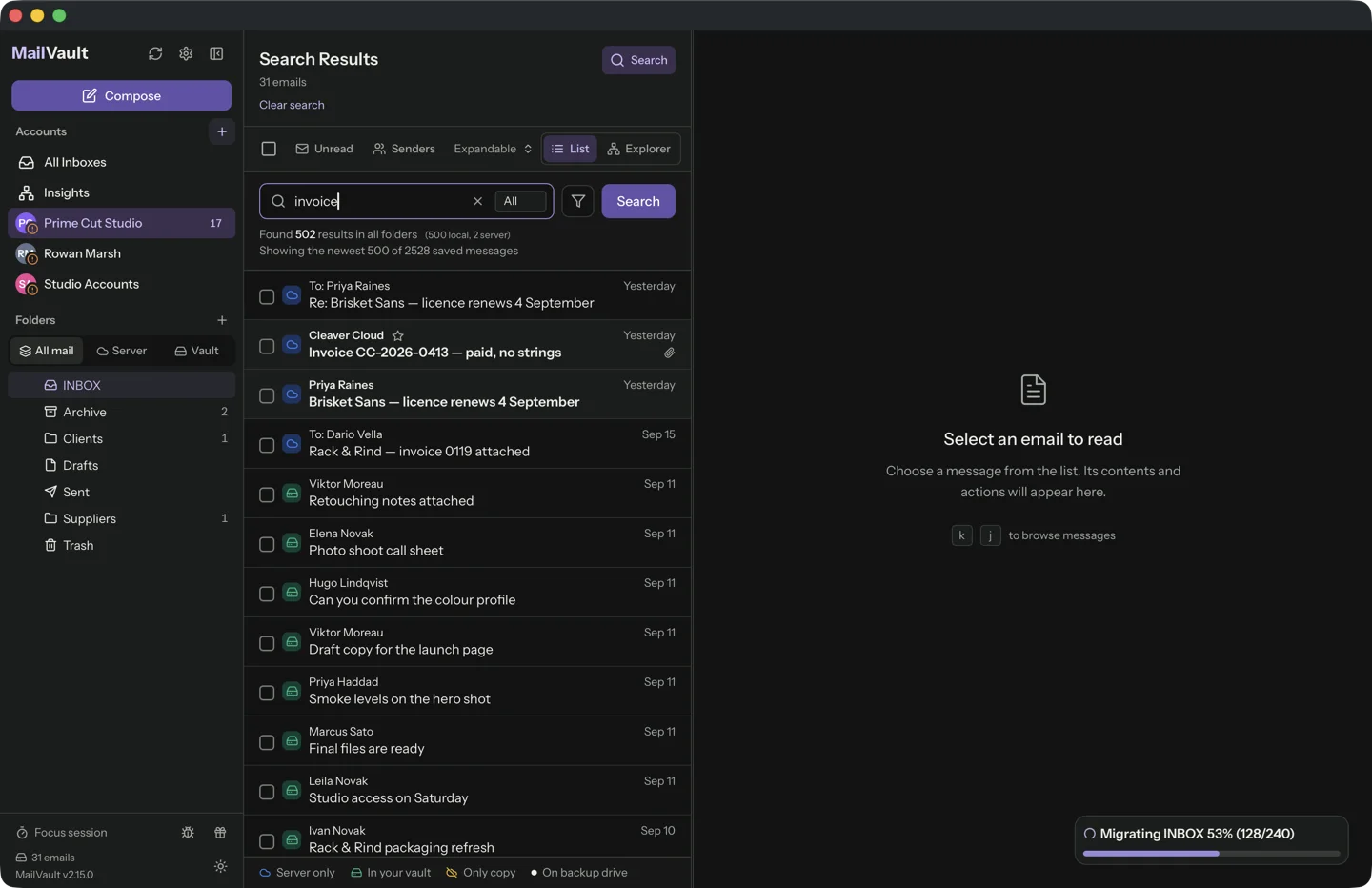
Find archived attachments by narrowing the message first, then verify the file is available locally rather than only linked from email.
Copy a stable email archive to a separate drive, verify representative messages and test restoration before relying on the backup.
Inventory folders, save complete messages and attachments, update dependent logins and test offline access before closing an email account.
Prepare full local email copies for travel, outages and old-account access, and test what works with the network disconnected.
Verify archive scope, folder coverage, message bodies and attachments, then test an independent restore before deleting server mail.
Understand server mailboxes, synchronized client views and independent local archives before relying on a second device as a backup.
Learn how synchronized mailbox deletion reaches other devices and how to preserve an independent archive before clearing server mail.
Organize purchase correspondence by useful search clues, keep the full message and save documents that exist only behind a link.
Preserve account identity, document date coverage and keep personal and work permissions clear when organizing multiple email archives.
Move an email archive with its folder structure, keep the old copy until verification and distinguish message files from account credentials.
Choose a backup frequency, separate destination and restore test that match the amount of archived email you can afford to lose.
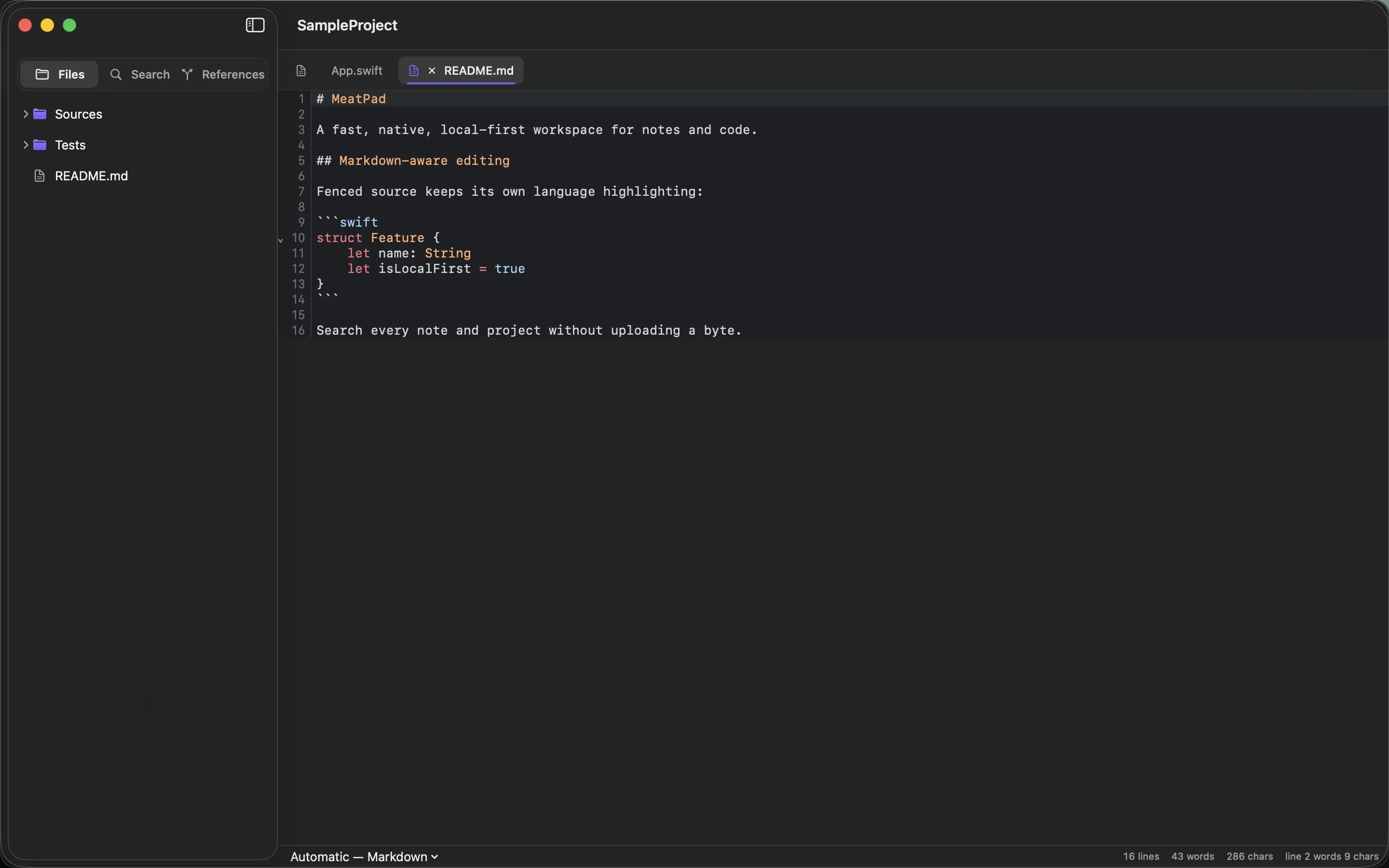
Start with headings, paragraphs, lists and links, then keep Markdown simple enough that your writing remains readable as plain text.
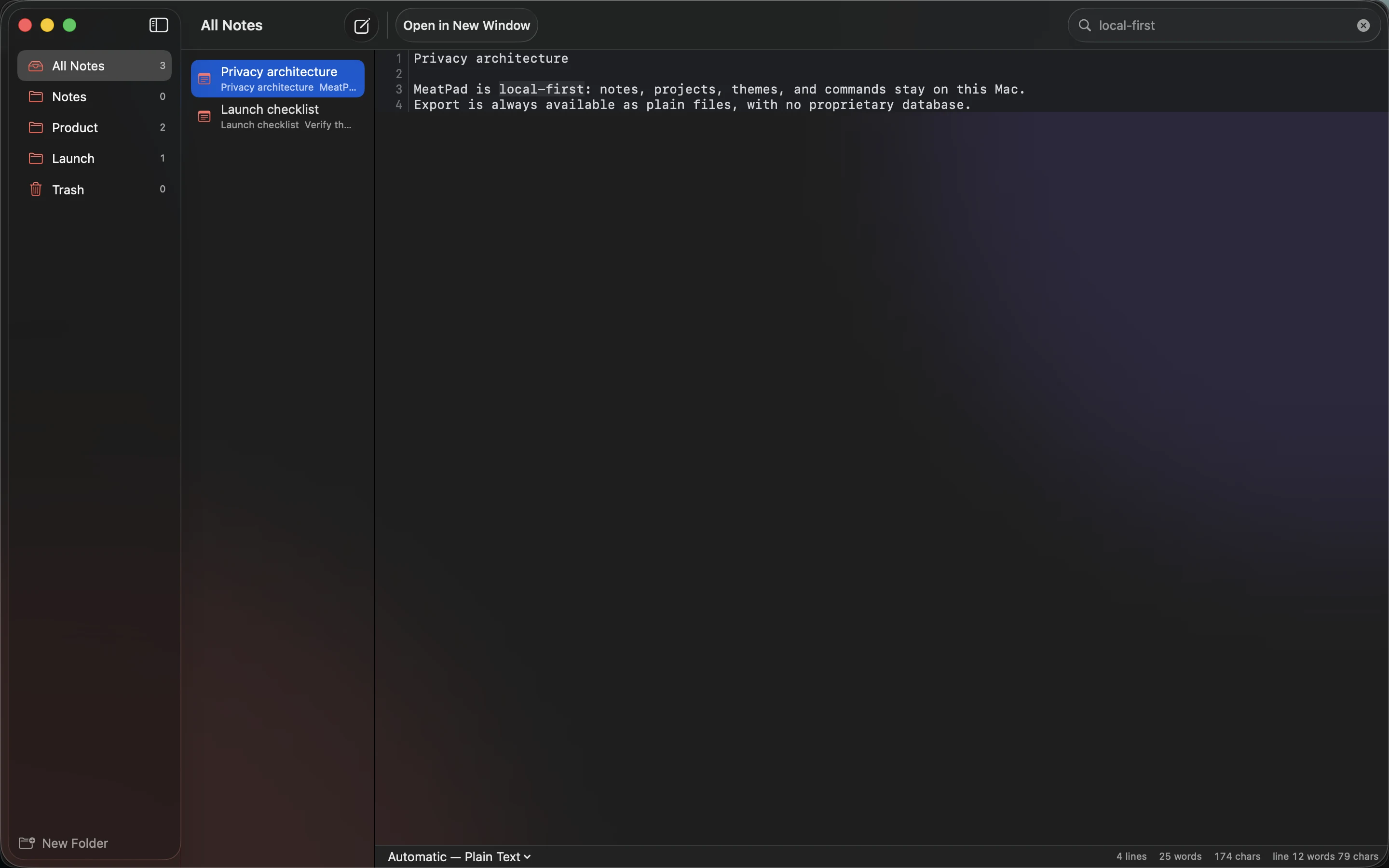
Turn a pile of ideas into a project brief with a clear problem, audience, scope, open questions and observable completion criteria.
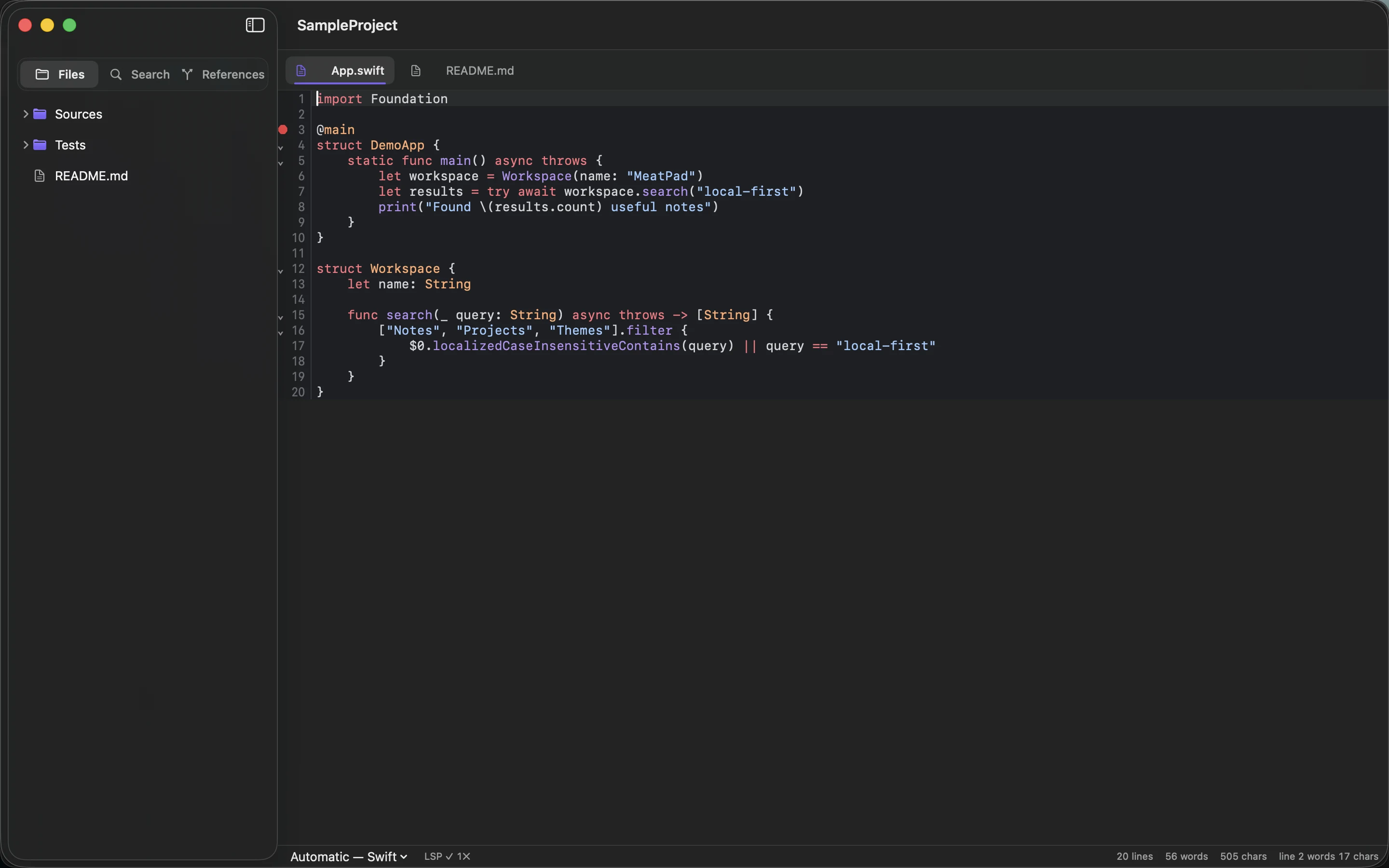
Use a small set of folders for incoming notes, active projects, references and finished work without building a filing system you cannot maintain.
Understand local note ownership, filesystem portability and the backup responsibilities that come with keeping your writing on your Mac.
Keep article briefs, Markdown drafts, source links and images together, then check the rendered result before publishing.
Give code snippets a purpose, environment, example and verification date so saved fragments remain understandable and safe to reuse.
Write a README that explains purpose, prerequisites, setup, one working example and where to find help.
Capture decisions, actions, owners and unresolved questions without turning meeting notes into a transcript.
Choose plain text for simple writing and notes, and recognize when collaboration, structure or specialist tooling needs a different format.
Inventory note formats, export a representative sample and check links, images and metadata before moving your entire collection.
Write concrete Markdown tasks, separate actions from ideas and keep lists short enough to review during everyday project work.
Keep a short dated record of decisions, observations and next steps so a project is easier to resume after a break.
Choose filenames with useful subjects, dates where needed and stable naming rules that support search and preserve links.
Use Markdown tables for short comparisons, keep cells concise and choose lists or spreadsheets when the information outgrows the format.
Review recent notes, choose the next actions and archive finished work without turning a weekly check-in into a full reorganization.
Develop one useful note into an article through a reader question, verified evidence, a structured draft and a final publication check.
MailVault searched a 50,000-message mailbox in 7 to 14 milliseconds a query. The measurements, the command to repeat them, the plain SQL index behind them, and the 30x slowdown we shipped and caught.
One afternoon, one Mac mini, both recordings: MeatPad's 50 XCUITest cases in 405.032 seconds, MailVault's 539 end-to-end cases across 81 spec files in 16 minutes 3 seconds. Why a case costs 8.3 seconds in one suite and 1.8 in the other.
One Mac mini runs the tests for both of our desktop apps. MailVault got 1,604 test cases and 53 end-to-end specs. MeatPad got its first UI tests ever, at twelve seconds a click. The measurements, and the one structural reason for the gap.
MeatPad held 63 MB after nineteen hours open, and 108 MB with a 2,721-file project loaded. The measurements, the command to repeat them, the four design decisions behind the number, and the one file size where it all falls over.
Every MailVault feature ships only after a machine has opened the real app, clicked the real buttons, and read the result off the actual screen. How the end-to-end suite works, and why it runs on a Mac mini instead of the machine we work on.
Google caps IMAP downloads at 2,500 MB per user per day, and locks the account for up to 24 hours when you cross it. What that means for anyone archiving a large mailbox — and how a backup should behave when the server says stop.
We sell no food and harm no animals. The name is graphical satire: meat stands for the substance of the work — the shipped result of coding you can actually chew on.
Browsers have flowed uneven content into balanced grids for years. Printed albums still ask people to drag every photograph into a box. The missing piece isn’t layout—it’s judgement.