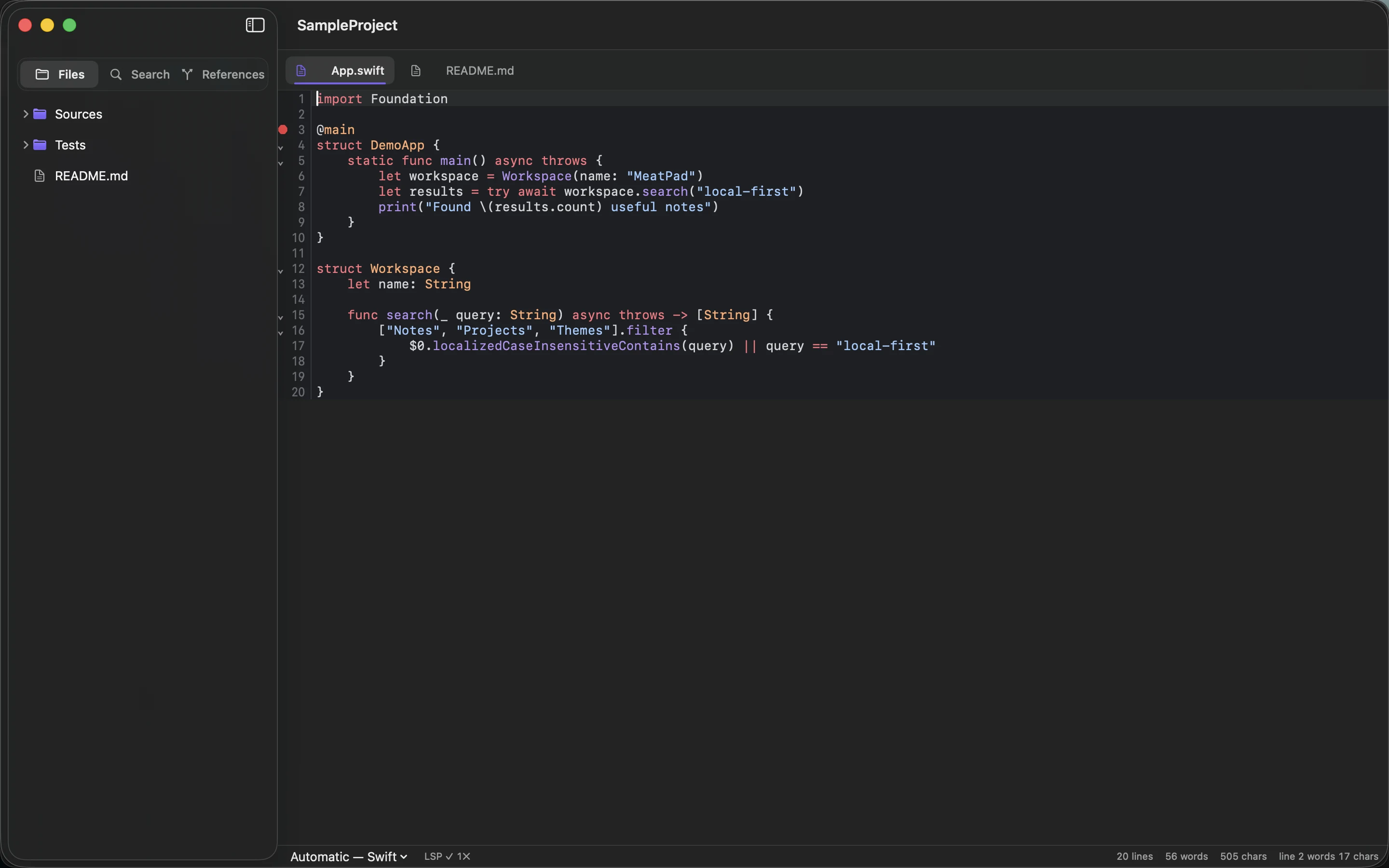
An editor is the application you never quit. It sits behind the browser and the mail client and the video call, all day, holding your unfinished sentences. Whatever it costs, it costs the whole time, and it costs it on the machine you also wanted to compile something on.
So we measured MeatPad instead of guessing about it, on an ordinary working Mac with everything else still running.
The numbers
Three scenarios, one machine, one afternoon:
MeatPad 0.10.2 · macOS 26.5.2 · Apple silicon

notes window open, 19 h uptime            63 MB    peak 83 MB
project of 2,721 files, 6 files open     108 MB    peak 131 MB
6.3 MB single text file open            1500 MB    see the honest section

VS Code 1.130.0, same folder, same 6 files
                                         710 MB    across 8 processes
The middle row is the one that matters, because it is the working configuration: a real repository with a file tree, six open tabs, syntax highlighting, project-wide search and completion all live. It settles at 108 MB and stays there. The peak of 131 MB is the first pass over the project, building the identifier index for completion, and it is given straight back.
The VS Code row was run for contrast, not as a verdict: a fresh user-data directory, no extensions installed, the same folder and the same six files, measured a minute after launch. It does far more than MeatPad does, and much of that difference is the plugin ecosystem people rightly want. The comparison is about the floor, not about who wins.
Check it yourself, and beware of the wrong number
Two tools on your Mac disagree about this, and only one of them is right. While MeatPad was reporting 63 MB, ps said 147 MB for the same process at the same moment:
$ ps -o rss= -p $(pgrep -x MeatPad)
  150304

$ footprint -p $(pgrep -x MeatPad)
    phys_footprint: 63 MB
    phys_footprint_peak: 83 MB
Resident set size counts every page mapped into the process, including the shared, read-only, copy-on-write pages of AppKit, SwiftUI, CoreText and the rest of the system. Those pages are resident once for the entire Mac and charged to nobody. The physical footprint counts what this process is genuinely responsible for, which is also the number Activity Monitor shows in its Memory column. When someone quotes a memory figure for a native Mac app, ask which one they measured.
Reason one: there is no browser inside the process
MeatPad is a native application: Swift, AppKit and SwiftUI, 92 source files and about fifteen and a half thousand lines including its own framework package. There is no Chromium, no JavaScript runtime, no Node process, no plugin host, no private copy of a UI toolkit shipped inside the bundle.
That is the whole trick behind the first hundred megabytes. An editor built on a web stack has to bring a browser to work, and a browser is an operating system with opinions: its own layout engine, its own garbage collector, its own process per window, its own copy of everything. Before it renders a single character of your code it has already paid for all of it. A native app borrows the layout engine, the text engine and the toolkit from the machine, where they were already loaded for the Finder.
Reason two: the editor lays out the lines you can see
Text layout is where editors quietly go wrong. Measuring every line of a long document, at the exact font and width, so a scroll bar can be the correct height, is a great deal of work to do before showing anyone anything.
MeatPad renders through STTextView on TextKit 2, Apple's current text stack, which is viewport based. It lays out the fragments that are on screen and a little beyond, and forgets about them again as they leave. Opening a file is reading it and drawing a screenful. The cost of the rest of the document is deferred until you scroll to it, and released when you scroll away.
Reason three: your notes are files on disk, not a database in memory
Every note is an ordinary text file with a small JSON sidecar next to it. The app does not load a workspace into memory and live there. Only the documents you actually have open hold their text, and closing a window gives it back.
The same instinct runs through the project features:
- The file tree does a shallow scan first, one level, so the window paints immediately, and swaps in the full tree when it is ready.
- Project-wide search streams files from disk concurrently at search time. There is no persistent search index sitting in memory between searches, because the disk is fast and your project is not that big.
- The completion index stores identifier counts per file rather than file contents, and skips anything over four megabytes.
- Syntax highlighting is tree-sitter: compact parsers written in C, one tree per open document, re-parsed incrementally as you type rather than rebuilt.
An editor that leaves the memory for your compiler. MeatPad is a native macOS notebook and code editor: plain files, no account, no sync engine, no telemetry.
See MeatPad →Reason four: the expensive intelligence lives in another process
Editor intelligence is genuinely expensive. A language server holds a semantic model of your entire project, and for a large Rust or Swift codebase that model dwarfs anything an editor does with text.
MeatPad does not host that work. It speaks the Language Server Protocol to servers already installed on your machine, SourceKit-LSP, rust-analyzer, Pyright, each in its own process, started when a project opens and gone when it closes. Whatever the semantic model costs is charged to the server, visible under its own name in Activity Monitor, and reclaimed the moment you close the project. The editor holds the messages, not the model. If no server is installed, completion falls back to identifiers from the open project and everything else keeps working.
This is also why the numbers above are honest rather than convenient. They are not low because features were left out and pushed into a separate process to hide them. They are low because the parts that need a lot of memory are the parts that are allowed to have their own.
Where this design bites
The third row of that table was not a typo. Open a single 6.3 MB plain text file, about a hundred and twenty-nine thousand lines, and MeatPad climbs past a gigabyte and pins a core.
The cause is not the text engine, which behaves exactly as advertised. It is the status bar. It reports lines, words and characters for the document, and it computes all three by walking the entire text every time the interface lays itself out. On a note, or a source file, that is a scan of a few kilobytes and nobody notices. On a hundred and twenty-nine thousand lines it turns every layout pass into a full walk of six megabytes of text, and the interface lays itself out a great deal.
It is a small fix, the counts have to be computed once when the text changes rather than once per render, and it is queued. We are writing it down here rather than leaving it out because a memory article that only lists the good measurements is an advertisement. Everyday files, the ones editors are actually pointed at, sit in the first two rows. Very large single files are the frontier, and they are ours to fix.
Why any of this is worth an afternoon
Most Macs sold have 16 GB of memory, and most people do not have a spare gigabyte lying around: the browser has thirty tabs, the design tool is open, something is compiling. Memory an editor holds is memory the compiler cannot use, and when it runs out, macOS starts compressing and swapping, which you experience as everything becoming slightly worse at once.
A native app that borrows the system's frameworks, lays out only what is visible, keeps your documents as files, and lets language servers run in their own processes ends up around 63 MB without anyone optimising anything. That is not a heroic engineering story. It is the ordinary result of not building a browser first.
Start with a note. Stay for the editor. Notes, Markdown and real code projects, local on your Mac, in an app you can leave open all day.
Download MeatPad →