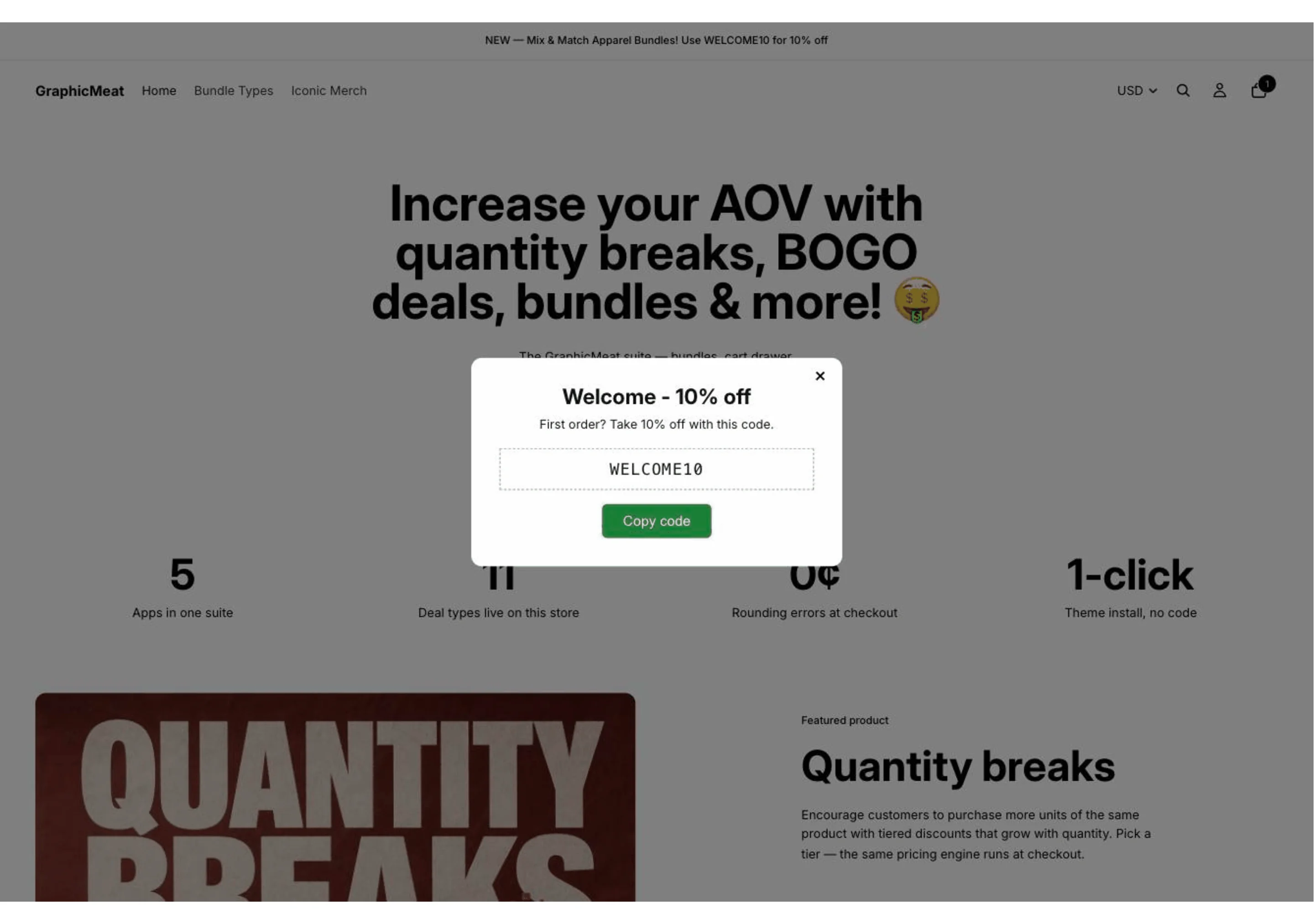
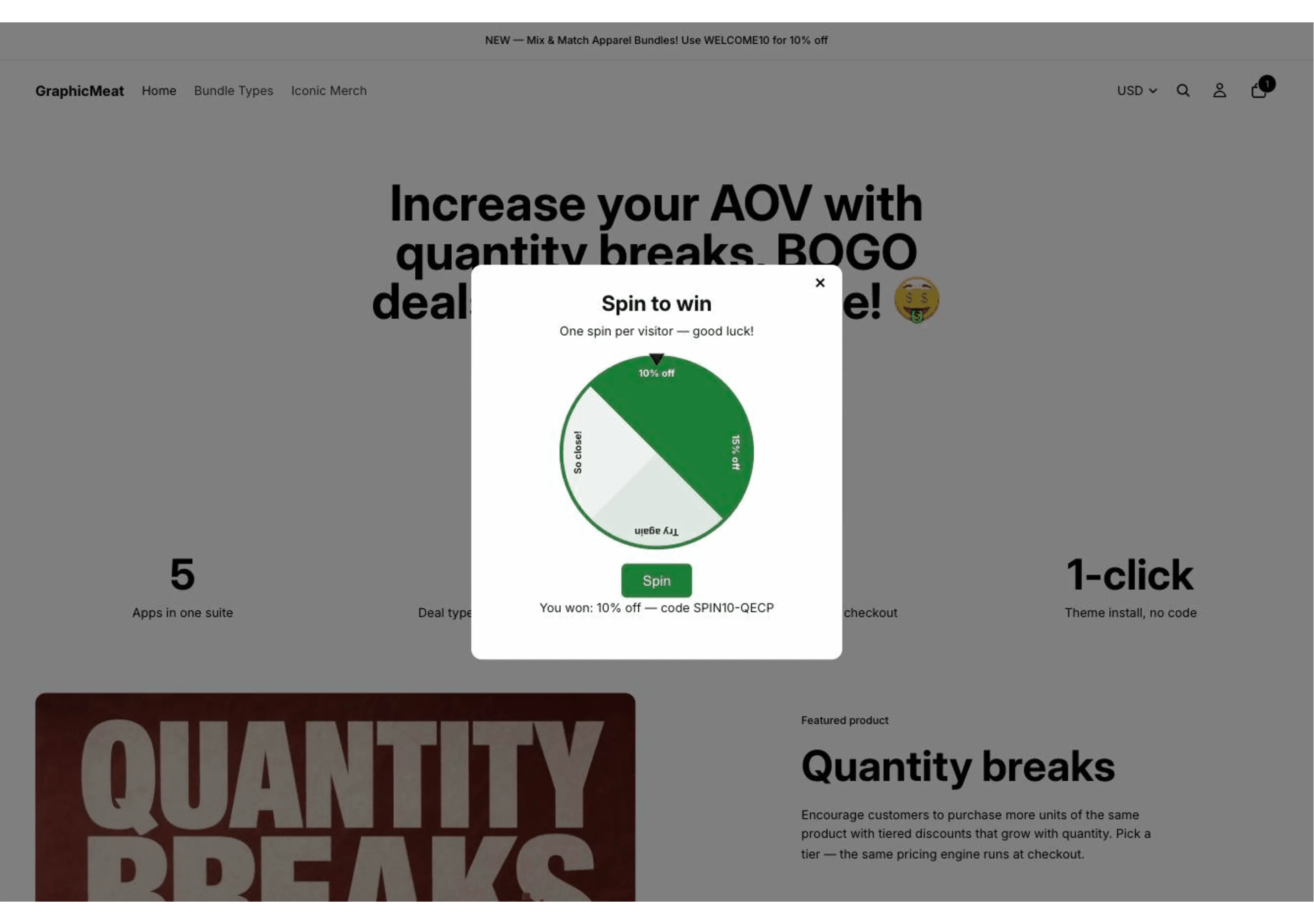
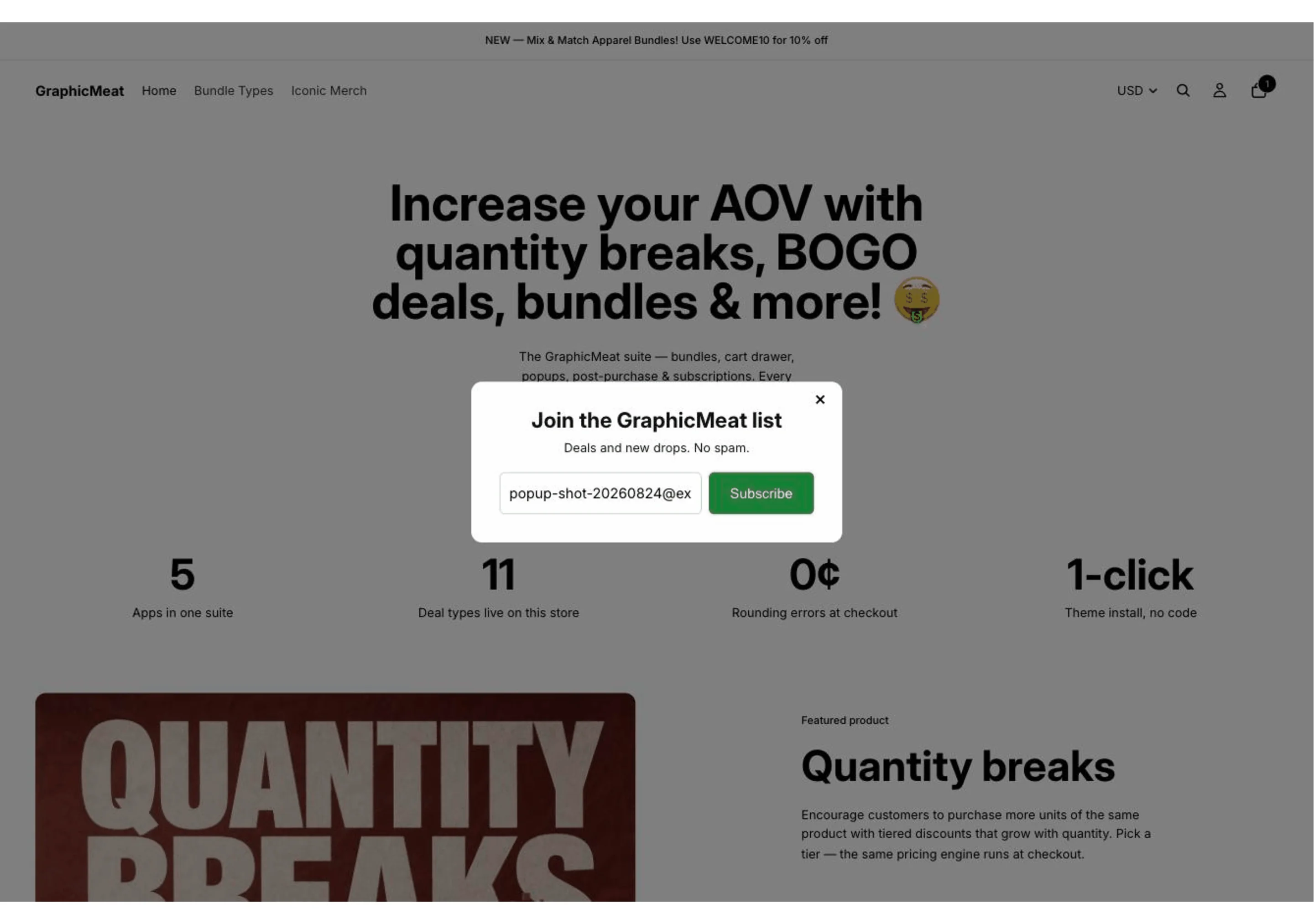
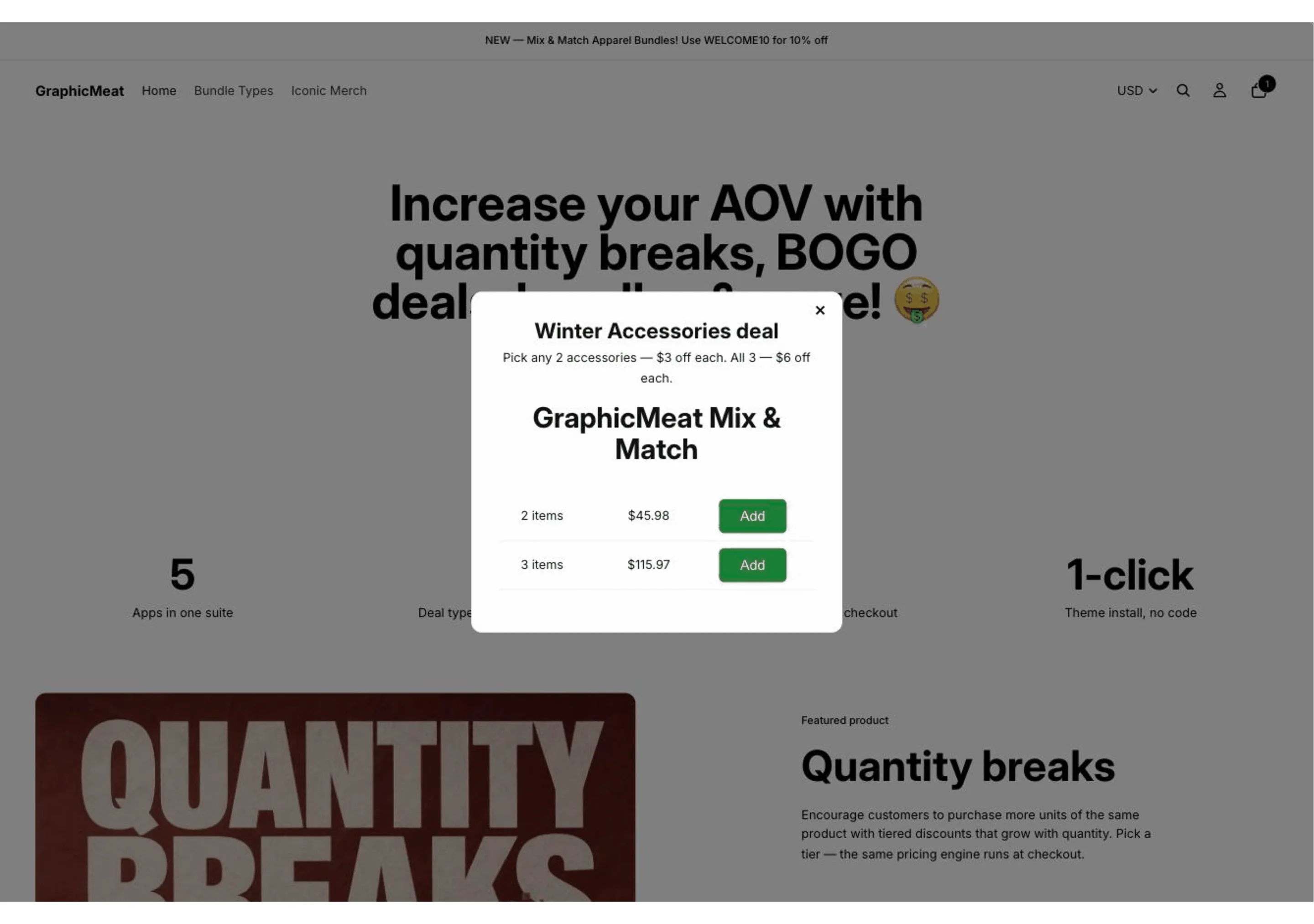
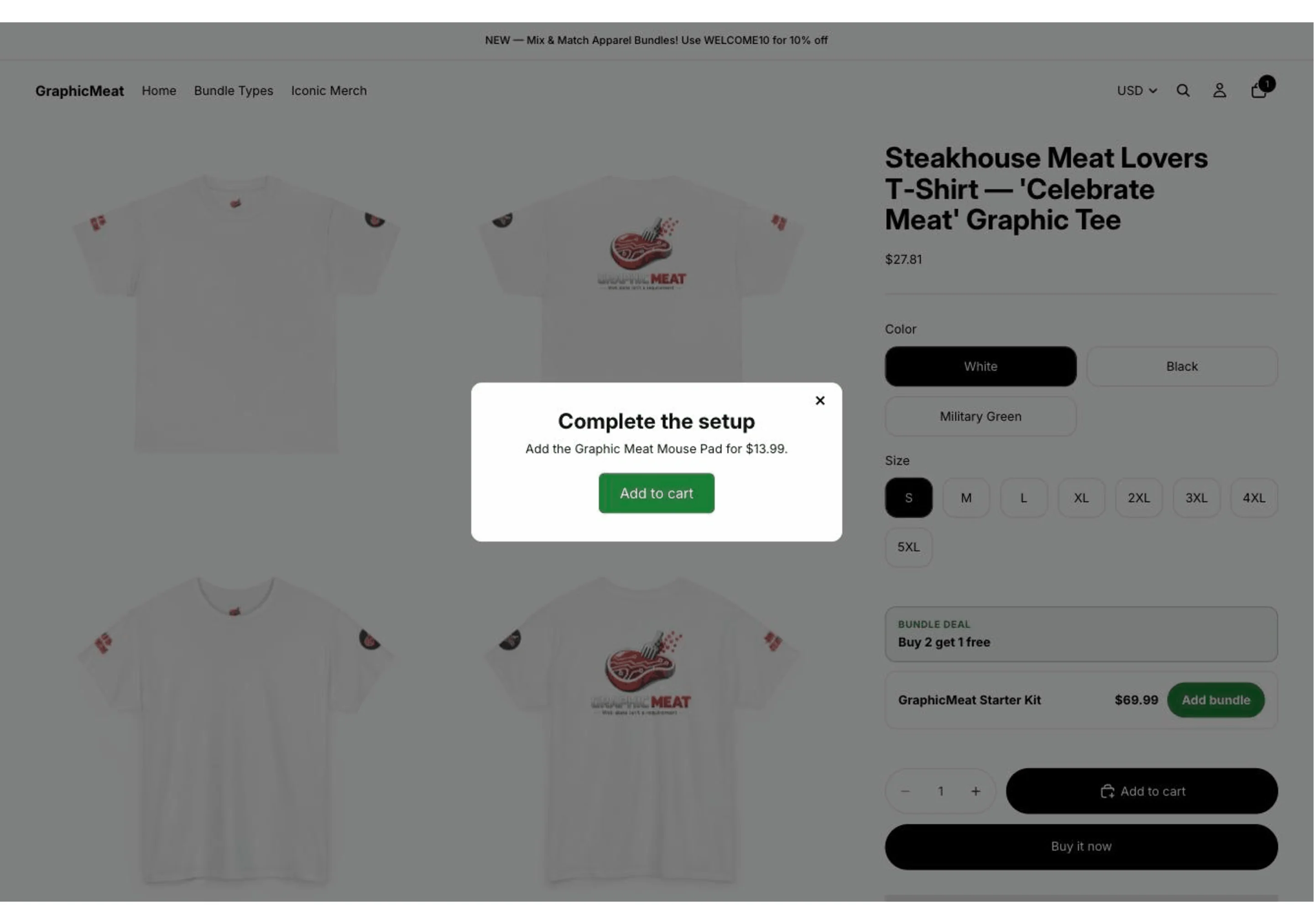
Exit-intent, scroll-depth and time-delay triggers offer a code, an upsell or live bundle pricing at the moment attention drops. Frequency capping stops the same shopper seeing it twice, so capture pays for the app without wearing out your brand.
What it does
Triggers you can reason about.
Exit-intent, scroll depth and time delay, each with its own audience rules. No model decides when to interrupt a shopper. You do.
Codes, spin-to-win, or a real offer.
Hand out a discount code, run a spin-to-win, or show the same bundle pricing the product page is already advertising.
Reads your bundles automatically.
When Prime Bundles is installed the popup can offer live bundle pricing instead of a flat code, with nothing to keep in sync by hand.
Installing it
- Find the app in the Shopify App Store. Search for its name. Installation always starts on Shopify’s own surface: there is no account to create here and no store address to type in anywhere.
- Press Install and read the permissions. Each app asks only for what it actually uses. The list is short, and the page you approve is Shopify’s, not ours.
- You land straight in your Shopify admin. The app opens inside the admin with the setup guide on screen. No separate login, no dashboard on another domain.
- Turn on the theme app embed. Online Store → Themes → Customize → App embeds, one toggle. Nothing is written into your theme files, so removing the app removes every trace of it.
- Configure it and go live. Everything is a form field: no Liquid to paste, no developer to book, and a preview of the widget before anything reaches shoppers.
The App Store listing is being finalised. The app is built and running. It is not installable from the App Store yet. Put your email in below and we will tell you the day it is.
Removing it
Uninstall from your Shopify admin like any other app. The theme embed goes with it, and every row we hold for your shop (sessions included) is deleted. There is nothing to email us about and no cancellation to request.
What it costs
Free until the app has generated you $200 in a rolling 30 days. Past that, Pro is $9.99/month with a 14-day free trial. Every feature is in every plan: a plan is only required to save new or edited configuration, and what is already live keeps running.
Billed by Shopify. Every plan is charged through Shopify’s Billing API: you approve it on Shopify’s own page, it appears on your Shopify invoice, and it ends when you uninstall. There is no other way to pay for the app — we never take payment outside Shopify, and we never see your card details.
One suite, not five vendors
Every app here is built by the same person on the same engine, and they notice each other automatically: install a sibling and the relevant features light up with nothing to configure. Each one also works entirely on its own: nothing is gated behind buying the set. See all six apps.
What it stores
Email addresses captured by a popup are created as Shopify customers in your own admin. No copy is kept on our side. The full policy covering every Graphic Meat app is on the app privacy page.
 GraphicMeat Popups