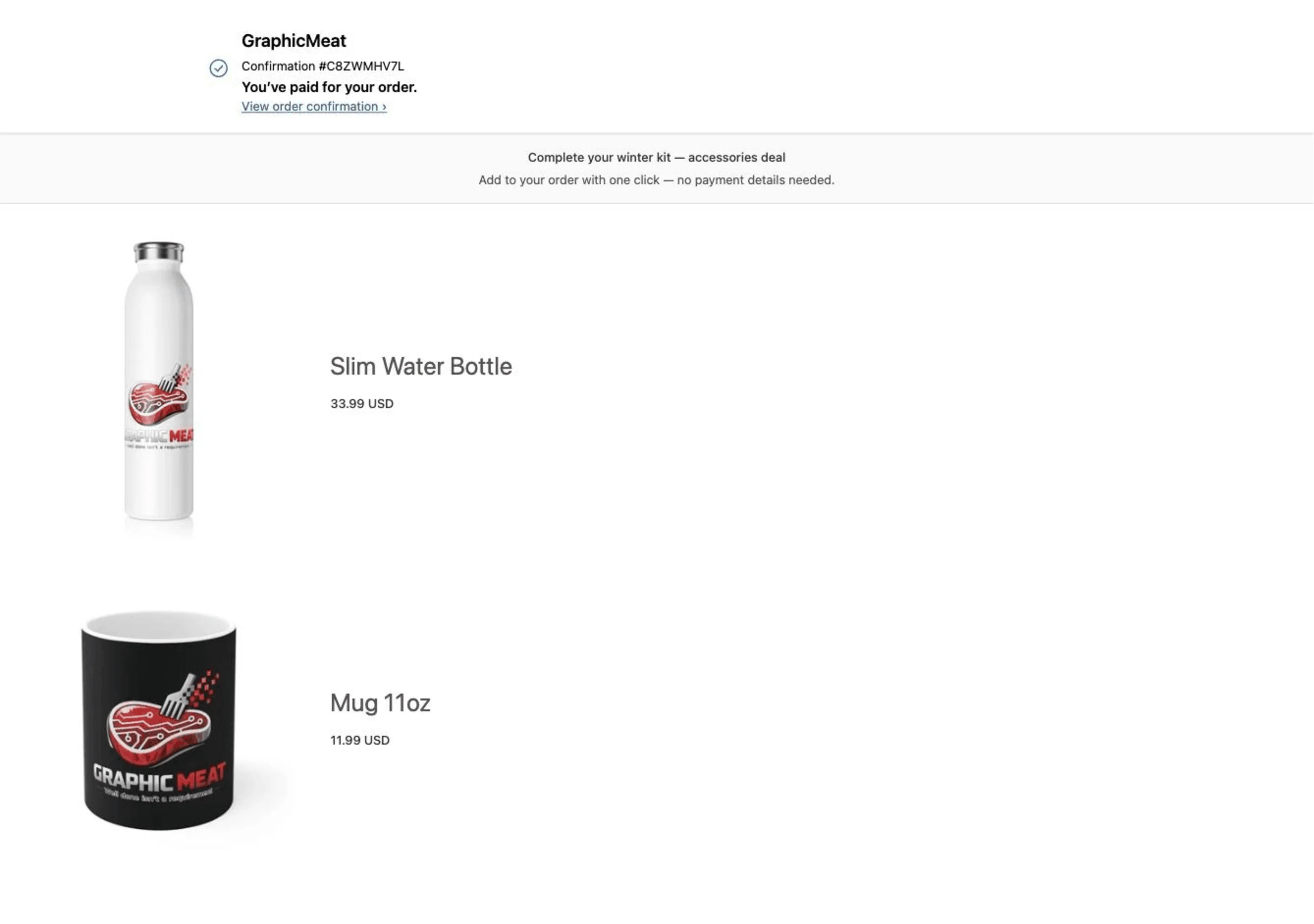
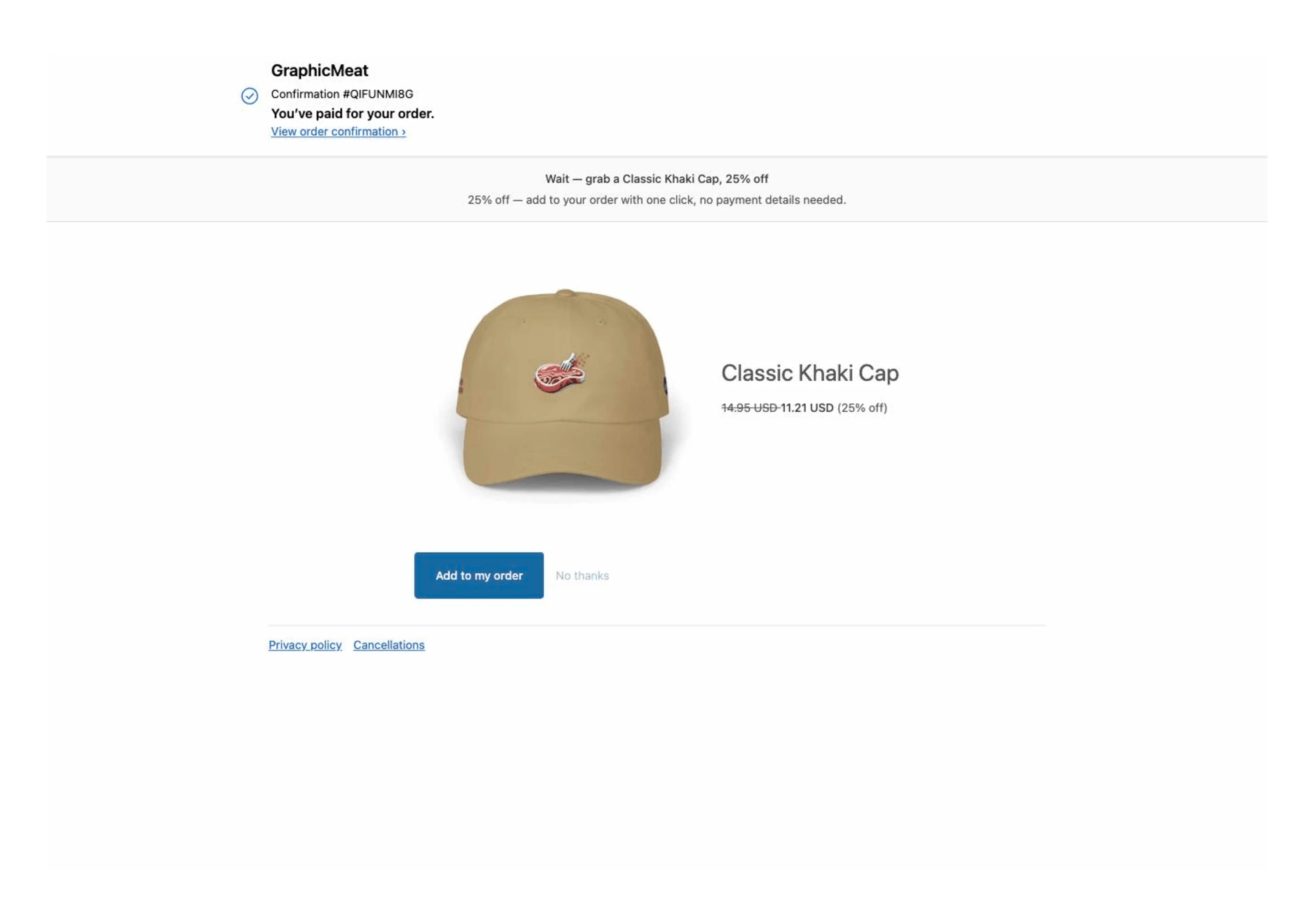
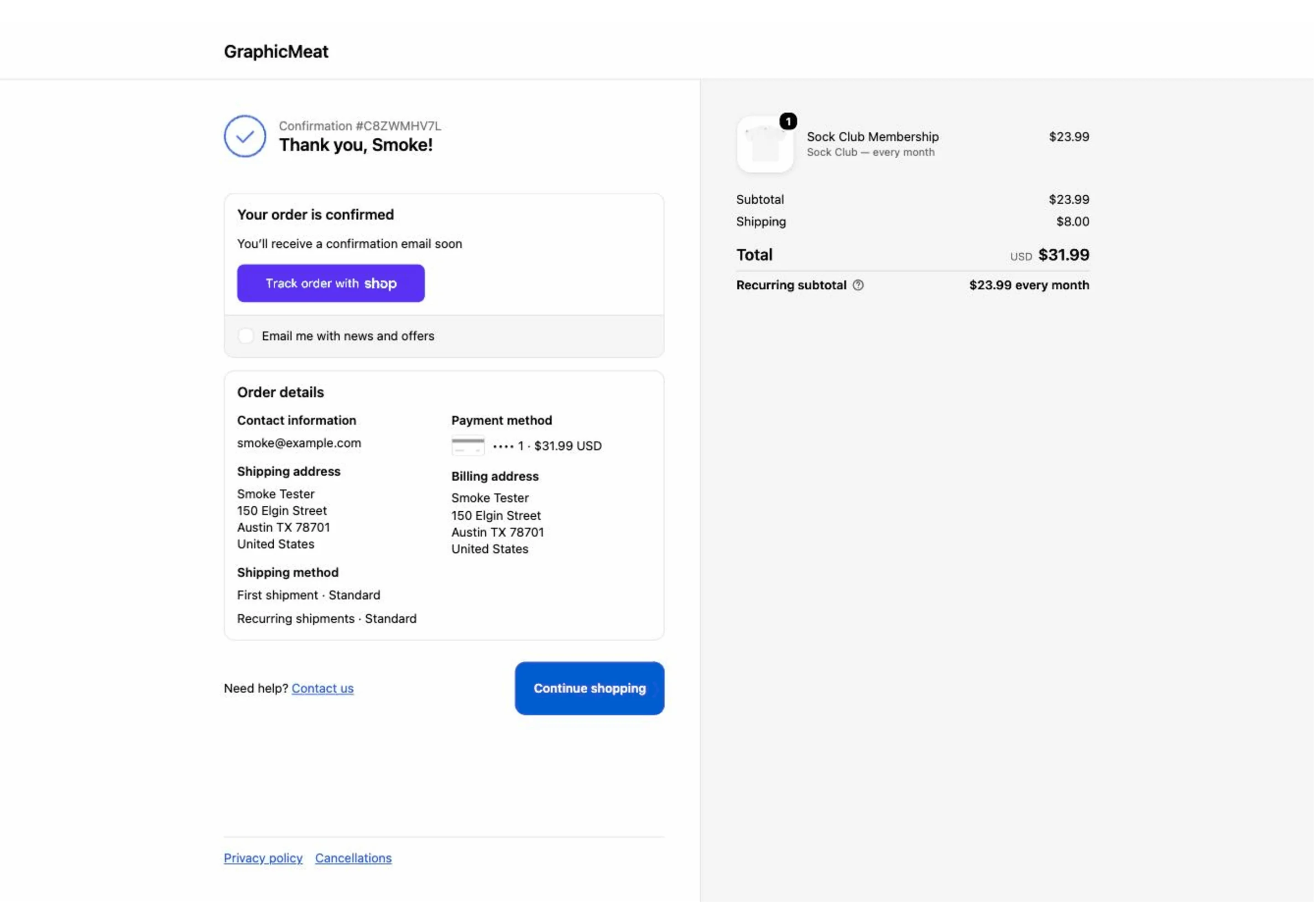
The post-purchase upsell appears on the thank-you page after payment has already gone through, and one click adds it to the same order. Your checkout never gets slower or scarier, so whatever shoppers accept is revenue you would not otherwise have had.
What it does
Checkout stays exactly as it is.
The offer runs after payment, so nothing is added to the step where carts are abandoned.
One click, same order.
Accepted items are charged to the card already used and ship with the original order, rather than becoming a second parcel.
Sells the bundles you already built.
With Prime Bundles installed the thank-you page can re-offer a bundle the shopper skipped, plus a short survey if you want one.
Installing it
- Find the app in the Shopify App Store. Search for its name. Installation always starts on Shopify’s own surface: there is no account to create here and no store address to type in anywhere.
- Press Install and read the permissions. Each app asks only for what it actually uses. The list is short, and the page you approve is Shopify’s, not ours.
- You land straight in your Shopify admin. The app opens inside the admin with the setup guide on screen. No separate login, no dashboard on another domain.
- Turn on the theme app embed. Online Store → Themes → Customize → App embeds, one toggle. Nothing is written into your theme files, so removing the app removes every trace of it.
- Configure it and go live. Everything is a form field: no Liquid to paste, no developer to book, and a preview of the widget before anything reaches shoppers.
The App Store listing is being finalised. The app is built and running. It is not installable from the App Store yet. Put your email in below and we will tell you the day it is.
Removing it
Uninstall from your Shopify admin like any other app. The theme embed goes with it, and every row we hold for your shop (sessions included) is deleted. There is nothing to email us about and no cancellation to request.
What it costs
Free until the app has generated you $200 in a rolling 30 days. Past that, Pro is $9.99/month with a 14-day free trial. Every feature is in every plan: a plan is only required to save new or edited configuration, and what is already live keeps running.
Billed by Shopify. Every plan is charged through Shopify’s Billing API: you approve it on Shopify’s own page, it appears on your Shopify invoice, and it ends when you uninstall. There is no other way to pay for the app — we never take payment outside Shopify, and we never see your card details.
One suite, not five vendors
Every app here is built by the same person on the same engine, and they notice each other automatically: install a sibling and the relevant features light up with nothing to configure. Each one also works entirely on its own: nothing is gated behind buying the set. See all six apps.
What it stores
Reads the order it is offering against: id, line items and totals. No customer object, email, phone or address is stored. The full policy covering every Graphic Meat app is on the app privacy page.
 GraphicMeat Post Purchase