
A first-year book can show how a child changed and how a family changed around them. Monthly portraits are one option, but they do not need to become a checklist that makes missing photographs feel like missing memories.
Use months as signposts
Create a shortlist for each month, then choose photographs that show something distinct. Include a familiar setting occasionally so changes in size and expression are easier to see. Dates can help, but the book does not need a picture from exactly the same day each month.
Mix portraits with relationships: being held, meeting relatives or sharing a quiet moment with a parent. Check that the person taking most of the photographs appears in the book too.
Preserve details beyond milestones
A favorite toy, a sleeping position or the view from a daily walk can tell the story of that year. Note small details while you remember them. A brief sentence about a habit may be more personal than a list of standard developmental milestones.
Choose what the family is comfortable keeping and sharing. Bath photographs, medical details and visible location information deserve a deliberate decision, especially if the PDF will go beyond close relatives.
Make a book you can finish
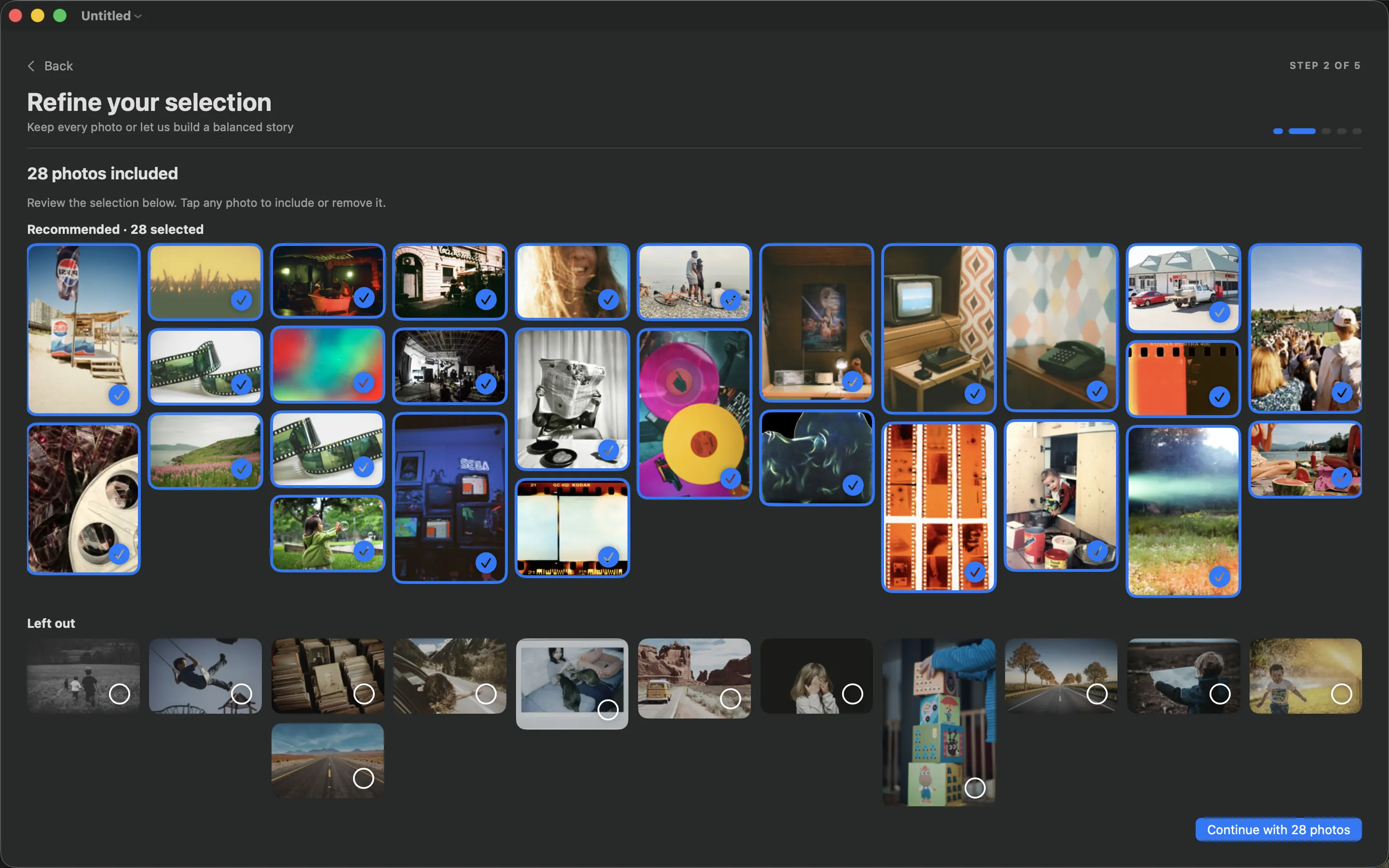
Use PhotoBooks to arrange the selected album, then give significant photographs more room. Remove repeated versions of the same pose rather than squeezing them all into the layout. An imperfect but meaningful photograph can stay at a smaller size.
Review names, month labels and dates in the exported PDF. Keep the finished file backed up alongside the original photographs. If relatives want printed copies, approve one proof before ordering several. The book records a particular family’s year; it does not need to follow anyone else’s template.
Sources and product details
Keep reading
- A final checklist before printing your photo book
- How to turn an Apple Photos album into a photo book
- How to choose photos for a book without spending all weekend
Make a book from your own photographs. Choose an Apple Photos album, refine the pages and export a PDF for printing or sharing.
Explore PhotoBooks →