
The same photographs can tell different stories in a different order. Chronology follows events as they happened. Themes connect images by subject. Choose the structure that helps a reader understand the collection rather than accepting file order automatically.
Use chronology when change matters
A trip, a child’s first year or a project taking shape often benefits from time order. The reader sees progress without needing much explanation. Dates and locations can provide signposts when the journey covers a long period.
Chronology does not require every day to appear. Leave out repeated scenes and let important moments take more space. If a camera’s date was wrong or photographs came from several devices, verify the sequence before relying on capture timestamps.
Use themes when connections matter more
A family-history book might group homes, celebrations and generations instead of jumping between decades. A collection about one city might use streets, food and people. Themes give scattered material a readable shape.
The risk is repetition or disorientation. Introduce each group clearly and keep the grouping rule consistent. If a reader cannot tell why the next photograph belongs in the chapter, the theme may be too broad.
Combine structures with clear boundaries
You can use chronological chapters and small thematic sequences inside them. For an annual book, seasons can establish time while a few pages collect a repeated activity. Keep the change in structure visible rather than switching without explanation.
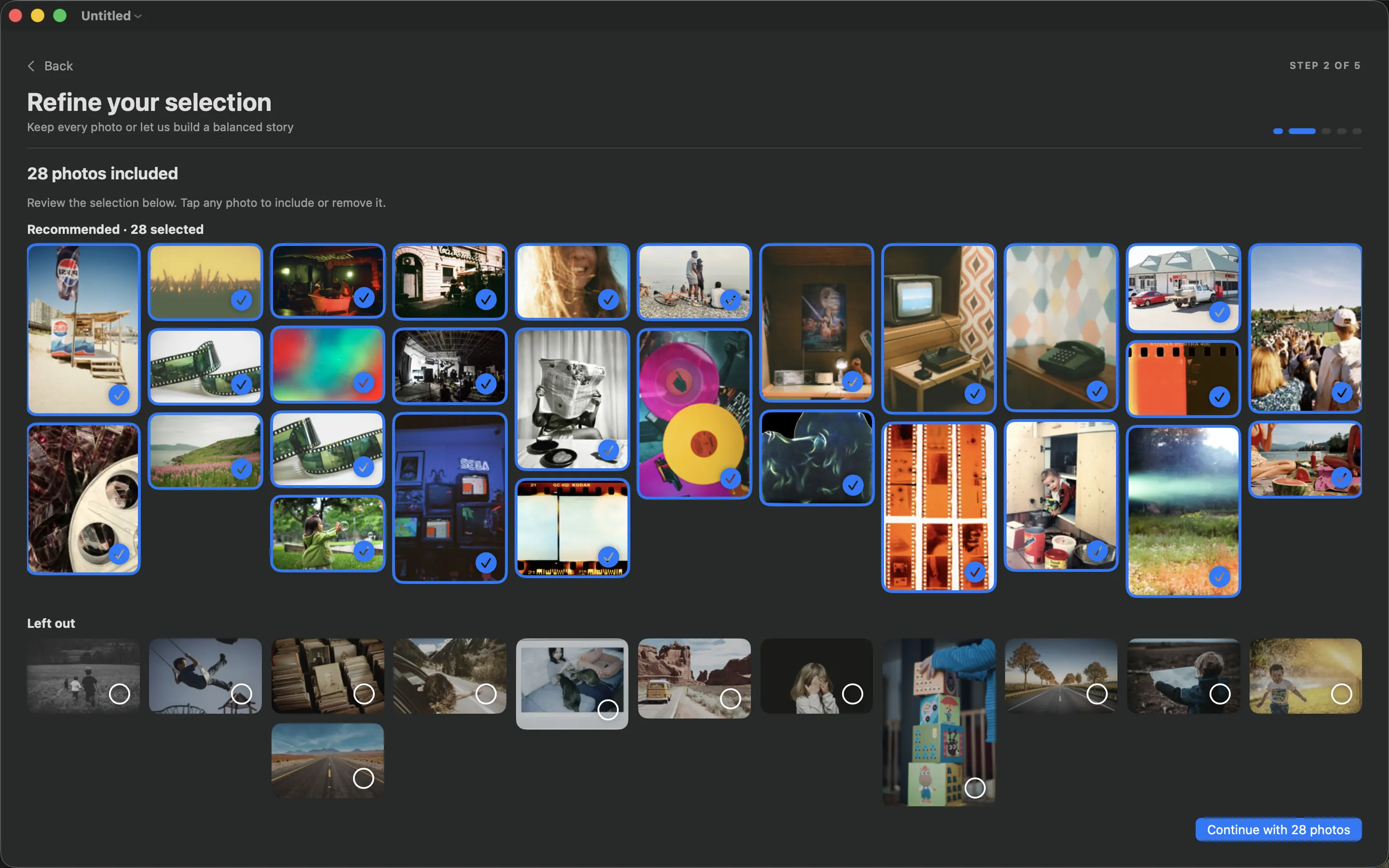
Write the chapter names before arranging the pages in PhotoBooks. Assign each selected photograph a place, then check the draft from beginning to end. If the order makes sense without narrating it aloud, it is doing its job. Refine crops and spacing after the structure is stable.
Sources and product details
Keep reading
- How to handle low-resolution photos in a printed book
- White space in photo books: giving your pictures room
- Making a baby’s first-year photo book
Make a book from your own photographs. Choose an Apple Photos album, refine the pages and export a PDF for printing or sharing.
Explore PhotoBooks →