
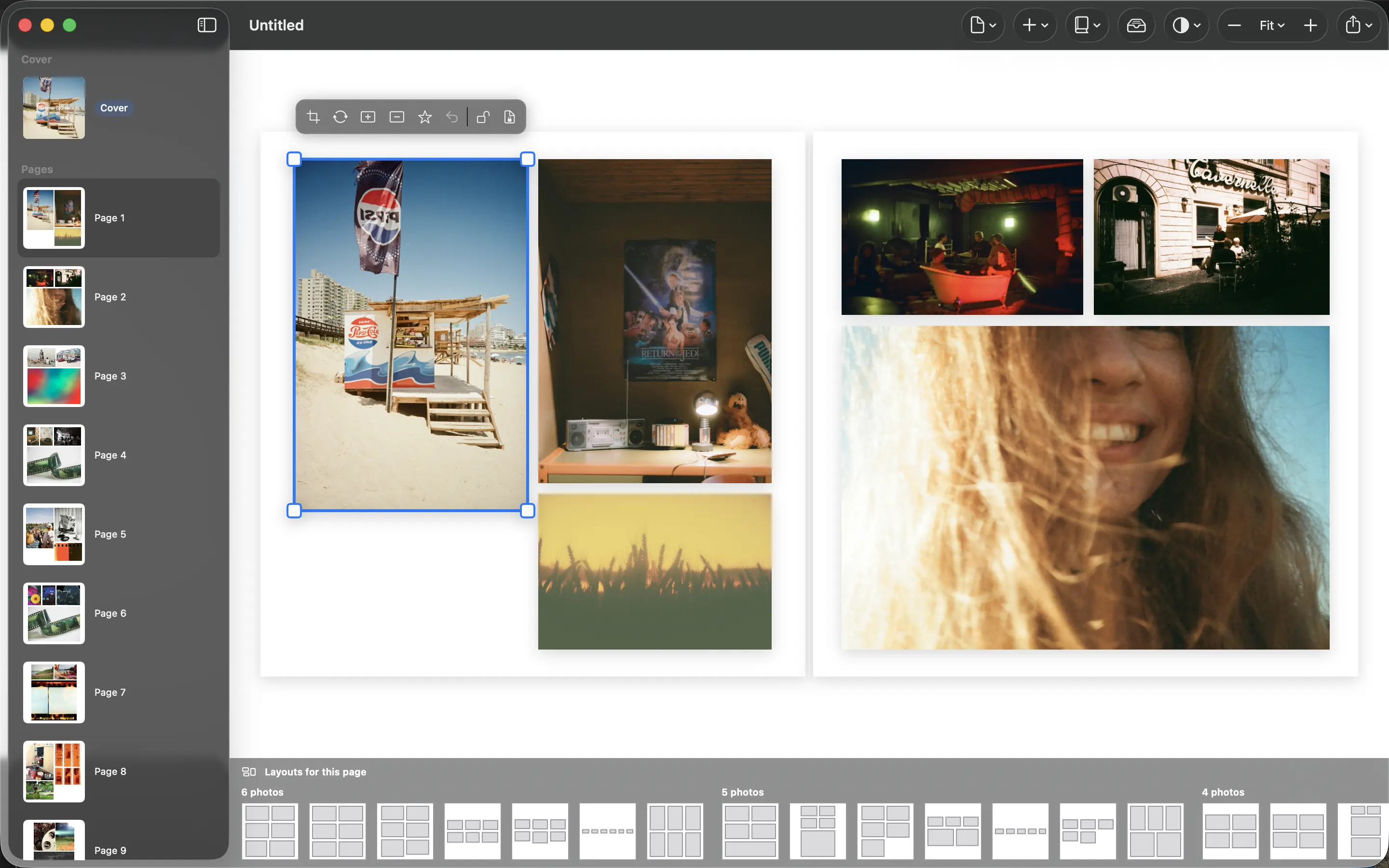
A family photo library contains more than attractive images. It can show children, home interiors, routines and locations. Making a book should not require sending the entire collection to another company just to arrange a few pages.
Know which service receives which files
PhotoBooks processes photographs on your device rather than uploading them to a Graphic Meat server. That describes the app’s processing boundary. It does not change any iCloud Photos settings you have enabled or erase copies already shared through other services.
Think about each stage separately: the photo library, the book project, the exported PDF and the printer. A local workflow can reduce unnecessary transfers while still involving a deliberate upload when you order a physical book.
Share only the result you intend to share
Review the selection for information you did not mean to include. A school badge, house number or document in the background can be easy to overlook while concentrating on the subject. Cropping may help, but inspect the exported result rather than assuming the detail is gone.
Treat the PDF as personal material too. Send it to the intended recipients, and review the sharing permissions if you place it in a cloud folder. A public link can expose the complete book even though the original layout was made locally.
Privacy still needs a backup
Keeping files on your device does not protect them from a failed drive or a lost computer. Back up your originals and the book files in locations you control. Use appropriate access controls for a shared household computer or external disk.
Before printing, read the service’s policy for uploaded files and choose what you are comfortable sending. The practical goal is a clear chain of decisions: your library stays where you chose, the app arranges locally, and only the finished material goes to the people or printer you select.
Sources and product details
Keep reading
- The small moments worth putting in a photo book
- How many photos should you put on a page?
- Chronological or themed: choosing your book’s structure
Make a book from your own photographs. Choose an Apple Photos album, refine the pages and export a PDF for printing or sharing.
Explore PhotoBooks →