
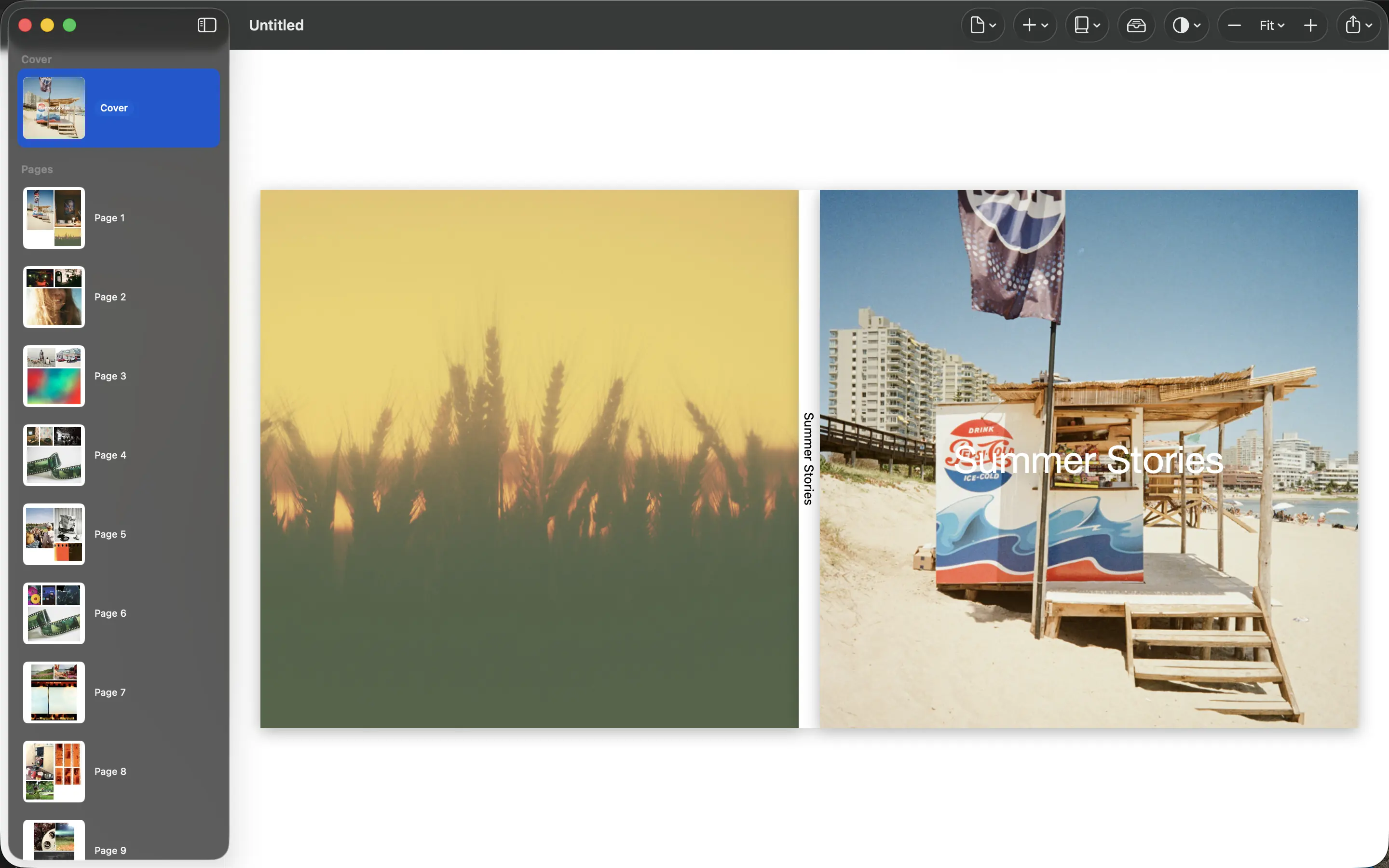
A gift book is for the person receiving it, not necessarily the person making it. Start with what they would enjoy revisiting: a shared trip, a place they miss or the small moments surrounding an important occasion.
Choose one clear idea
A narrow subject makes the gift feel considered. “Our summers at the lake” gives you a better selection rule than “every good family photo.” Decide who the book is for and how much context they need to understand the people and events.
If friends or relatives contribute photographs, request the original files where possible. Pictures saved from a messaging app may have been reduced in size. Keep track of who supplied each image so you can ask about dates or names later.
Build around shared meaning
Include the recipient in the story without making every page a portrait of them. A familiar kitchen, a favorite route or an object with a shared history may carry as much meaning as a posed photograph.
Use PhotoBooks to arrange the selection, then check the draft from the recipient’s perspective. Remove a private joke that needs a long explanation, confirm sensitive photographs are appropriate and keep the cover title specific enough to identify the occasion.
Leave room for the physical steps
Work backward from the gift date. Printing, delivery and a proof copy take time, and the schedule depends on the service you choose. Do not treat the day you export the PDF as the day the gift is finished.
Inspect the exported file before ordering. If time is short, share the finished PDF with a personal message while the printed copy is on its way. Keep a backup of the final file so a damaged or lost book can be replaced without rebuilding the project.
Sources and product details
Keep reading
- Why your photos should stay on your device
- The small moments worth putting in a photo book
- How many photos should you put on a page?
Make a book from your own photographs. Choose an Apple Photos album, refine the pages and export a PDF for printing or sharing.
Explore PhotoBooks →