
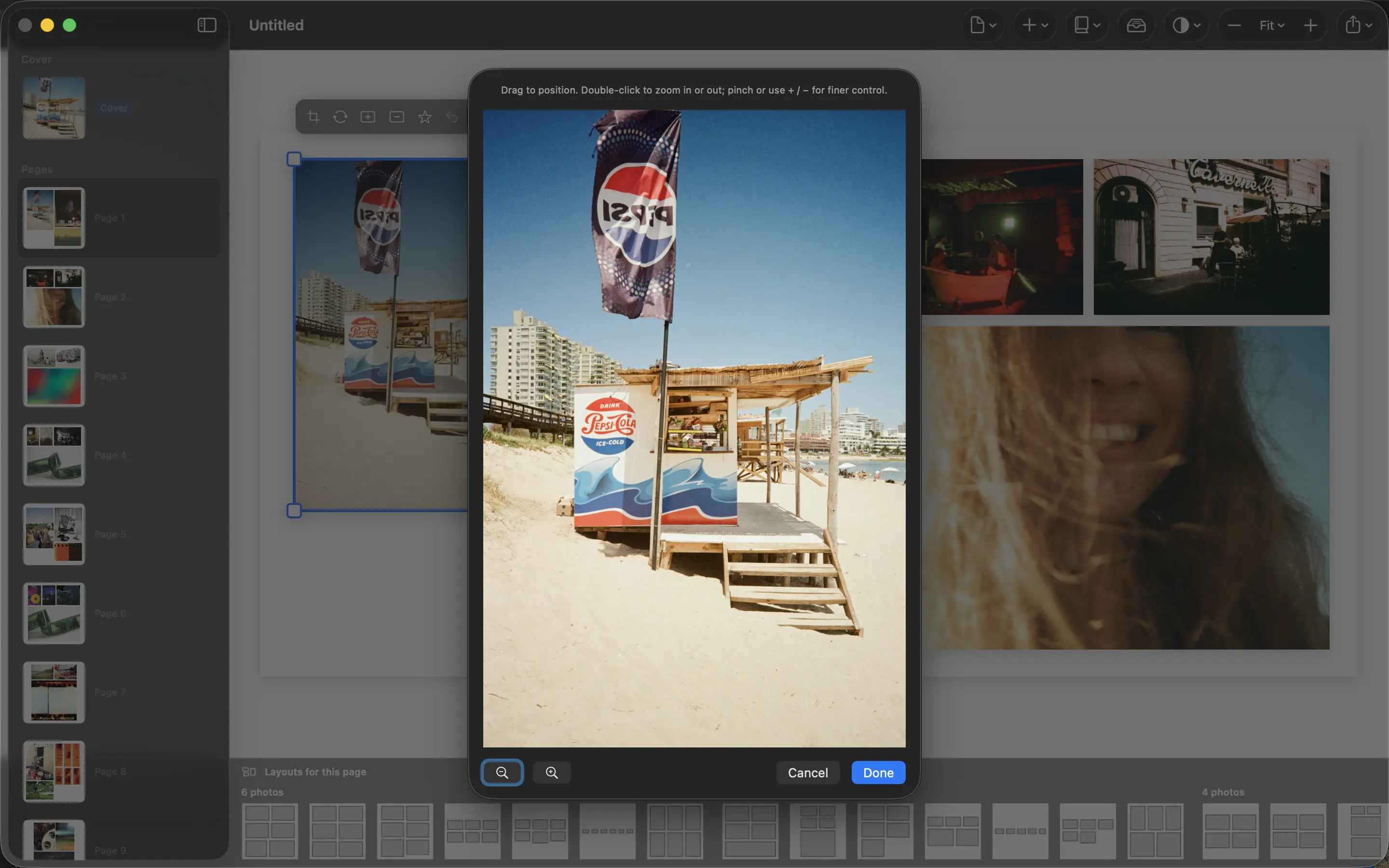
Mixed orientations are normal. People are often photographed vertically, places horizontally, and the book has its own proportions again. Good layout gives those shapes room instead of treating every photograph as interchangeable.
Decide which details must survive
Before arranging a page, identify what matters in each image. A portrait may need the full face and hands; a landscape may depend on the width of a mountain ridge. These priorities tell you which photographs tolerate a crop and which need their original proportions.
Do not judge a crop only by whether it fills the box. Inspect the edges for cut fingers, missing landmarks or a horizon that has become awkwardly placed. A smaller uncropped image can communicate more than a large damaged one.
Use differences to create hierarchy
A wide photograph can establish the place while two smaller portraits introduce the people there. Another spread may give one vertical image the main role. The orientations become a way to vary the sequence rather than a problem to eliminate.
PhotoBooks offers alternative layouts and crop adjustments. Try a different arrangement before discarding a meaningful picture. Keep the most important subject large enough to read, and avoid surrounding it with equally strong images that compete for attention.
Check the book as spreads
Review neighboring pages together. A successful page can still feel unbalanced beside another with the same heavy image placement. Look for repetition in both subject and shape as you move through the book.
For example, pair a broad view of a campsite with a smaller portrait of the person cooking there. The images describe one moment at different scales. Export the PDF and check both individual pages and the facing-page view your print workflow expects.
Sources and product details
Keep reading
- Preparing a photo book PDF for printing
- Why printed photos look different from your screen
- Making a photo book as a gift
Make a book from your own photographs. Choose an Apple Photos album, refine the pages and export a PDF for printing or sharing.
Explore PhotoBooks →