
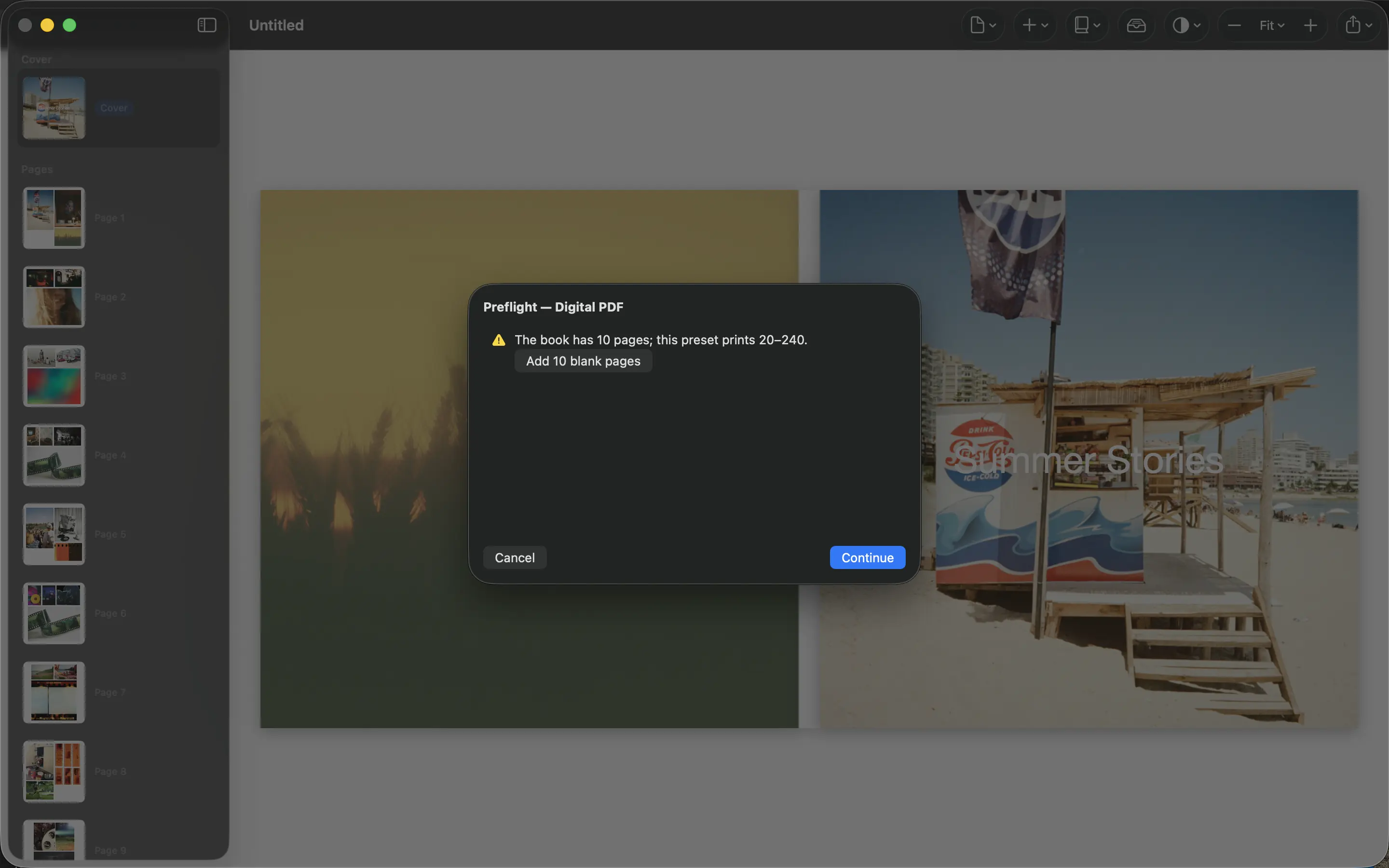
A PDF is a delivery format, not a guarantee that every printer will accept the file. The most useful preparation happens before you finish the layout: get the specification from the service that will make the book.
Start with the printer’s specification
Confirm the finished dimensions, required page count, bleed, safe margins and whether the cover must be supplied separately. Ask whether the service wants single pages or spreads. These requirements depend on the product and printer; a setting that worked elsewhere may be wrong here.
Choose a matching format in PhotoBooks before refining the pages. Resizing a finished book can change crops, spacing and the amount of detail available at print size. If the service has a template or file-check tool, use it.
Inspect the exported file
Export the PDF using settings appropriate to the agreed format. Open it in a separate PDF viewer and check page dimensions, order and count. Look closely at faces, small text and photographs that were enlarged substantially.
Review content near edges and the binding area. Bleed lets artwork extend beyond a trim edge; a safe margin keeps important content inside it. They solve different problems, so adding bleed does not make text near the edge safe.
Approve a proof before a large order
Use the printer’s preview as another check, not as a replacement for inspecting the PDF. If the book matters or you need multiple copies, order a single proof first. Paper, trimming and binding can reveal issues a monitor does not show.
Keep the exact approved PDF and the printer’s specification together. Give the file a clear version name and stop editing that copy once it has been submitted. Printing charges belong to the third-party service; PhotoBooks provides the PDF you review and send.
Sources and product details
Keep reading
- Why printed photos look different from your screen
- Making a photo book as a gift
- Why your photos should stay on your device
Make a book from your own photographs. Choose an Apple Photos album, refine the pages and export a PDF for printing or sharing.
Explore PhotoBooks →