
A table is helpful when readers compare the same properties across several items. It becomes awkward when every cell contains a paragraph. Use the format for the comparison it makes clear, not simply because the information can be placed in columns.
Choose a small, consistent comparison
Good candidates include options with cost, constraint and status, or a short inventory with item and location. Each row should describe the same kind of thing. Columns should have clear headings that do not require explanation in every cell.
Markdown table support depends on the renderer; it is an extension in formats such as GitHub Flavored Markdown rather than a universal feature of basic Markdown. Check the destination before relying on its layout.
Keep the source readable
Use short cell text and move detailed explanation into paragraphs below the table. A row full of line breaks, long links and formatting markers is difficult to edit as plain text. Descriptive link labels can reduce clutter.
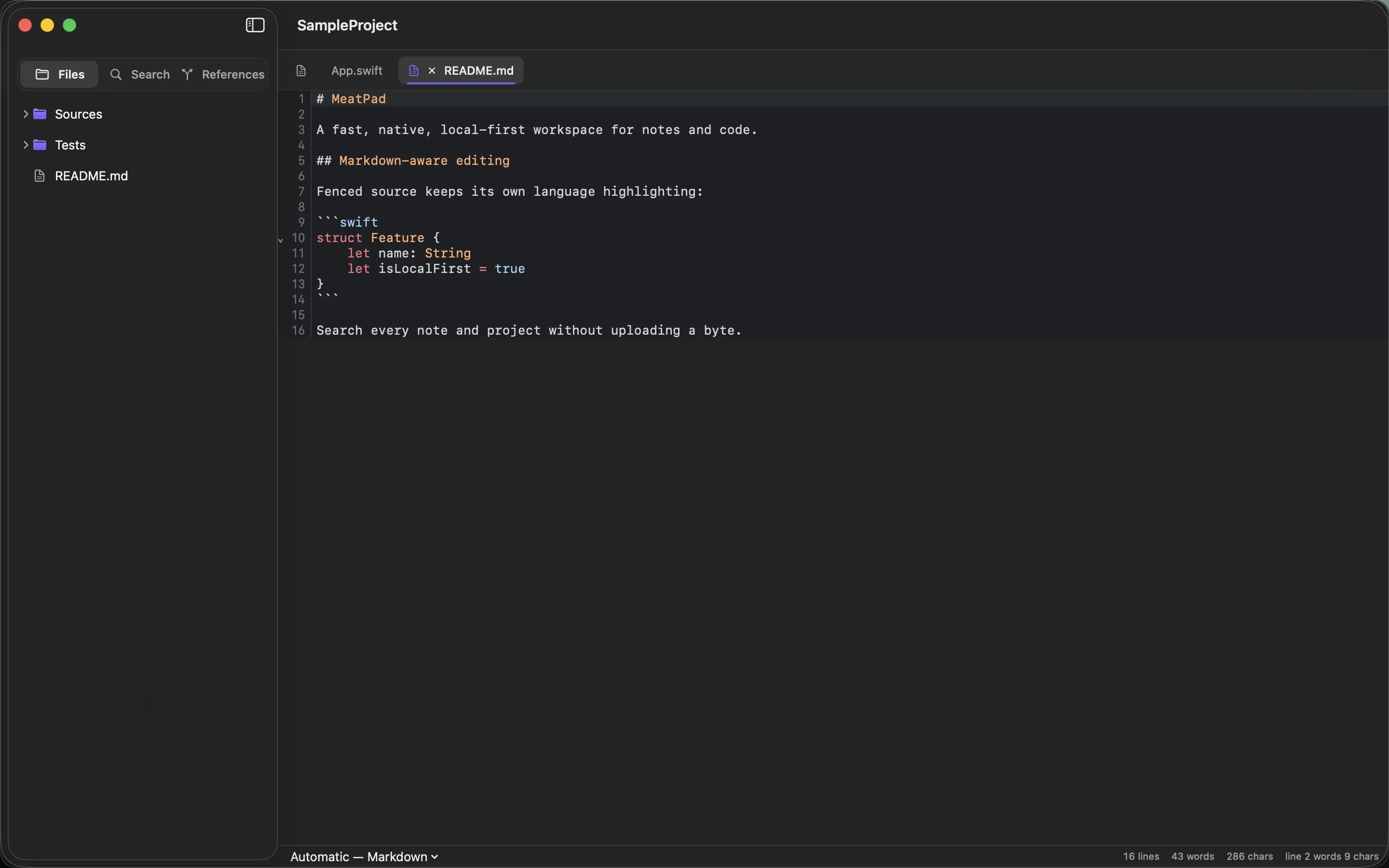
MeatPad can keep the Markdown source alongside your notes. Check both the source and rendered destination. A neat table on a wide monitor may require horizontal scrolling on a phone, particularly with long filenames or unbroken text.
Switch formats when the task changes
Use a list when the rows do not share comparable fields. Use separate sections when each option needs a substantial explanation. Use a spreadsheet when formulas, sorting or a growing dataset are essential.
For three print-service options, a short table of size, deadline and file requirements may work well, followed by source links. Recheck any changing values before making a decision. The table should reduce the reader’s work; if maintaining it becomes the main task, choose a format better suited to the information.
Sources and product details
Keep reading
- A weekly review for notes, ideas and unfinished tasks
- From quick note to published article: a simple writing workflow
- Markdown for people who just want to write
Start with a note. MeatPad gives notes, Markdown and project files a local workspace on your Mac, without an account requirement.
Explore MeatPad →