
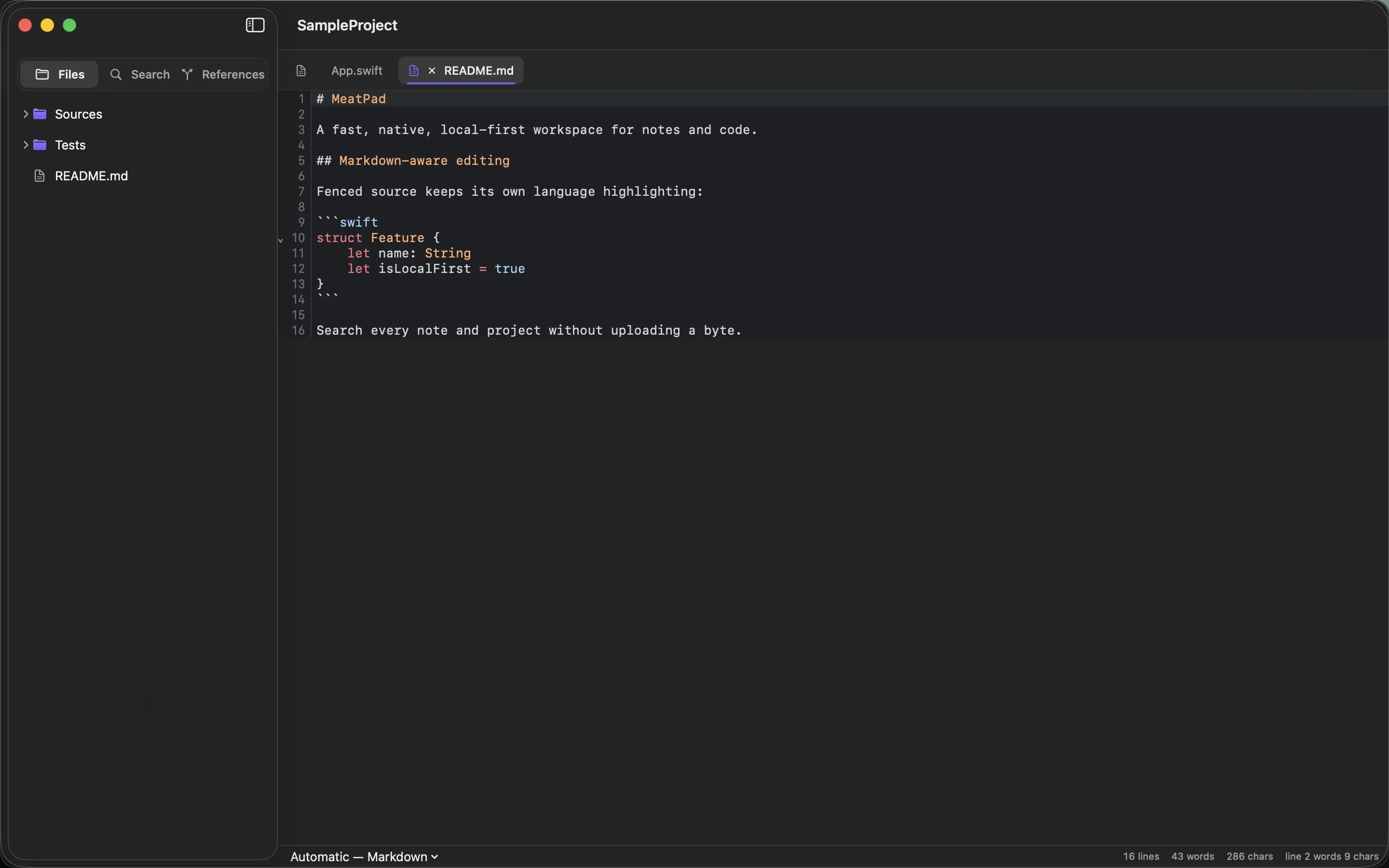
Markdown lets you give a text document a little structure without leaving the keyboard. You do not need to learn every extension before writing a useful note. Start with the few patterns that make your document easier to read.
Learn only the structure you need
A hash followed by a space introduces a heading; additional hashes create lower levels. Blank lines separate paragraphs. A hyphen followed by a space starts a simple list. Use these to divide a document into an introduction, a few sections and any actions.
Keep the hierarchy sensible: one main title, sections beneath it and subsections only when needed. The text should still make sense when opened in a plain-text viewer. If formatting obscures the words, simplify it.
Add emphasis and links deliberately
Use emphasis for something a reader needs to notice, not for every sentence. Give links descriptive text so their purpose is clear before anyone clicks. A list works well for parallel items; connected explanation usually works better as paragraphs.
MeatPad can open Markdown files in a local Mac workspace. Write a small document first and check how your intended publishing tool renders it. Different Markdown implementations support different extensions, so basic syntax is the easiest starting point.
Keep the file useful outside the editor
Save with a meaningful name and the .md extension when appropriate. Keep images or other referenced files in a known location. A document that points to a missing image is not self-contained just because the text file travels easily.
Try a simple project note with a title, a purpose paragraph, three section headings and a short action list. That is enough for many everyday tasks. Add tables, task boxes or more elaborate formatting only when they solve a problem in the document you are actually writing.
Sources and product details
Keep reading
- Turning rough notes into a usable project brief
- A simple folder structure for notes and small projects
- Local notes: what you gain and what you need to back up
Start with a note. MeatPad gives notes, Markdown and project files a local workspace on your Mac, without an account requirement.
Explore MeatPad →