
A quick note becomes an article when it helps someone beyond its author. The transition is not mainly about length. It is about adding the context, evidence and order that another reader needs.
Choose the question the note can answer
Read the note and identify the useful observation or problem. Write the reader’s question in one sentence. If the note contains several unrelated ideas, choose one for this article and save the rest for another draft.
List what you know, what you observed and what still needs checking. A personal impression can be valuable when labeled honestly. It should not become a general claim merely because the article needs a confident opening.
Build a draft around the answer
Arrange headings in the order a new reader needs: context, explanation, example and practical consequence. Expand the note under those headings. Add source links for factual claims and keep records of measurements or screenshots where applicable.
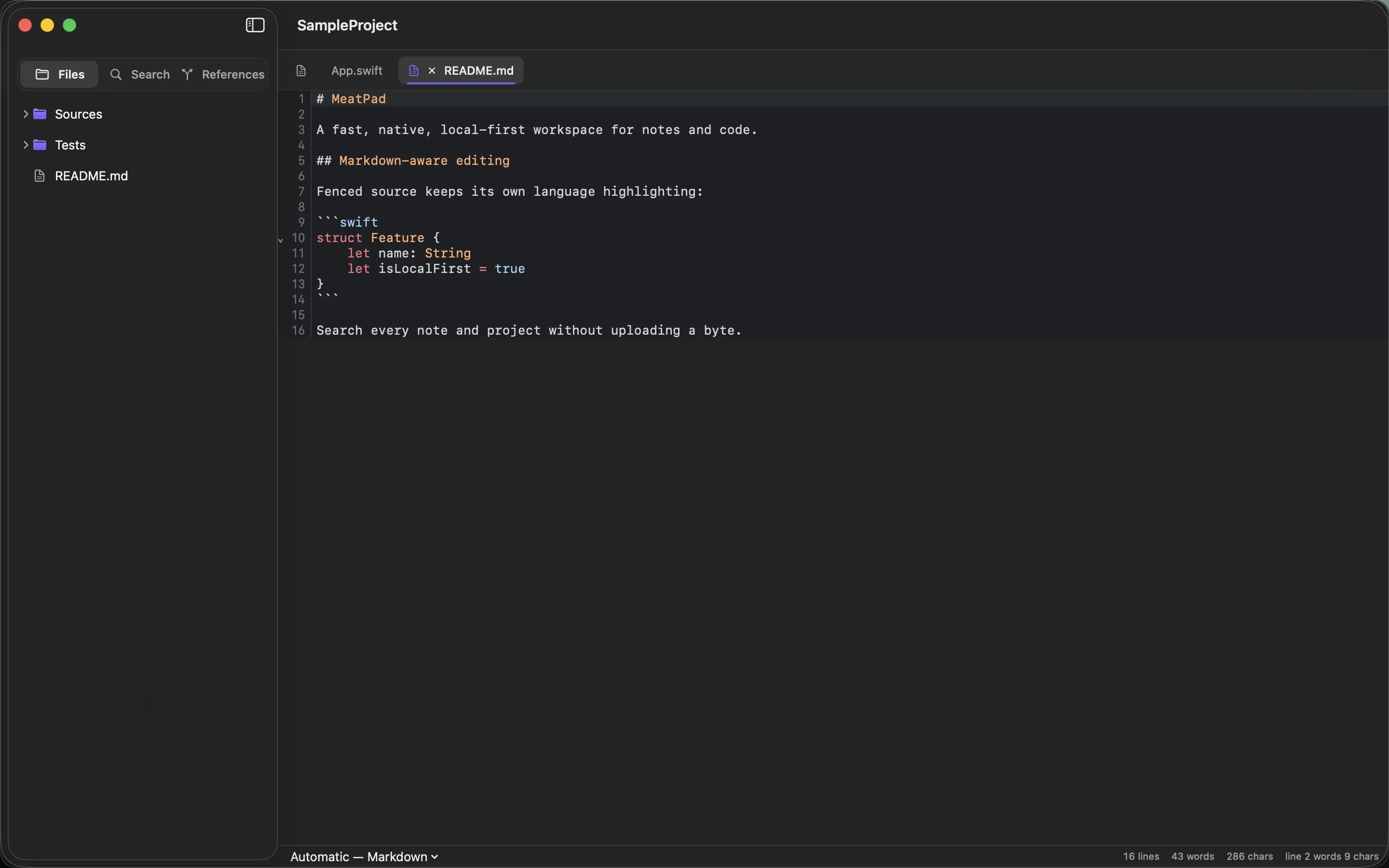
Write in MeatPad using a local Markdown draft and a nearby assets folder. Use an example that tests the explanation rather than repeating it in different words. Remove paragraphs that do not help answer the chosen question.
Check what the reader will receive
Read the draft once for argument and once for wording. Verify names, numbers and links. Review image permissions and alternative text. Then inspect the rendered page, including its mobile layout and heading order.
For your own website, confirm the title, description, canonical URL and social preview describe the article accurately. Save the final draft with the published link and date. If the live page differs from the file, fix that discrepancy before calling the article finished; publication is a delivered result, not simply an exported draft.
Sources and product details
Keep reading
- Markdown for people who just want to write
- Turning rough notes into a usable project brief
- A simple folder structure for notes and small projects
Start with a note. MeatPad gives notes, Markdown and project files a local workspace on your Mac, without an account requirement.
Explore MeatPad →