
A plain text file can hold a plan, checklist, draft or project log with very little setup. Its strength is directness: the content remains readable in many tools. The question is whether the task needs more than text can comfortably provide.
Use text for small, understandable documents
A short brief, a personal note or a list of next steps often needs only words and a little structure. Markdown can add headings and lists while preserving readability. You can open the file without recreating an account or application workspace.
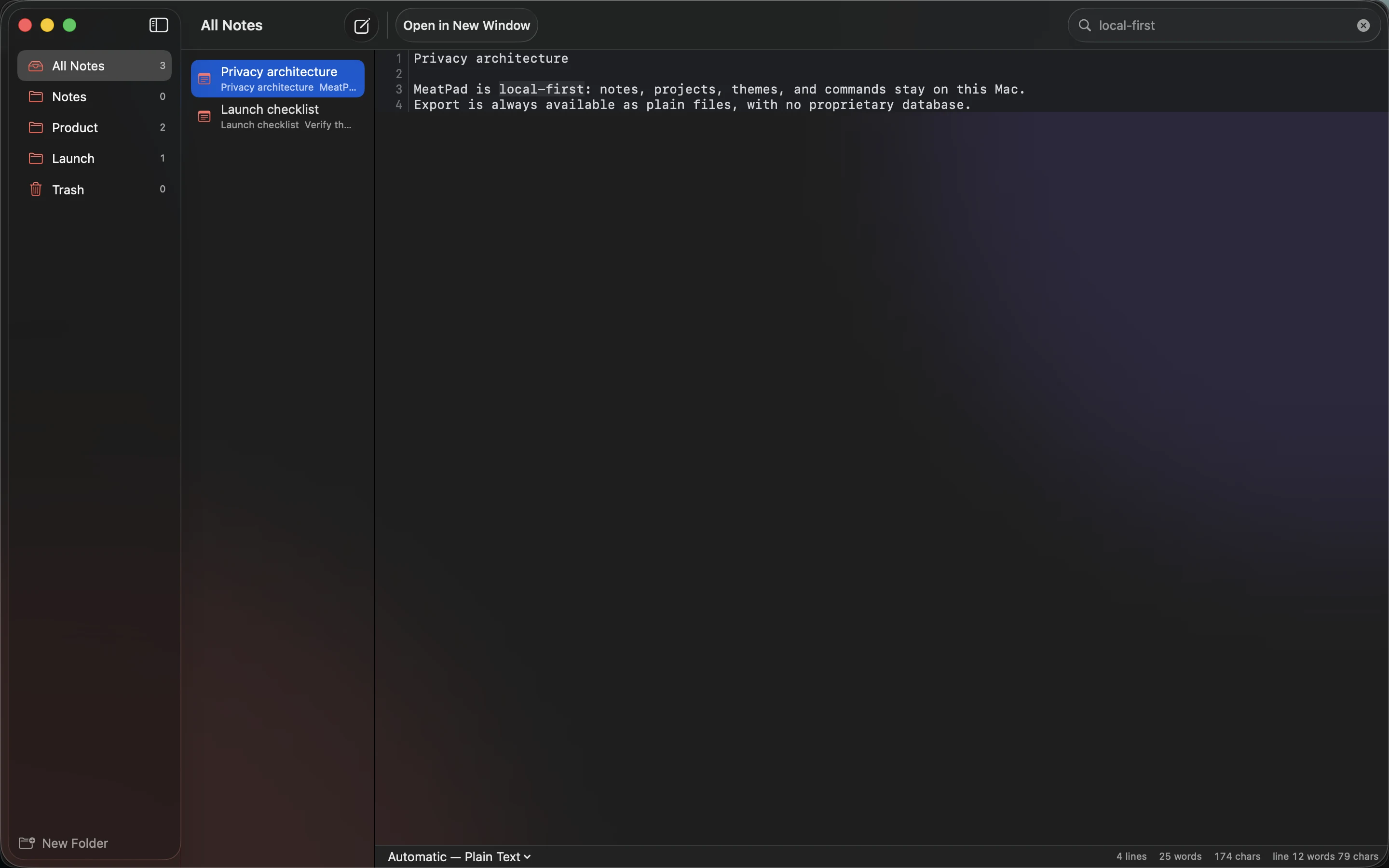
MeatPad offers a local place to write notes and work with project files. Choose that simplicity when it lets you start quickly and keep the material easy to find. You do not need a database just because a list may grow later.
Notice the limits before forcing the format
Text does not automatically provide simultaneous editing, granular access control or relationships between hundreds of records. A table with complex calculations belongs in a spreadsheet. A team workflow with approvals may need shared software designed for that job.
Linked images and attachments also require organization. The text file can be portable while the folder it references is missing. Keep supporting files together, or choose a format that packages what the task requires.
Let the workflow justify added tools
Start with a real document and identify the first recurring difficulty. If finding entries is the problem, improve naming or search. If several people overwrite one another’s changes, the missing capability is collaboration, not prettier headings.
Back up the file and its supporting material. Plain text reduces format dependence but does not protect against deletion or hardware failure. Keep it while it meets the task, and move to another tool when you can name the specific capability the work now needs.
Sources and product details
Keep reading
- Moving your notes between apps without losing their structure
- Markdown checklists for everyday projects
- How to keep a project journal without creating more work
Start with a note. MeatPad gives notes, Markdown and project files a local workspace on your Mac, without an account requirement.
Explore MeatPad →