
A checklist reduces memory work when each item describes something you can finish. A long collection of aspirations does the opposite: it makes every review feel like discovering the project again.
Write actions with visible outcomes
Use a verb and a specific result. “Export the final PDF and check its page count” is easier to complete than “Sort out the book.” Split an item when it hides several independently useful tasks, but avoid breaking every small action into administrative fragments.
Place context in a short paragraph above the list. That lets the tasks stay concise without losing the purpose. Keep waiting items separate when their next move belongs to someone else.
Use portable syntax deliberately
A plain Markdown list is widely readable. Task boxes are an extension supported by tools such as GitHub: a hyphen, space and brackets containing a space or x indicate an open or completed item. Check support in the renderer where the document will be shared.
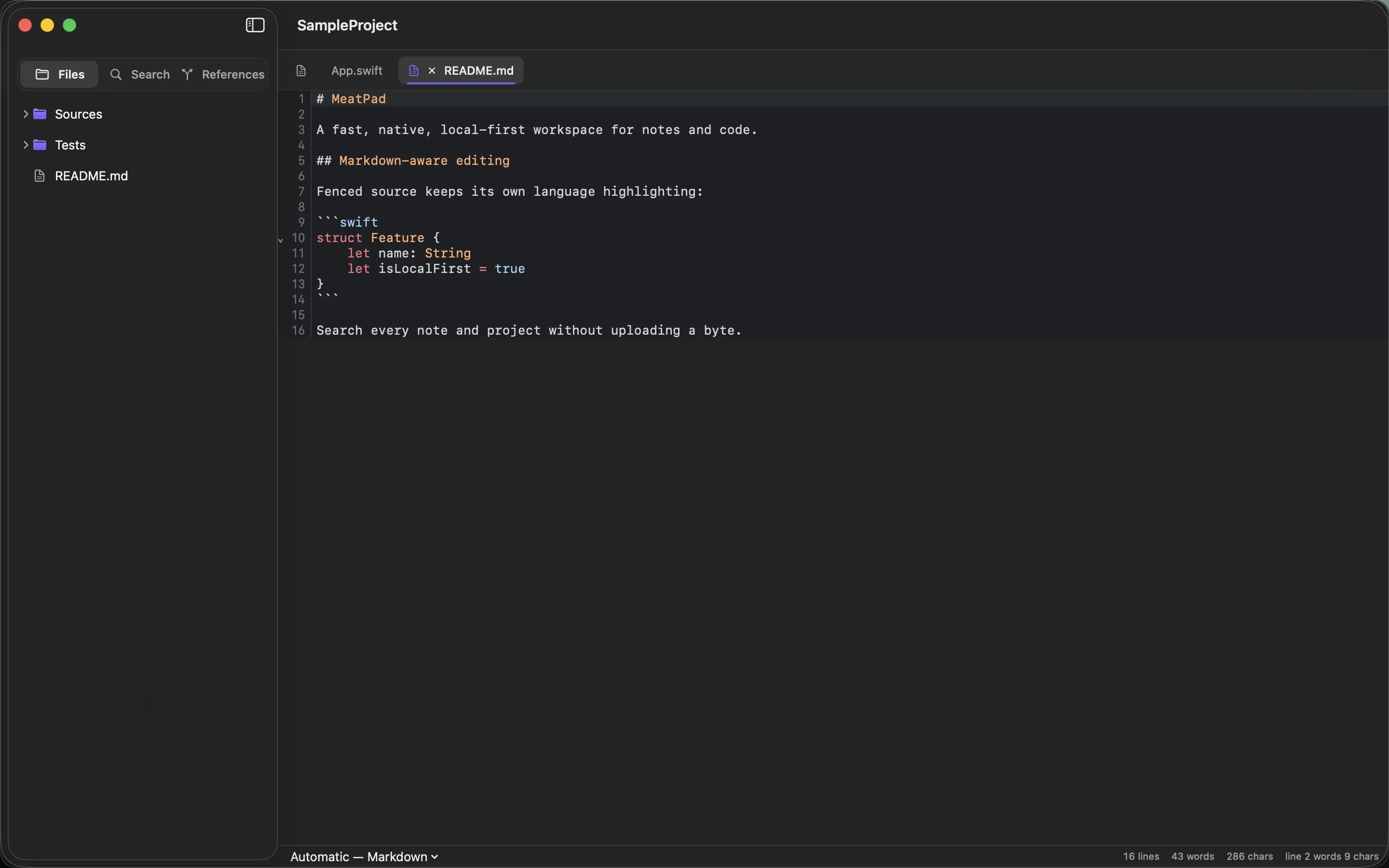
The characters remain readable as text even without clickable boxes. MeatPad can keep the document in your local project workspace. Do not depend on a visual checkbox as the only record of what was done; keep the task wording meaningful.
Review the list as the project changes
Mark completed items, remove decisions that no longer apply and move new ideas out of the active action list until they become commitments. A checklist should describe the current project rather than preserve every thought in its original order.
For a small publication, the list might cover checking sources, reviewing images, exporting and inspecting the live result. Once the project ends, archive the checklist with a brief outcome note. The value is a reliable next action and a record of completion, not the largest possible list.
Sources and product details
Keep reading
- How to keep a project journal without creating more work
- Naming note files so you can find them later
- Using Markdown tables without making your notes hard to edit
Start with a note. MeatPad gives notes, Markdown and project files a local workspace on your Mac, without an account requirement.
Explore MeatPad →