
A notes migration is successful when the useful meaning arrives, not merely when the same number of files appears. Titles, hierarchy, dates, images and internal links can each depend on the source app’s export format.
Inventory what your notes contain
List the kinds of material you use: simple text, Markdown, checklists, tables, images and attachments. Note any tags or internal links that organize the collection. Identify which metadata matters enough to preserve explicitly.
Check the source app’s export options. Markdown or plain text can improve portability, but an export may flatten notebooks or omit special blocks. Keep a full backup of the source before experimenting.
Move a representative sample first
Choose several notes that cover the difficult cases, not only a short paragraph. Open them in the destination and inspect headings, list structure and character encoding. Follow internal links and confirm images still load.
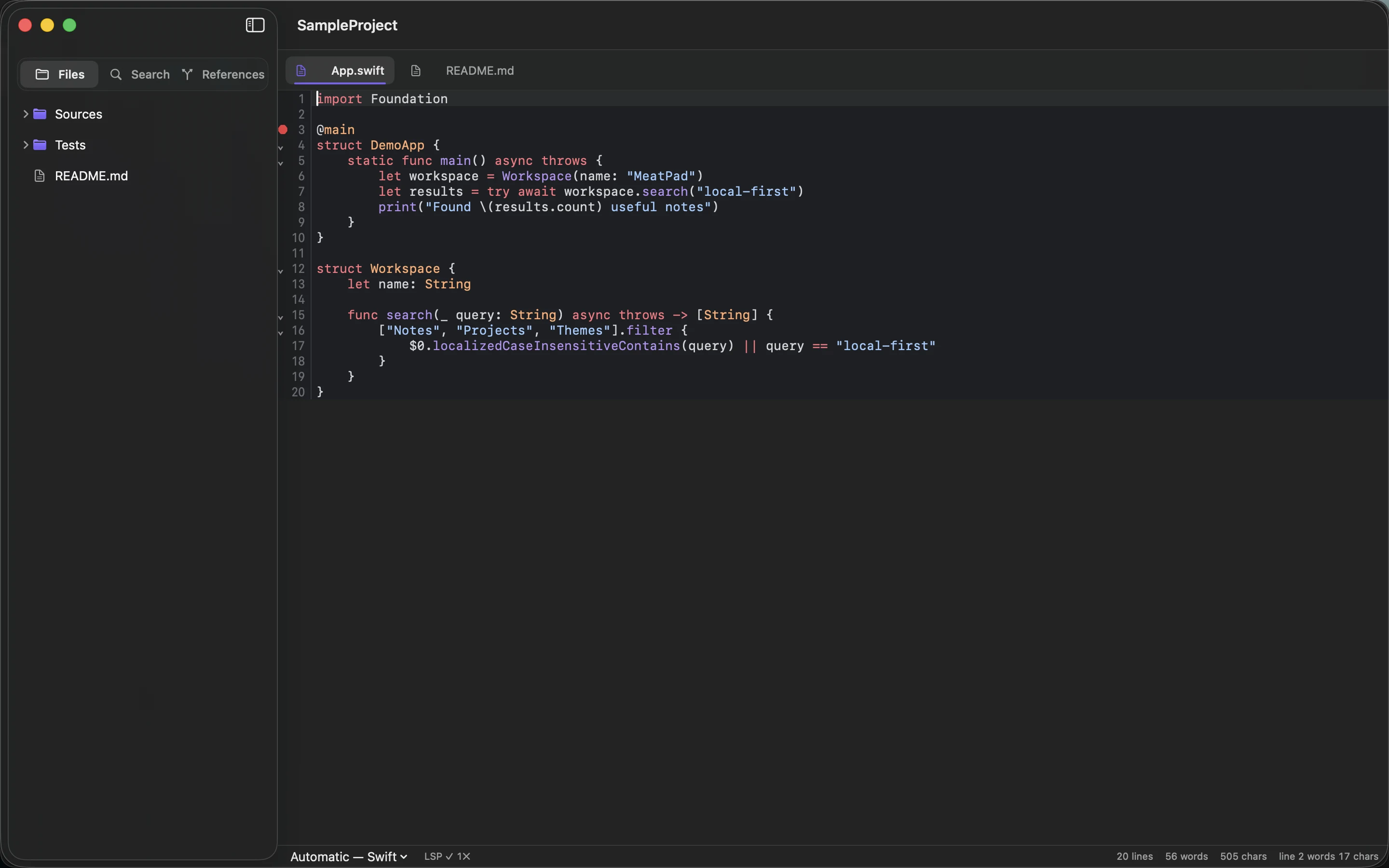
MeatPad can work with local notes and project files, but do not assume every proprietary feature from another app maps directly. A database view or embedded widget may need a different representation. Document that decision rather than silently discarding the information.
Preserve the containing folder
Keep exported assets with the documents that reference them. Moving the whole folder can preserve relative paths more reliably than copying notes individually. Record the source and export date so you can distinguish migrated files from later edits.
After the full transfer, compare counts and inspect another sample. Keep the original backup until the new collection has been used and backed up successfully. Avoid deleting the source as part of the same operation that creates the destination; verification needs an independent reference.
Sources and product details
Keep reading
- Markdown checklists for everyday projects
- How to keep a project journal without creating more work
- Naming note files so you can find them later
Start with a note. MeatPad gives notes, Markdown and project files a local workspace on your Mac, without an account requirement.
Explore MeatPad →