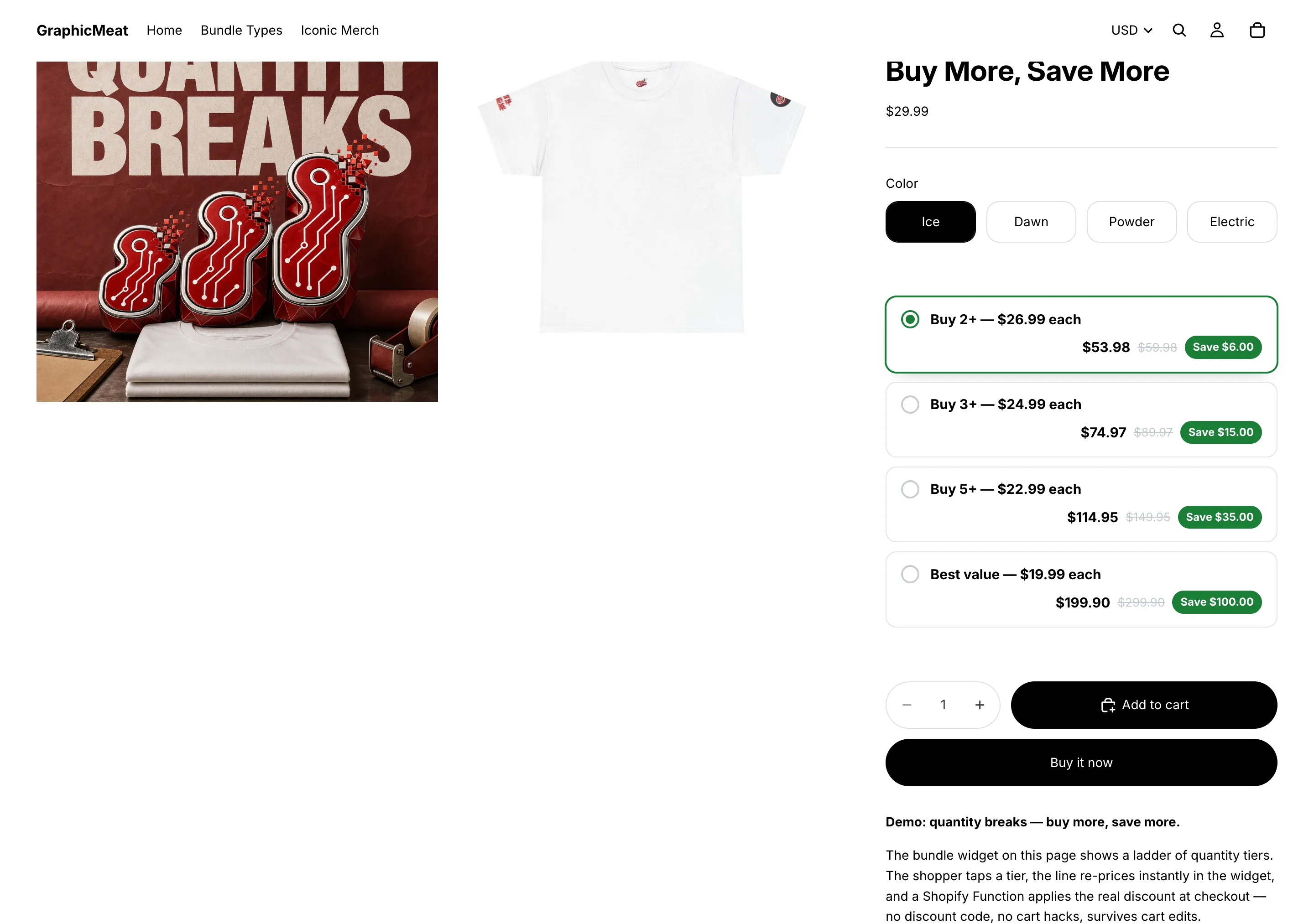
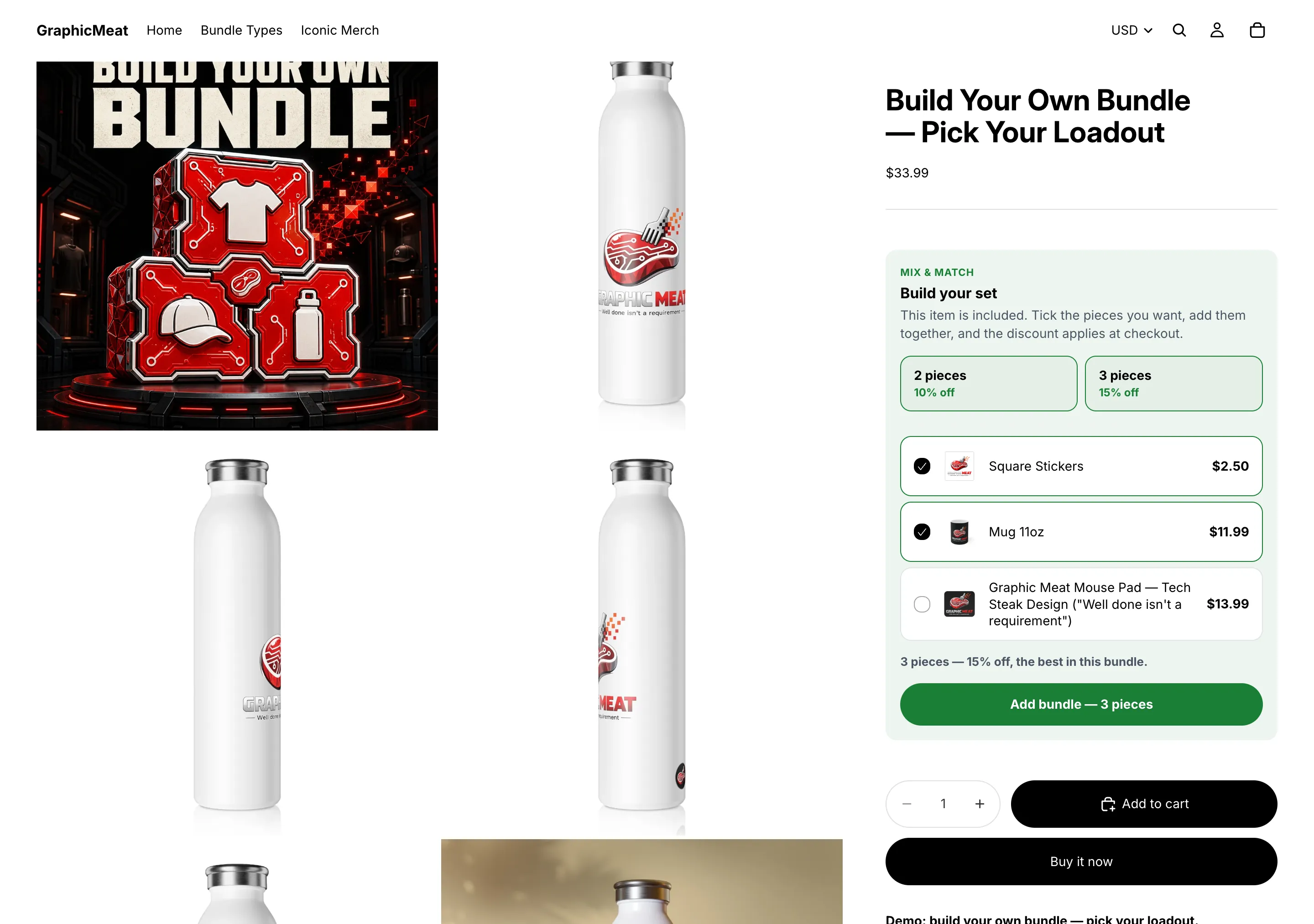
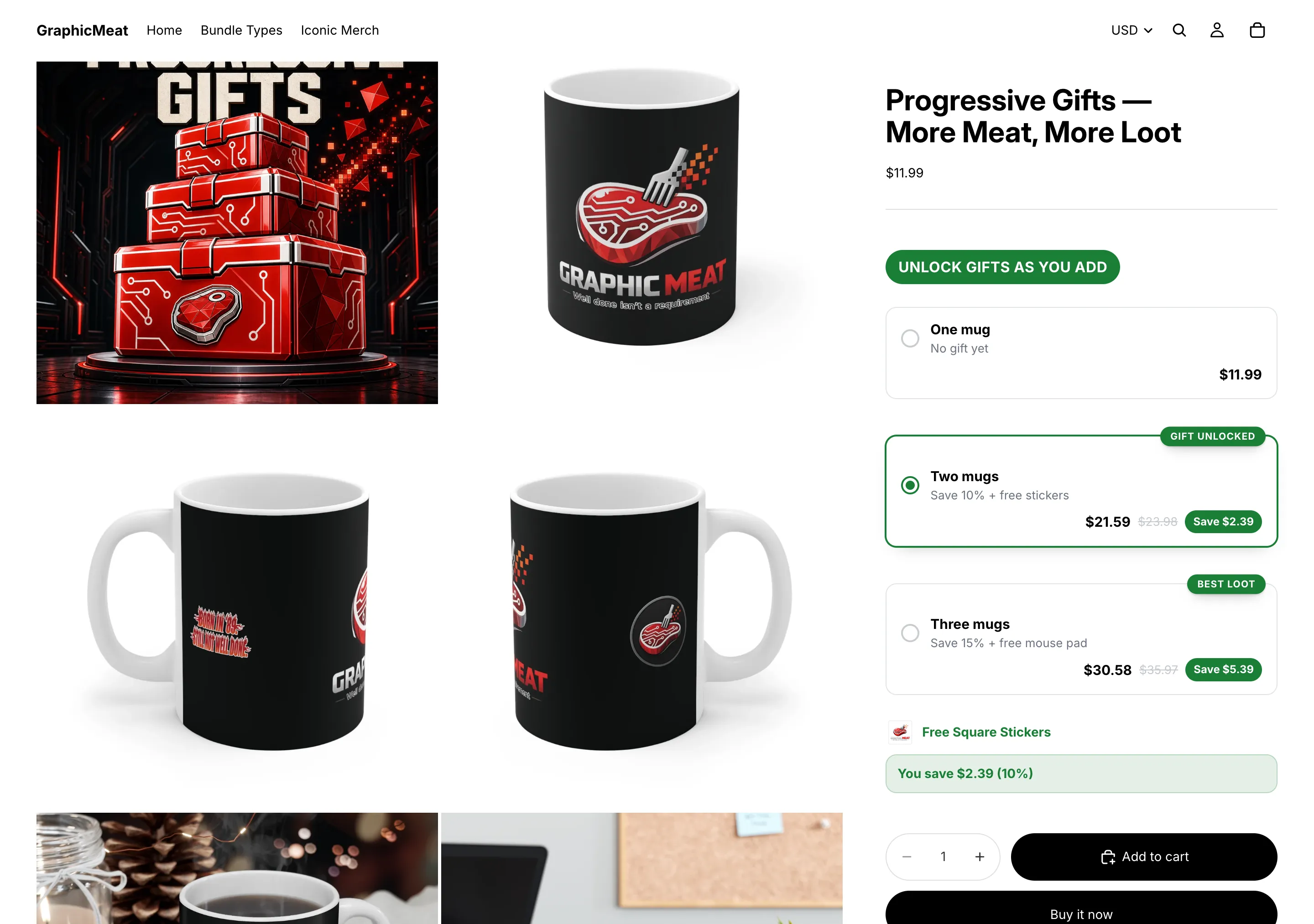
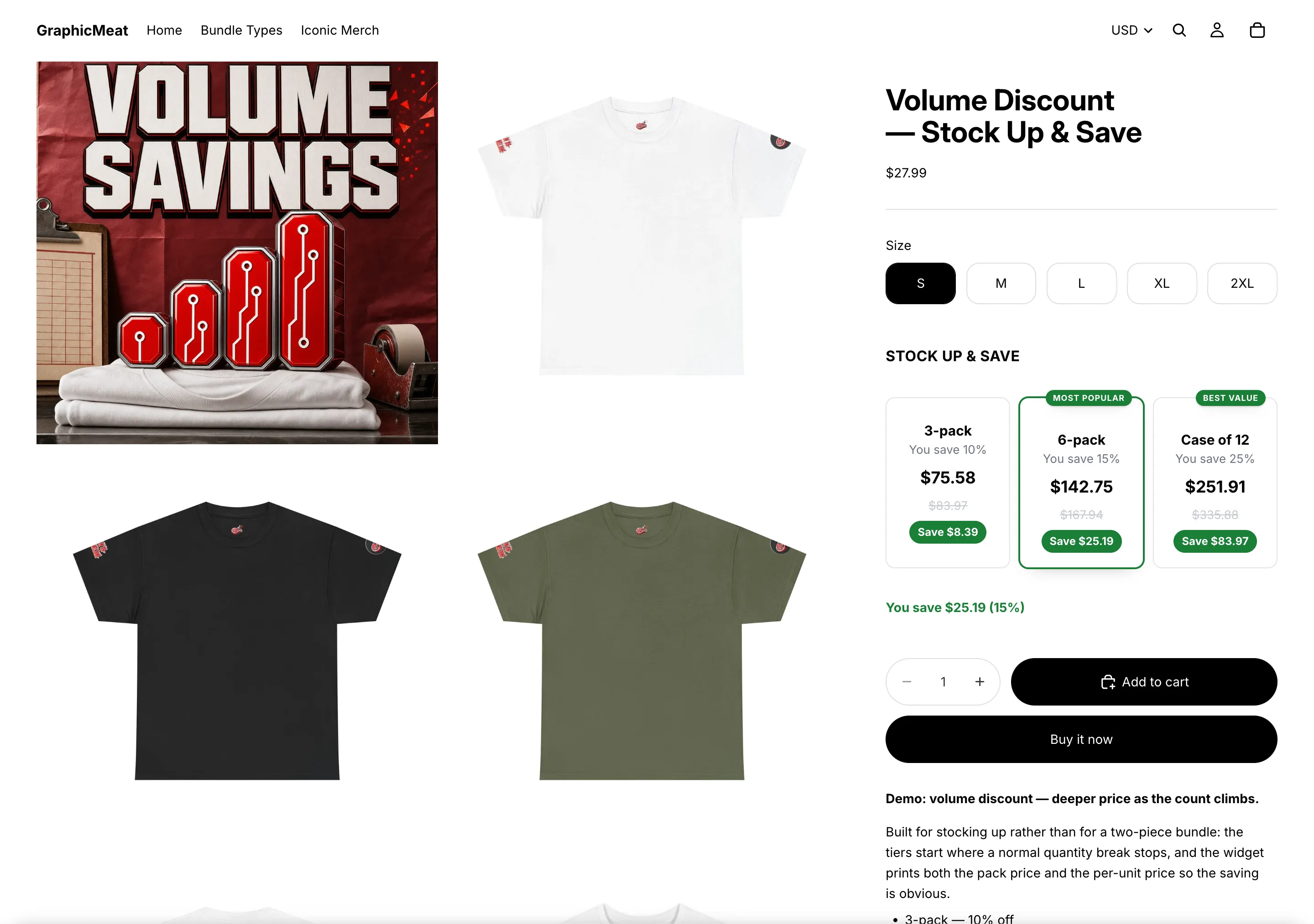
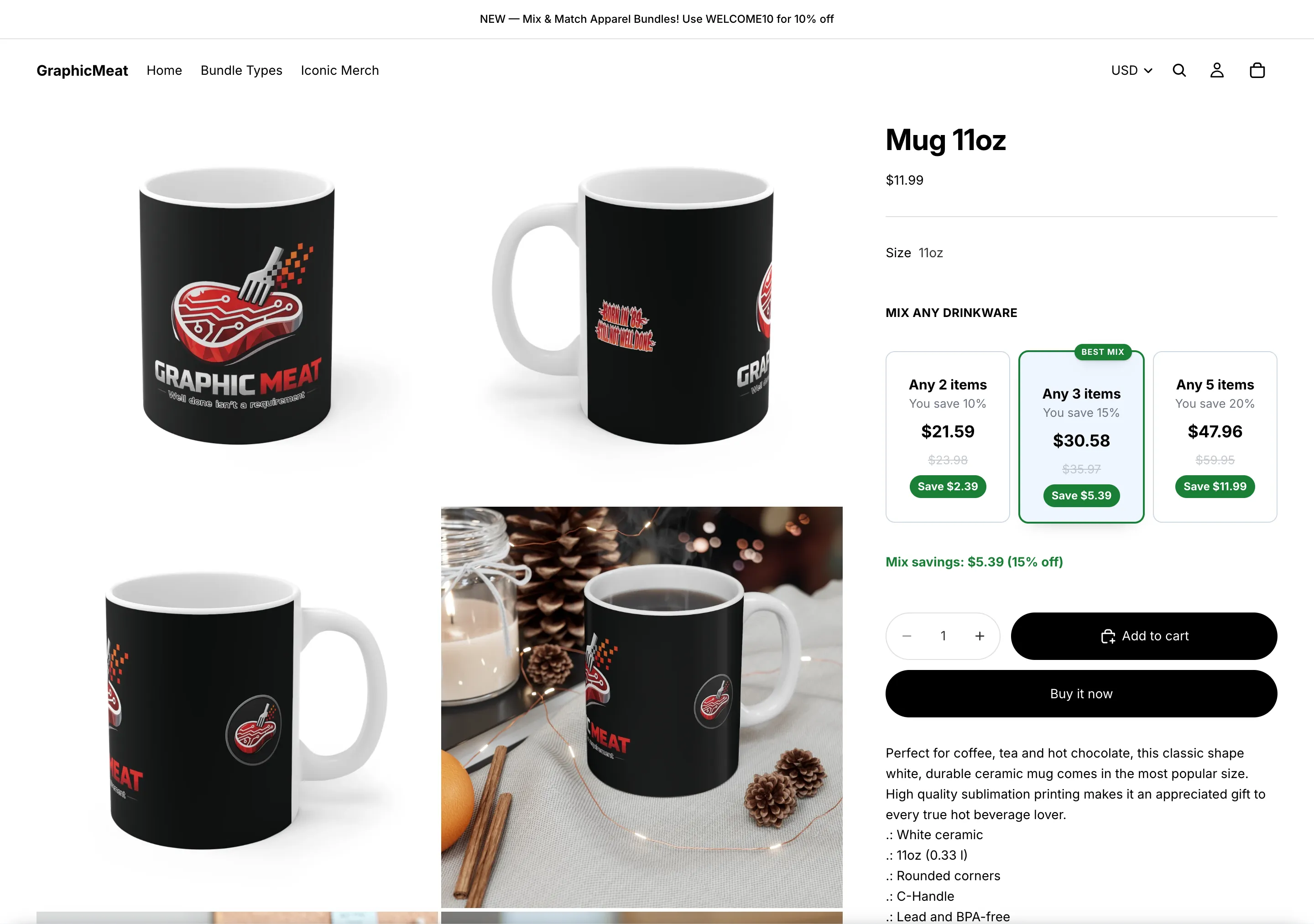
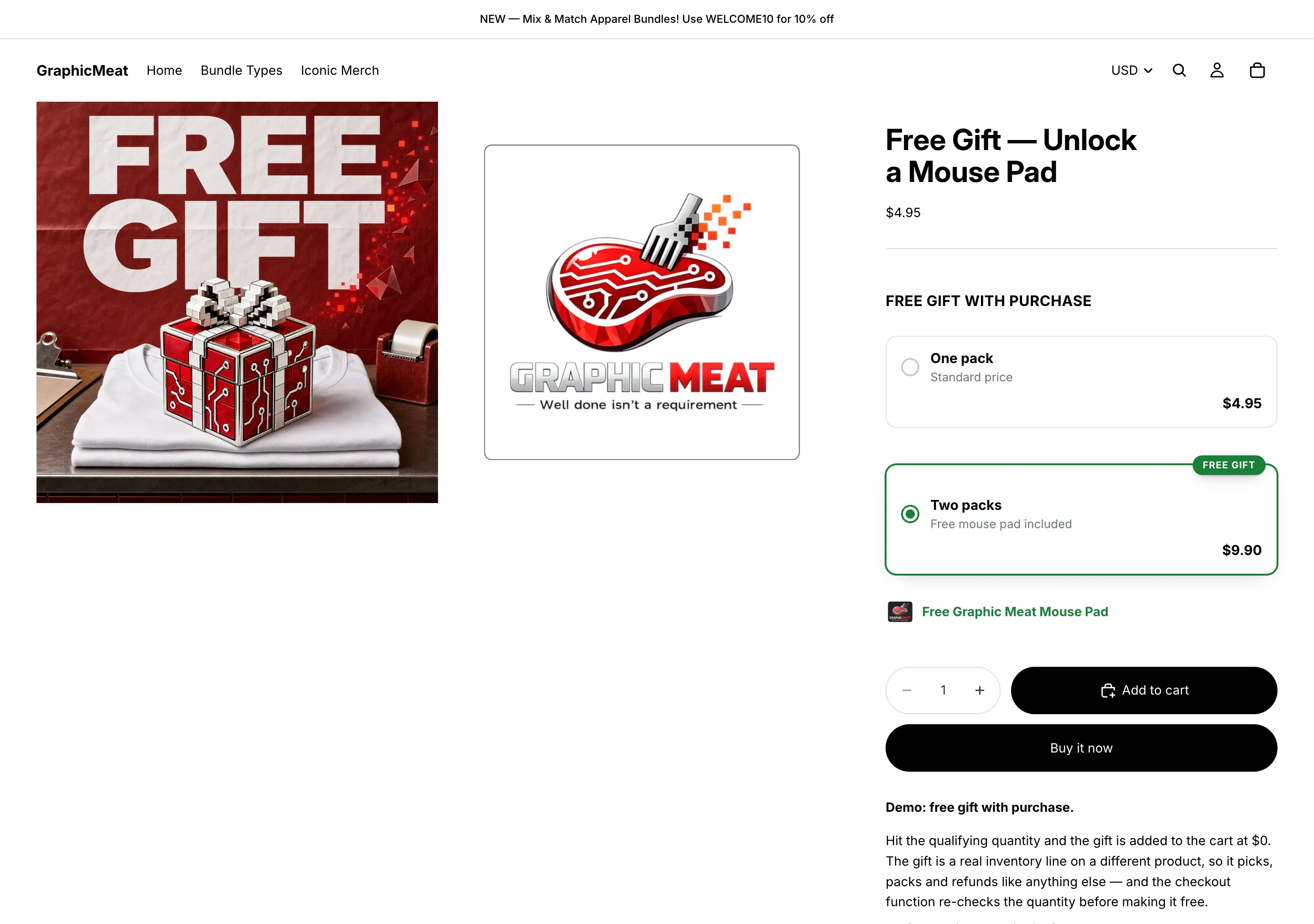
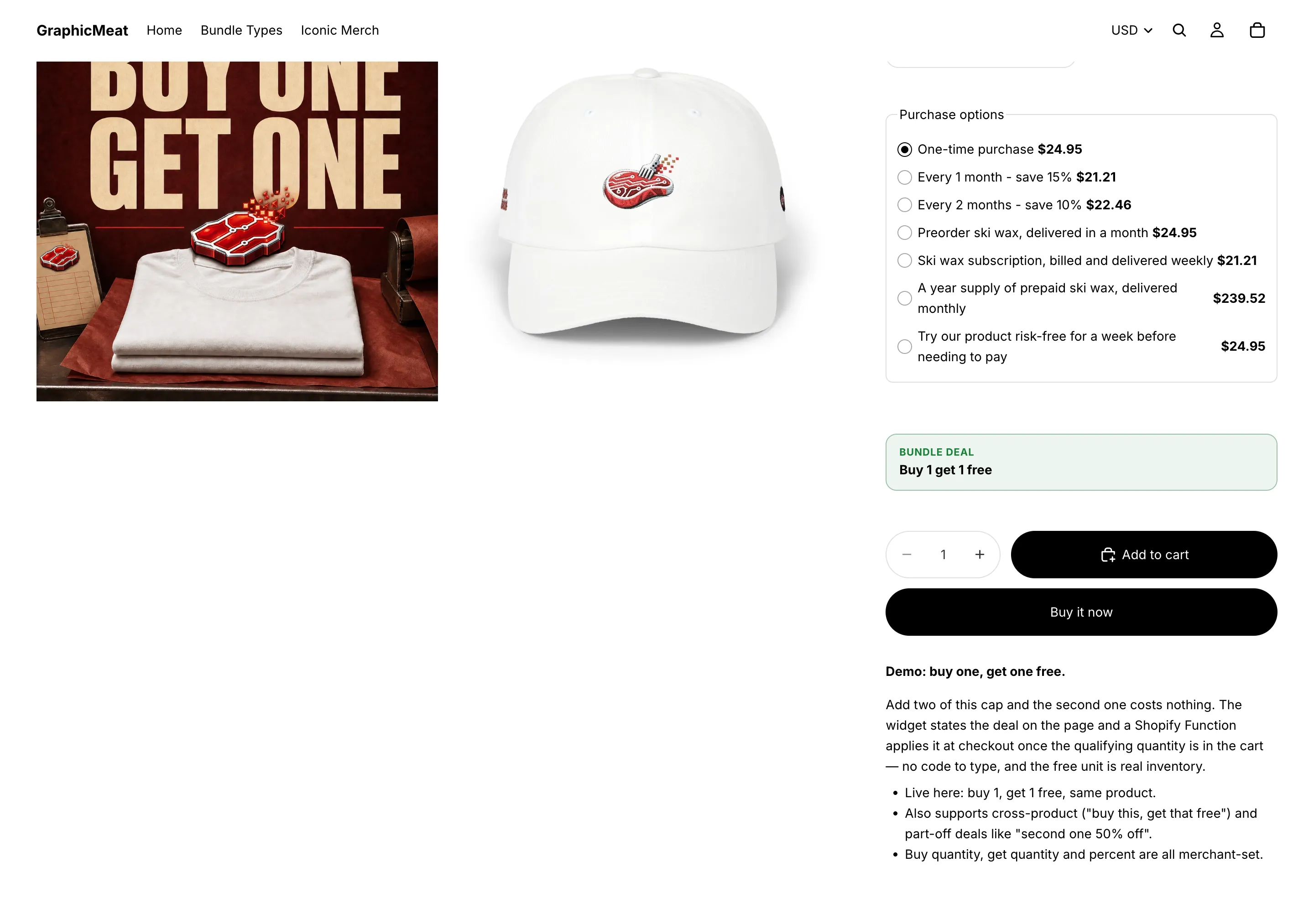
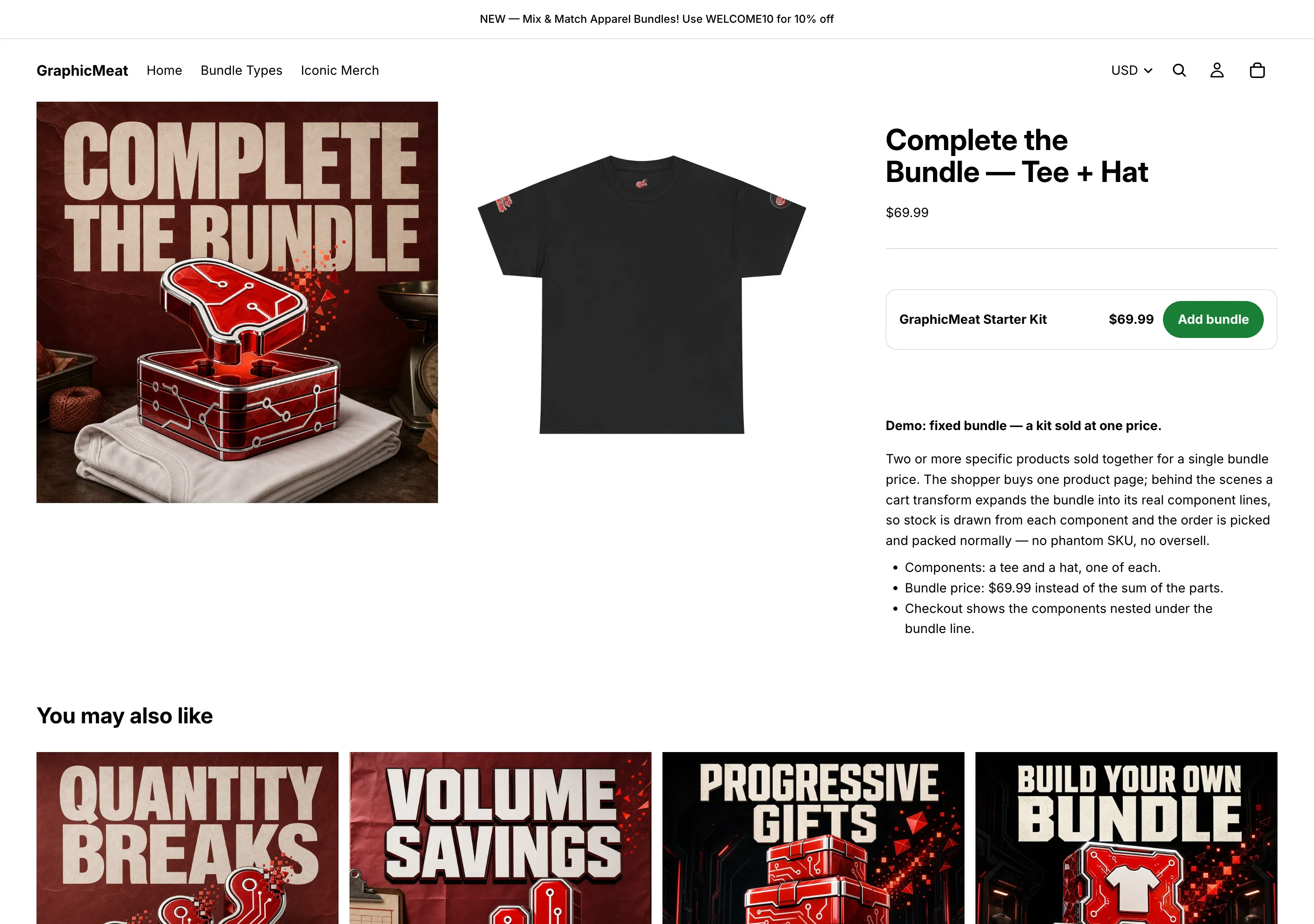
Earn bigger orders from the shoppers you already have. Quantity breaks, buy one get one (BOGO) and fixed bundles give shoppers a reason to add another unit, and the same pricing engine runs on the product page and at checkout, so a discount can never drift and quietly eat your margin.
What it does
Shown and charged are the same number.
One pricing engine runs on the product page and again inside Shopify Functions at checkout, so a bar that promises 22% off is the 22% the customer pays. There are no discount codes to hand out or leak.
Six deal types, one app.
Quantity breaks, BOGO, mix & match, fixed bundles, order-volume tiers and shipping thresholds, each with optional start and end dates, so a sale launches and expires without anyone staying up for it.
Fixed bundles that cannot oversell.
Components enter the cart as real, inventory-tracked lines and merge into a single bundle line at checkout, so a bundle can never sell stock you do not have.
Installing it
- Find the app in the Shopify App Store. Search for its name. Installation always starts on Shopify’s own surface: there is no account to create here and no store address to type in anywhere.
- Press Install and read the permissions. Each app asks only for what it actually uses. The list is short, and the page you approve is Shopify’s, not ours.
- You land straight in your Shopify admin. The app opens inside the admin with the setup guide on screen. No separate login, no dashboard on another domain.
- Turn on the theme app embed. Online Store → Themes → Customize → App embeds, one toggle. Nothing is written into your theme files, so removing the app removes every trace of it.
- Configure it and go live. Everything is a form field: no Liquid to paste, no developer to book, and a preview of the widget before anything reaches shoppers.
Then configure it scenario by scenario (every field named, backend and frontend side by side) in the GraphicMeat Prime Bundles setup guide.
The App Store listing is being finalised. The app is built and running. It is not installable from the App Store yet. Put your email in below and we will tell you the day it is.
Removing it
Uninstall from your Shopify admin like any other app. The theme embed goes with it, and every row we hold for your shop (sessions included) is deleted. There is nothing to email us about and no cancellation to request.
What it costs
Free until the app has earned you money. Every feature is in every plan: plans differ only in how much revenue the app is generating for you, never in what you are allowed to build.
Every scenario the app can run, all 26 of them, is in the setup guide: quantity breaks, pack pricing, mix and match, BOGO, fixed kits, free gifts, order-level rewards, shipping discounts, scheduled sales and A/B tests, each with the exact fields to set. None of it is gated by plan.
Below $200 of attributed revenue in a rolling 30 days the app is free indefinitely. Above it, a plan is needed to save new or edited offers; offers already running keep running and keep discounting, so billing never silently changes what a customer is charged. Plans run from $12.99/month, and annual billing is twelve months for the price of nine. Every plan, itemised, in the FAQ.
Billed by Shopify. Every plan is charged through Shopify’s Billing API: you approve it on Shopify’s own page, it appears on your Shopify invoice, and it ends when you uninstall. There is no other way to pay for the app — we never take payment outside Shopify, and we never see your card details.
Questions
What kinds of offers can I build?
Six:
- Quantity breaks: buy more, pay less per unit, counted per product or across a whole collection.
- Mix & match: pick any N from a set of products for a tiered saving.
- Buy one, get one: buy X, get Y at a percentage off or free, on the same product or a different one.
- Fixed bundles: a kit of specific variants at one price.
- Order-volume tiers: a whole-cart discount by subtotal or item count.
- Shipping thresholds: free or discounted shipping over a subtotal.
Every offer can be a draft, active or paused, and can carry a start and end date.
Where does each offer appear on the storefront?
On product pages. Quantity breaks render as selectable bars, mix & match as a build-your-set card, BOGO as a deal strip, and a fixed bundle as an add-bundle card on the pages of the products involved. Order-volume tiers and shipping thresholds have no product-page widget: they price the cart at checkout automatically, and you advertise them with Smart Cart’s reward bar or your own announcement bar.
Is the price on the page really what the shopper pays?
Yes. The widget and the checkout Function run the same pricing module on the same tiers. The widget shows the number; the Function, running inside Shopify’s checkout, charges it. There is no discount code to apply, forget or leak, and the discount already shows in the cart before checkout.
All 14 Prime Bundles questions, plus installing, billing and data →
One suite, not five vendors
Every app here is built by the same person on the same engine, and they notice each other automatically: install a sibling and the relevant features light up with nothing to configure. Each one also works entirely on its own: nothing is gated behind buying the set. See all six apps.
What it stores
Stores no customer personal data. From each order it reads the order id, subtotal, discount titles and line items, never the customer object, email, phone or addresses. All shop data, sessions included, is deleted when you uninstall. The full policy covering every Graphic Meat app is on the app privacy page.
 GraphicMeat Prime Bundles