
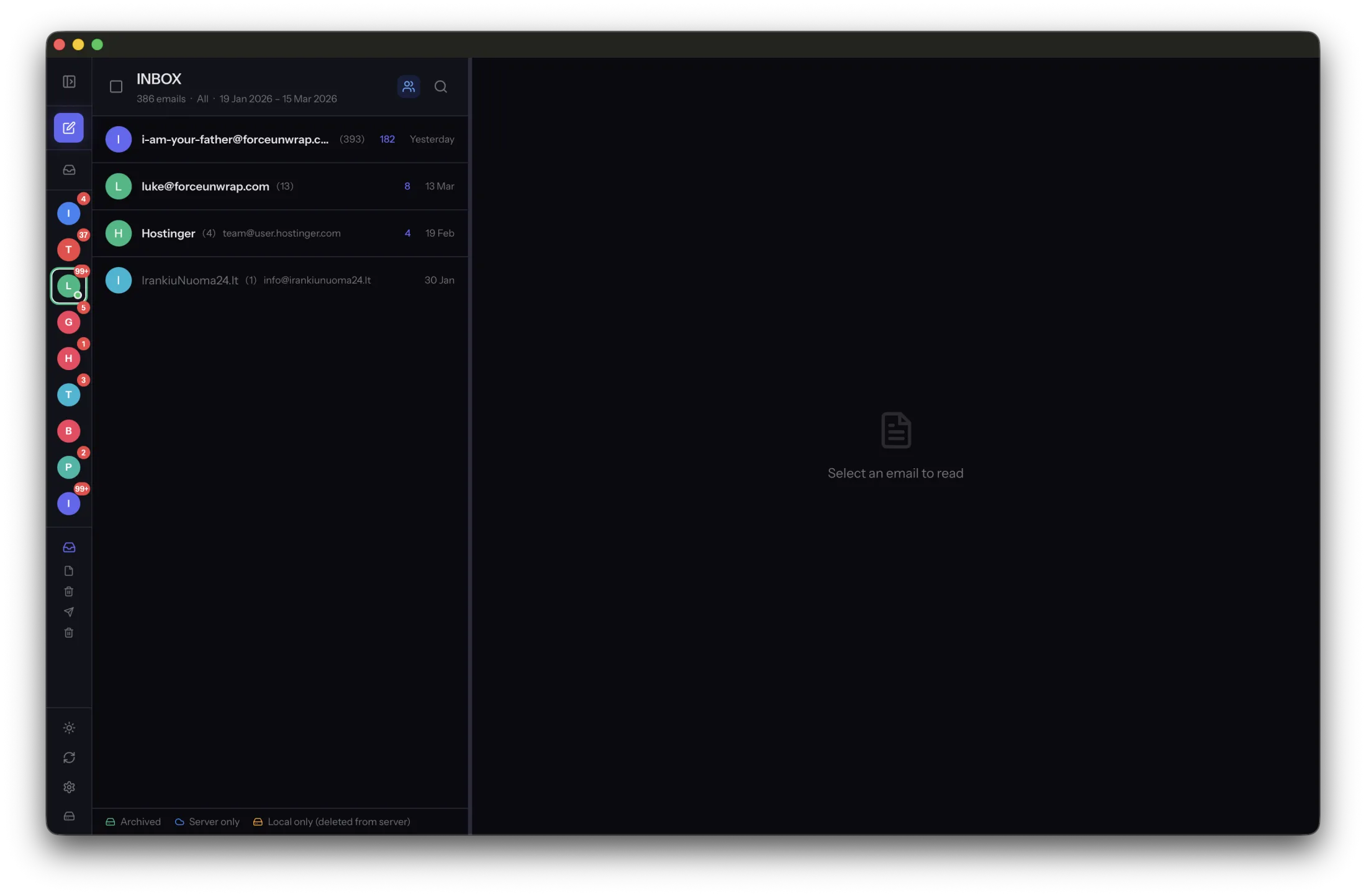
A useful archive structure answers three questions: whose mail is this, what period does it cover and which copy is authoritative? More nested folders do not necessarily make those answers clearer.
Separate account identity from backup dates
Keep a stable identity for each account, especially if two accounts use similar display names. Record the address or another clear identifier in a private inventory. Use dates for backup snapshots, not as a replacement for knowing which account produced the messages.
For example, a backup inventory might list Personal, Studio and Old provider, followed by each collection’s covered dates and backup location. This is a record beside the archive, not a reason to rename individual message files.
Preserve the application’s storage layout
MailVault uses a Maildir tree with EML messages. Copy or back up the structure as the application writes it. Moving files into an invented folder scheme inside an active archive can break assumptions the app makes about their locations.
Organize the containing backup directories instead. A clearly named snapshot such as an account collection followed by a year-month-day date can be understandable without changing the internal message layout.
Write a small inventory
Document the accounts, folders and date ranges included, when the copy was made and where the active archive lives. Note whether the backup was verified and whether the collection includes full attachments. Store this record with the backup, keeping private information appropriately protected.
When searching gets difficult, improve the inventory before adding another hierarchy. A simple structure plus searchable message content is usually easier to maintain than categories that overlap. Test restoring one collection to a separate location so the organization also works when you need it under pressure.
Sources and product details
Keep reading
- How to keep old emails readable without the original app
- Finding old attachments in a local email archive
- How to back up your email archive to an external drive
Keep the email history you need. MailVault archives messages as standard EML files on your computer, with local search and optional paid automation.
Explore MailVault →