
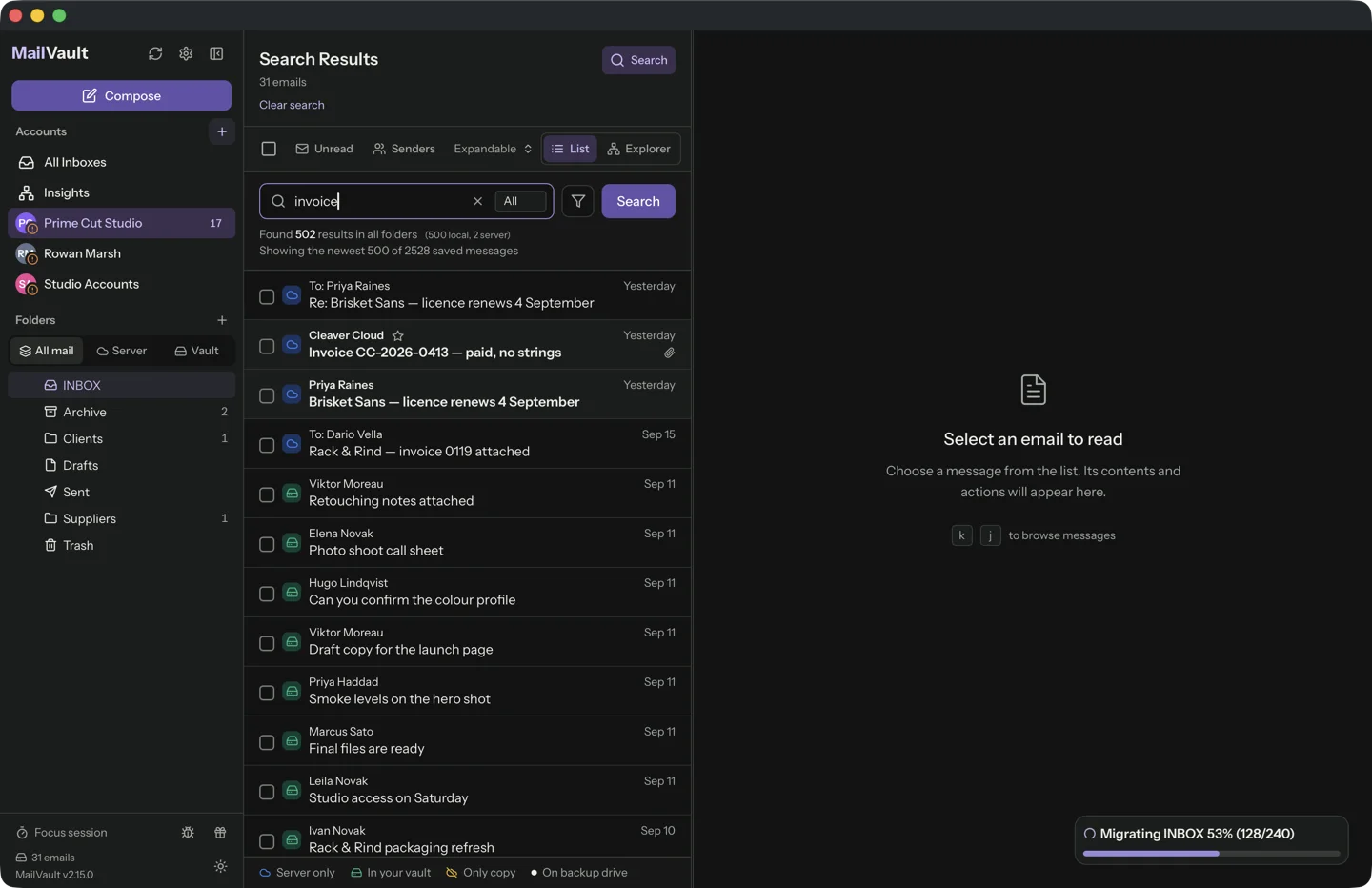
The missing document is often easier to find through the conversation that carried it. Remembering who sent it, roughly when and why can be more useful than guessing a filename that someone else chose.
Narrow the message before the file
Start with a sender, project name or approximate period. Add a distinctive word from the subject or body when the results are too broad. Search across the relevant account and folder scope rather than assuming the attachment arrived in your main inbox.
MailVault can search your local email collection. Attachment-content search is a Premium feature, so distinguish searching the surrounding message from searching text inside the attached document. You may not need the latter if the conversation already identifies the file.
Check what the message actually contains
Open the candidate and confirm the attachment name, type and content. A paperclip is not enough to establish that this is the version you need. Compare the email’s date and any revision notes with the document itself.
A link to a cloud document is not the same as a file attached to the message. The archive may preserve the link while access to the document changes later. Save important linked files separately while you are authorized to access them.
Keep the document and its context
When you find the correct attachment, save a working copy to the relevant project folder and keep the original message in the archive. The email often explains who supplied the document and which version was approved.
Before removing server copies, test messages with attachments while offline. Confirm you can open the files from the saved archive. Avoid opening unexpected executable attachments simply because the email is old. A local archive preserves the material; it does not make every attached file trustworthy.
Sources and product details
Keep reading
- How to back up your email archive to an external drive
- What to save before closing an old email account
- Offline email access: when a local archive comes in handy
Keep the email history you need. MailVault archives messages as standard EML files on your computer, with local search and optional paid automation.
Explore MailVault →