
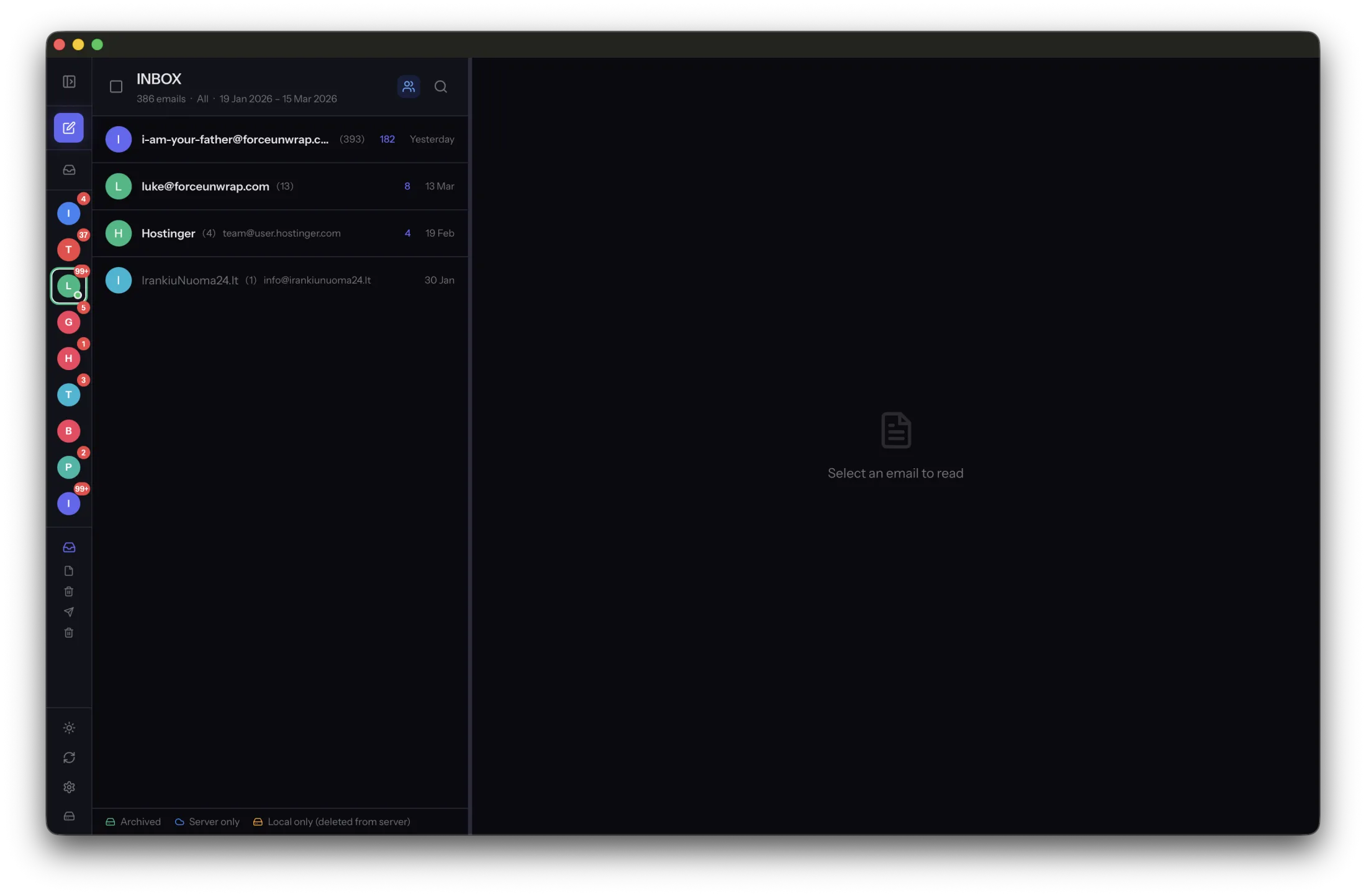
An archive should not become unreadable when an app changes or disappears. You cannot guarantee every future program will support every file, but you can reduce dependence on one application by keeping standard message files and testing another reader.
Keep original messages alongside conveniences
Search indexes, tags and previews make an archive easier to use, but they are not substitutes for the messages themselves. Keep the full saved messages, including the bodies and embedded attachments you need.
MailVault writes archived email as standard EML files. If you also export a conversation to PDF for quick reference, treat that as an additional reading copy. The message files remain the more useful basis for opening email in another compatible tool.
Try another reader before you need one
Open a small sample in a compatible mail application. Include different message types and older dates. Check the subject, sender, body and attachment access rather than stopping when the file opens.
Some content still depends on remote services. An old message may link to a document that is no longer available, and external images may fail to load. Save important linked documents separately while you have access, subject to the permissions that apply.
Leave instructions with the backup
Record where the message files live, what accounts they came from and which application you successfully used to read them. Keep that inventory with a separate backup. It should be understandable without remembering how the original app was configured.
Repeat the compatibility test after a major move or export change. Do not delete the only working collection while experimenting with imports. A readable archive is a set of files you have actually opened, not simply a format name that sounds portable.
Sources and product details
Keep reading
- Finding old attachments in a local email archive
- How to back up your email archive to an external drive
- What to save before closing an old email account
Keep the email history you need. MailVault archives messages as standard EML files on your computer, with local search and optional paid automation.
Explore MailVault →