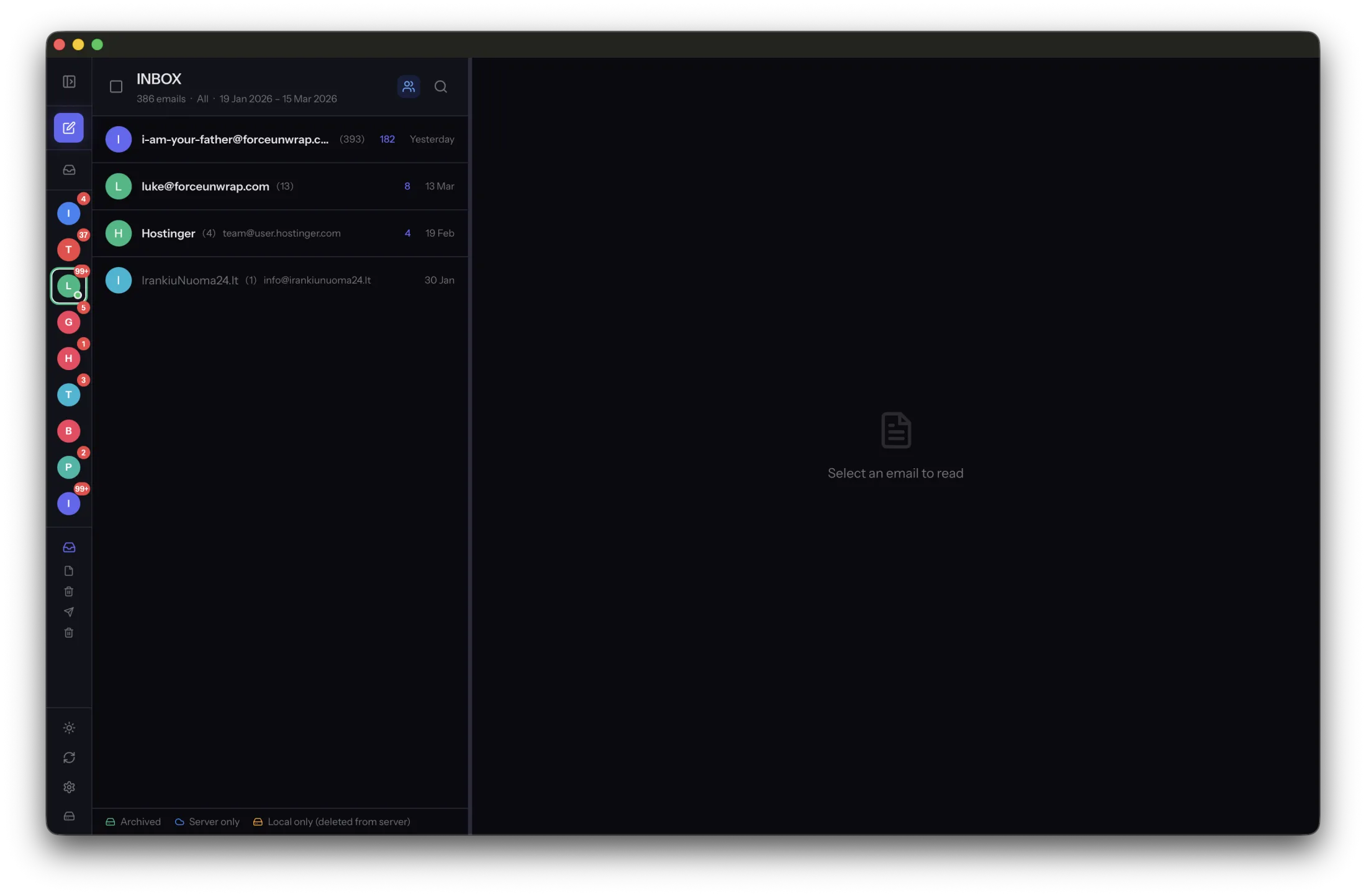
Your mail is yours. Getting all of it out of Gmail at once, however, is not something Google is willing to do. There is a published ceiling on how many bytes a single account may pull down in a day, and when you cross it the account stops answering — not for a minute, potentially for a day.
Nobody meets this limit while reading email. You meet it the first time you try to take the whole archive with you.
The numbers Google publishes
The limits are per user, per day, and Google applies them across Workspace editions:
- IMAP download: 2,500 MB per day. The relevant one for backups, archivers and desktop mail clients.
- POP download: 1,250 MB per day. Half as much, which is one more reason not to archive over POP.
- Download from the web client: 1,250 MB per day. Dragging attachments out of the browser counts too.
- IMAP upload: 500 MB per day. This is the one that bites when you are moving mail into a Gmail account rather than out of it.
- Upload from the web client: 1,500 MB per day.
Cross a threshold and the account is temporarily suspended. In Google's own words, a suspension typically lasts for one hour, but can last up to 24 hours. You sign in and get an error instead of a mailbox. Nothing is deleted — but nothing is available either.
Google also notes that these limits may change without notice, which is the polite way of saying: do not design anything that assumes the number is a contract. The current figures live on Google's Gmail bandwidth limits page.
Two and a half gigabytes sounds generous until you divide
A mailbox that has been running since university is rarely small. Fifteen years of receipts, photographs from relatives, PDFs from accountants, and a decade of newsletters adds up quickly — 30, 40, 60 GB is unremarkable.
At 2,500 MB a day, a 40 GB mailbox needs at least sixteen days of downloading. Not sixteen hours. Sixteen days, assuming nothing else touches the account and no byte is ever fetched twice.
Divide any mailbox by the ceiling and you get the calendar. A 10 GB account is four days. Fifty is twenty. A hundred is forty. And if the tool keeps retrying after the server has already said no, each overrun can cost a suspension that swallows the following day's allowance — which doubles every one of those numbers.
That last part surprises people. The budget belongs to the account, not to the app. Your phone syncing in the background, the mail client on the laptop refreshing a large folder, and an archiving tool working through the mailbox all draw from the same 2,500 MB. A backup can be perfectly well-behaved and still get the account locked because three other clients were busy at the same time.
Attachments dominate the bill. A hundred thousand plain-text messages may weigh less than four hundred emails with photographs attached. Which means the size of the mailbox in messages tells you almost nothing about how many days it will take.
Gmail counts one message more than once
Gmail is not a folder system pretending to be labels. It is a label system pretending to be folders. Over IMAP, one message that carries three labels appears in three mailboxes, plus All Mail. A tool that walks every folder and downloads everything it finds will download that message four times — and be charged four times against the daily limit.
The practical rule for any IMAP client on Gmail: choose All Mail or your individual labels, never both. All Mail contains everything exactly once, which makes it the efficient choice for a complete archive. Selecting both is the most common way to burn through a day's bandwidth in an afternoon and end up with duplicates for the trouble.
What hitting the wall looks like
There is no warning shot. The server simply starts refusing, and what surfaces in the client is usually an unhelpful authentication or connection error rather than a clear "you have downloaded too much today". Software that does not recognise the condition will treat it as a transient failure and retry — politely, patiently, in a loop, against an account that has already been suspended.
That is the real damage. The limit itself costs you time. Retrying into a locked account costs you the next day too.
An archiver that knows what it already has. MailVault reads your mail once, keeps it as files you own, and stops politely when Gmail says enough for today.
Visit MailVault →How MailVault works inside the limit
MailVault is a local email archiver: it copies your mail from the server onto your own disk as standard .eml files, and it is built on the assumption that bandwidth is the scarce resource, not disk space.
- It never downloads a message twice. Before fetching anything, it compares the UIDs on the server against the messages already saved on disk and asks only for the difference. A second run over a mailbox that has not changed costs a handful of kilobytes, not another 2,500 MB. This is the single most important property an archiver on Gmail can have.
- It negotiates connection compression. Where the server supports
COMPRESS=DEFLATE, MailVault uses it. Headers and plain-text bodies compress very well; attachments, already compressed, barely move. It buys real headroom on text-heavy mailboxes and none on photo-heavy ones. - Headers first, bodies second. Message envelopes are small. Downloading them first means you can see and search the shape of the mailbox — who, when, how large — before spending the day's allowance on the contents.
- It reads without touching. Every fetch uses
BODY.PEEK, so archiving never marks your mail as read and never provokes a re-sync in your other clients. - It reuses a small pool of connections rather than opening a new one per folder, which is also how you avoid Gmail's simultaneous-connection ceiling.
- It stops when the server says stop. When Gmail reports the bandwidth limit, MailVault ends the run instead of retrying into a suspension. Everything already downloaded stays on disk, and the app tells you plainly that the daily limit was reached and to run it again after it resets — usually within an hour, up to 24 hours.
- The archive is the state. Because progress is stored as ordinary files in ordinary folders, an interrupted run is not a corrupted database. Tomorrow's run picks up the difference by looking at what is on disk.
None of this is clever. It is just the difference between software that treats a daily allowance as a fact of the environment and software that treats the server as infinite.
Archiving a large Gmail account, practically
- Plan in days, not hours. Divide the mailbox size by 2.5 GB and expect at least that many sessions.
- Run one archiver at a time. Pause aggressive sync on other devices while the first full pass is running.
- Choose All Mail or labels, not both. All Mail holds every message exactly once.
- Expect the biggest cost first. The initial pass is the expensive one; every run after that only fetches what arrived since.
- If the account locks, wait it out. Do not restart the tool in a loop. An hour of patience is cheaper than a day of suspension.
- Verify what you have. An archive you have never opened is a hope, not a backup. Standard
.emlfiles can be opened by any mail client, which is the point of using them.
MailVault does all six of these by default, on macOS and Linux.
What we have not solved yet
Honesty is cheaper than marketing. MailVault currently reacts to the limit rather than predicting it: it does not count bytes against a daily budget and pace itself to stay under 2,500 MB, and it does not yet use Gmail's own message identifiers to recognise that a message filed under a label and the same message in All Mail are one message rather than two. Both are on the list. Until then, the guidance above — one archiver, All Mail only, several days — does the same job with less code.
Get your mail out of the cloud, one day's worth at a time. MailVault archives Gmail and any other IMAP account to standard .eml files on your own machine, and never downloads the same message twice.