
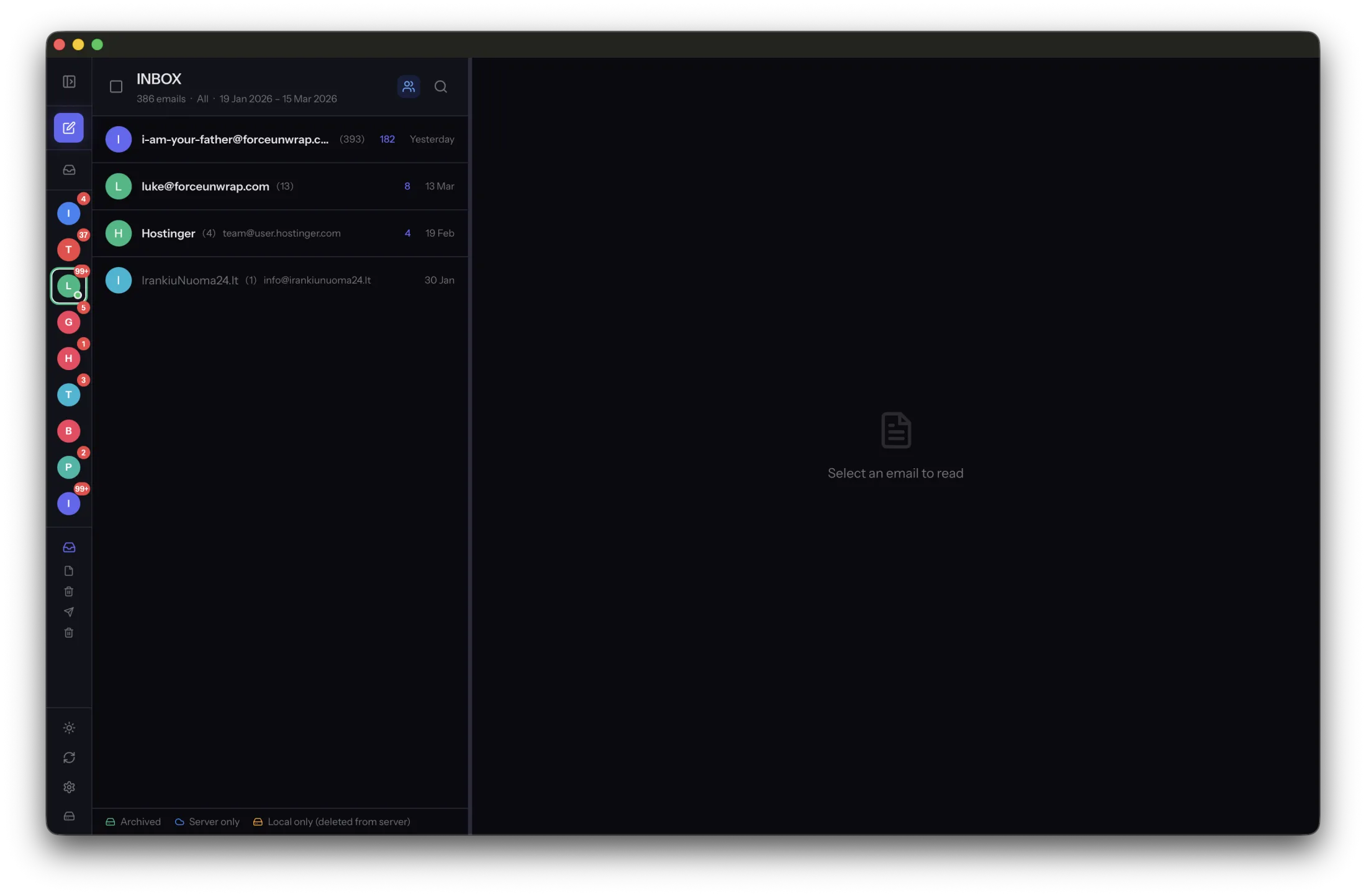
Two devices showing the same email do not necessarily mean you have two independent copies. They may both be displaying the current state of one server mailbox. Understanding that relationship makes deletion and recovery decisions much clearer.
The server holds the shared mailbox state
IMAP lets clients access mailboxes on a server and observe changes. Read status, folder actions and deletions can become visible to other connected clients. The exact interface differs, but the shared-server relationship is the important part.
A client may keep a local cache to make browsing faster. That cache can be incomplete, managed by a download policy or removed when an account is disconnected. Do not assume it is a permanent archive because it exists on disk today.
An archive has its own lifetime
A deliberate local archive preserves messages independently of later server changes. MailVault saves archived messages as EML files. This lets saved history remain useful when you choose to remove corresponding server copies.
Archiving is not the same as moving a message to a server folder called Archive. That folder may still consume provider storage and synchronize like any other mailbox. Check the action’s destination before assuming it created an independent copy.
Verify the boundary with a small test
Use a non-critical test message. Save it to the local archive, confirm it opens offline and back it up. Then observe how a server-side action affects the live mailbox view while leaving the saved copy readable.
Do not run that experiment on the only copy of an important conversation. The useful outcome is knowing which view reflects the server and which files are yours to keep. Build cleanup and backup routines around those verified boundaries rather than the names of buttons or folders.
Sources and product details
Keep reading
- Why deleting an email on one device can remove it everywhere
- Keeping receipts and order confirmations easy to find
- How to organize email history from multiple accounts
Keep the email history you need. MailVault archives messages as standard EML files on your computer, with local search and optional paid automation.
Explore MailVault →