
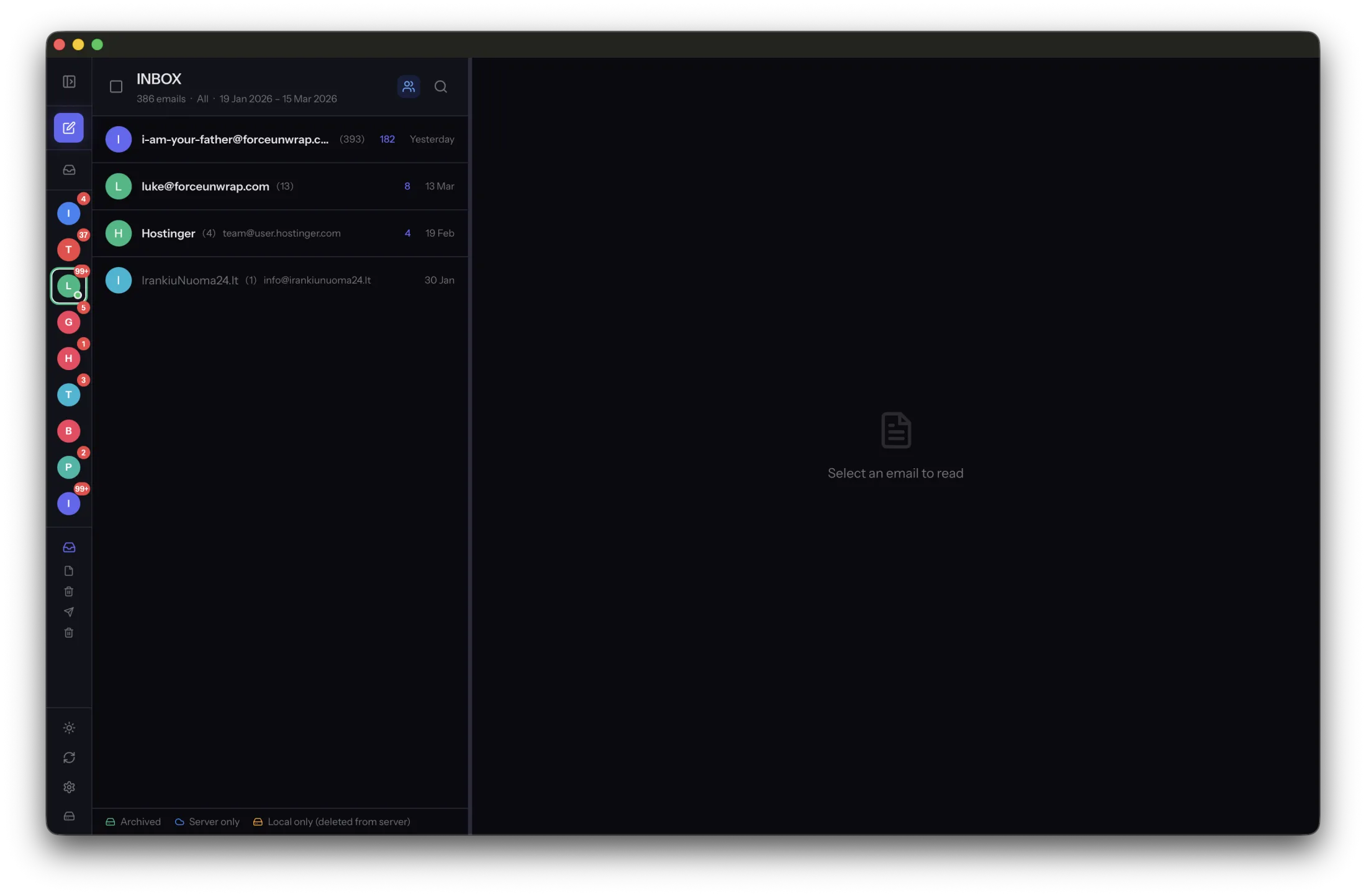
A personal address, a studio account and an old provider can contain parts of the same story. Bringing them into one tool can make searching easier, but it should not erase where the messages came from.
Keep account identity visible
Use clear account labels and record the original addresses in a private inventory. Similar display names can hide important differences. A conversation sent from a work account may carry permissions or responsibilities that do not apply to personal mail.
Check sent folders as well as inboxes. A unified incoming view does not necessarily show the full outgoing history you need. Define the date ranges and folders for each account separately before archiving.
Expect overlap without rushing to delete
Forwarding, copied recipients and provider changes can create repeated messages across accounts. Two similar subjects are not enough to prove duplication. Different recipients, attachments or thread context may make both copies useful.
Keep collections identifiable while you investigate. Search in MailVault across the relevant scope, then narrow to one account when needed. Do not rename or move individual files inside application-managed storage just to create a new visual arrangement.
Maintain a coverage record
List each account, its archived period and the location of its backup. Mark accounts that are closed or no longer synchronized. That record prevents a future reader from assuming a partial collection covers the entire history.
Respect the ownership of work correspondence and archive only what you are authorized to keep. Test messages from every account offline, including attachments, and restore samples from the backup. The goal is one understandable history with its boundaries intact, not an undifferentiated pile of files.
Sources and product details
Keep reading
- What happens to your email archive when you change computers?
- Building a backup routine for your archived emails
- Email archiving vs. email backup: what is the difference?
Keep the email history you need. MailVault archives messages as standard EML files on your computer, with local search and optional paid automation.
Explore MailVault →