
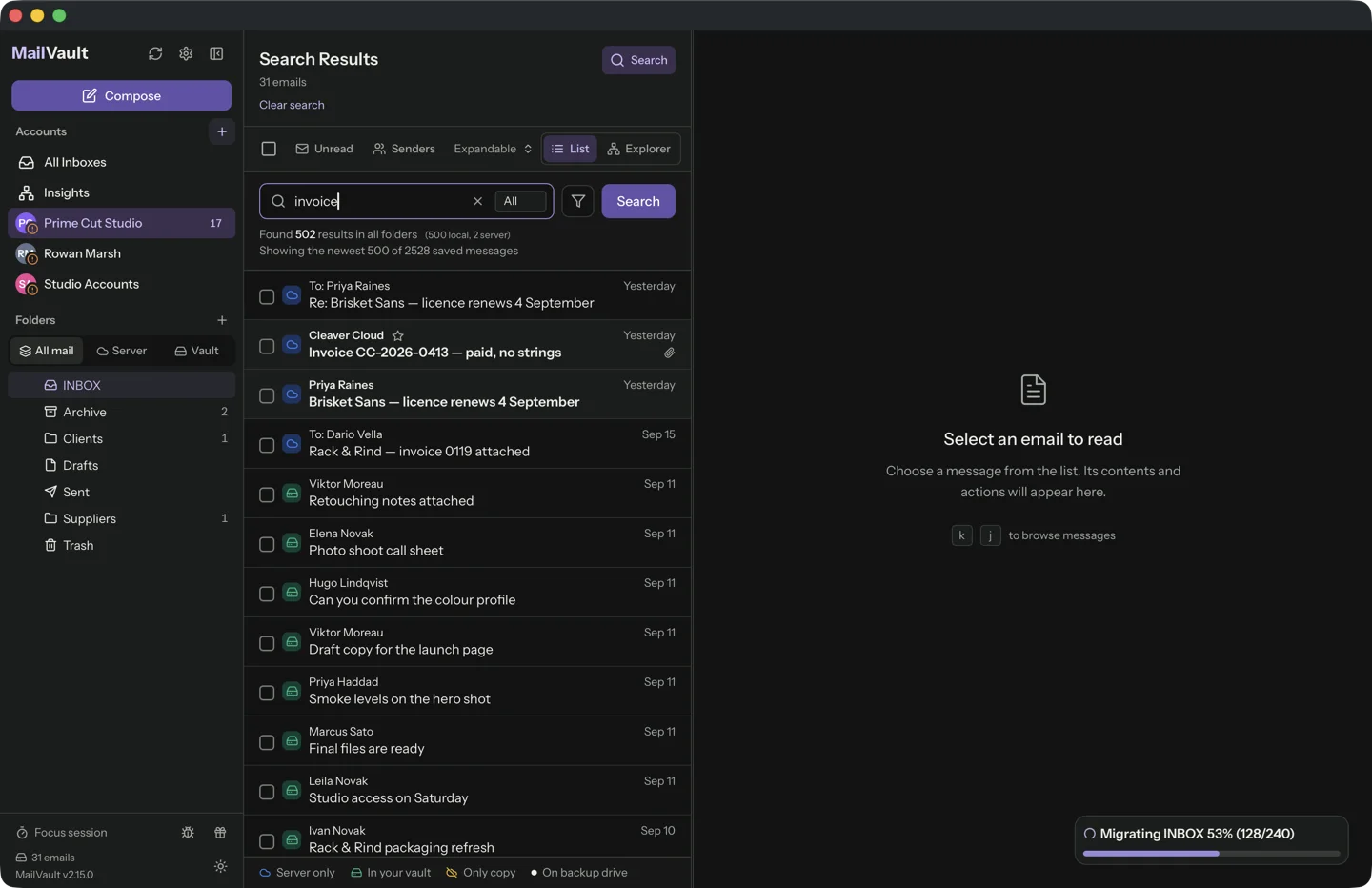
Purchase emails become useful when you need a warranty, delivery detail or the exact model you bought. A tidy inbox is less important than being able to recover the right message without remembering its subject line.
Keep clues you will actually remember
Merchant name, approximate date, order number and product name are useful starting points. Search broadly first, then add another clue. Do not expect every sender to use the word Receipt; some messages are titled confirmation, invoice or payment received.
When using folders or tags, keep the scheme simple. A broad Purchases category can be easier to maintain than a folder for every merchant. Preserve the original correspondence rather than rewriting it into a note and discarding the message.
Keep the document, not just a link
Some emails contain an attached invoice; others direct you to a customer portal. The archived message preserves the link, but the portal may later require an account or stop serving the file. Download documents you need while you have authorized access.
Store a working copy with the purchase record and keep the email that explains its source. Avoid treating an order confirmation as interchangeable with a final invoice or delivery notice. They record different stages of the purchase.
Test your retrieval routine
Pick an older purchase and try to find its email in MailVault using the details you remember. Open its attachment or saved document. If the search takes too long, improve one useful tag or note instead of reorganizing the whole archive.
Back up the messages and any separately saved documents. Keep personal purchase information out of shared folders unless intended. A good routine lets you retrieve the evidence you need; it does not require keeping every promotional message that arrived afterward.
Sources and product details
Keep reading
- How to organize email history from multiple accounts
- What happens to your email archive when you change computers?
- Building a backup routine for your archived emails
Keep the email history you need. MailVault archives messages as standard EML files on your computer, with local search and optional paid automation.
Explore MailVault →