
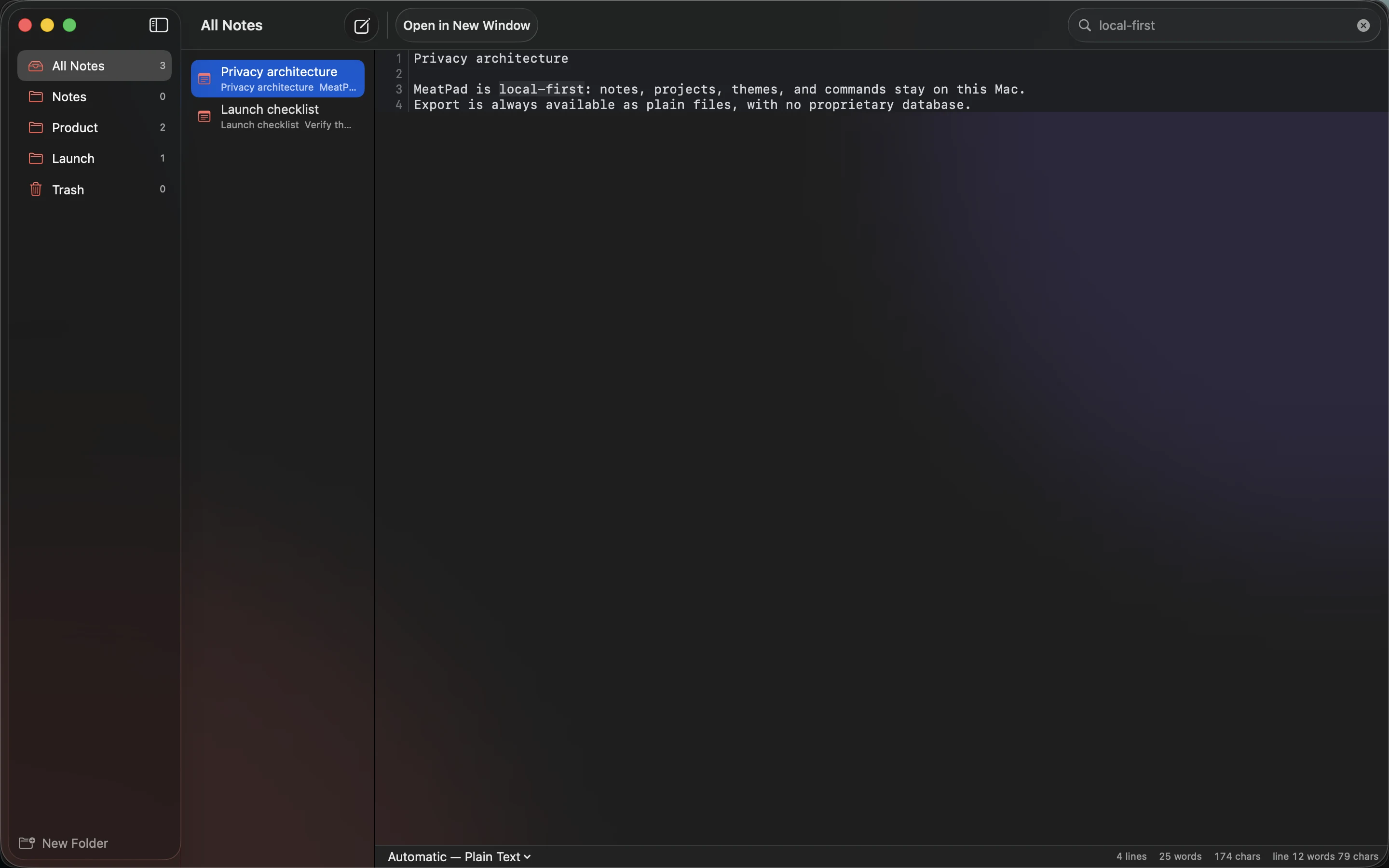
Local notes make the storage boundary easier to understand: your writing lives on your computer. That can be a useful choice for privacy, offline access and portability. It also makes backup a decision you need to take seriously.
Know where the files are
Identify the folders that hold your notes and project documents. Do not assume that seeing a note in an application tells you its storage path. Keep a small inventory if the collection spans several locations.
MeatPad combines notes with a local project editor. A project’s Markdown and text files can remain understandable outside the app, but linked images and supporting material need to travel with them. Backing up only .md files may leave part of the work behind.
Separate local storage from automatic protection
A local file is not automatically backed up. A synchronized folder may propagate deletion, and another directory on the same drive does not protect against drive failure. Decide which separate destination will hold recovery copies.
Choose a frequency based on the amount of writing you could afford to lose. Versioned backups are useful when an accidental edit is noticed days later. Review access controls for sensitive notes, especially on shared computers or removable drives.
Test the recovery you expect
Restore one note and a small project to a separate location. Open the text, follow a relative link and inspect a referenced image. This checks the collection as a working document, not merely as a list of copied filenames.
Repeat after moving folders or changing the backup software. Keep the active collection simple enough that you know what must be included. Local ownership gives you control over the files and tools; a verified backup keeps that control useful when the computer is unavailable.
Sources and product details
Keep reading
- A practical Markdown workflow for blog drafts
- Keeping code snippets useful six months later
- How to write a README people can actually follow
Start with a note. MeatPad gives notes, Markdown and project files a local workspace on your Mac, without an account requirement.
Explore MeatPad →