
Rough notes are allowed to contradict each other. A brief has a different job: make the next decision possible. Moving from one to the other means choosing what the project is for, not merely tidying the sentences.
Find the problem beneath the ideas
Read the notes once and highlight the problem, the person affected and the desired change. Separate those from possible features. “Add a dashboard” is an idea; “help the team see overdue work” explains why a project might exist.
Write a short purpose paragraph in your own words. If the notes describe several unrelated problems, choose one for this brief and preserve the others in an ideas file. A smaller coherent project is easier to evaluate.
Make boundaries explicit
Add sections for audience, required behavior, exclusions and unanswered questions. Describe the work using an example: what someone does today and what should happen afterward. Avoid filling unknowns with confident guesses just to make the brief look complete.
Define a completion condition you can observe. “Easier to use” needs an example or a measure; “a person can find the overdue items without opening each project” is easier to assess. Note any dependencies that can block that outcome.
Keep the rough source nearby
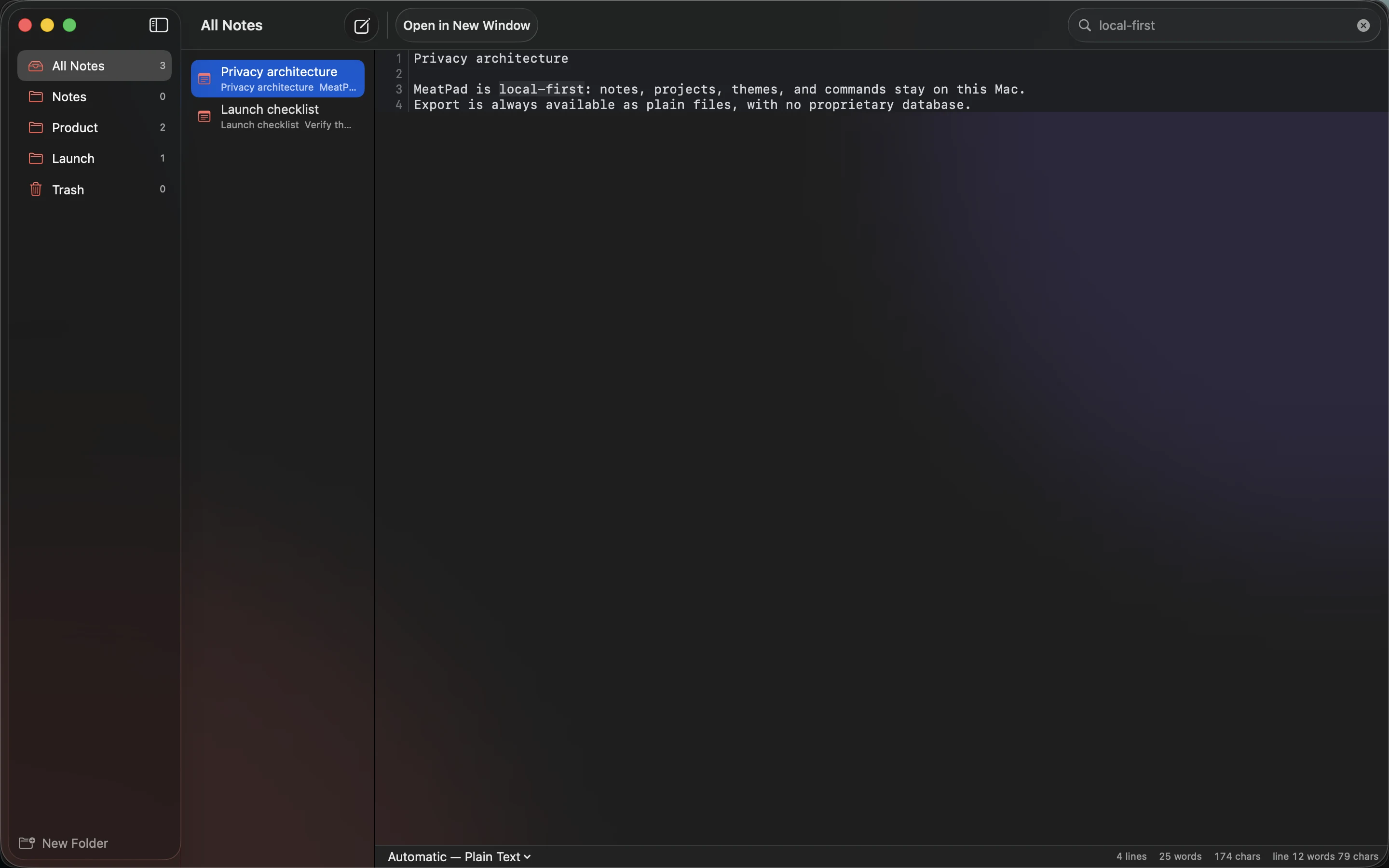
Use MeatPad to keep the brief and original notes in the same project workspace. Link or name the source so someone can trace a decision back to its context. The brief should be the current decision document, not a replacement for every exploratory thought.
Read it as someone joining the project for the first time. They should understand the purpose, what is included and the next unresolved decision. If they need an oral explanation for every section, add the missing context before treating the document as ready to act on.
Sources and product details
Keep reading
- A simple folder structure for notes and small projects
- Local notes: what you gain and what you need to back up
- A practical Markdown workflow for blog drafts
Start with a note. MeatPad gives notes, Markdown and project files a local workspace on your Mac, without an account requirement.
Explore MeatPad →