
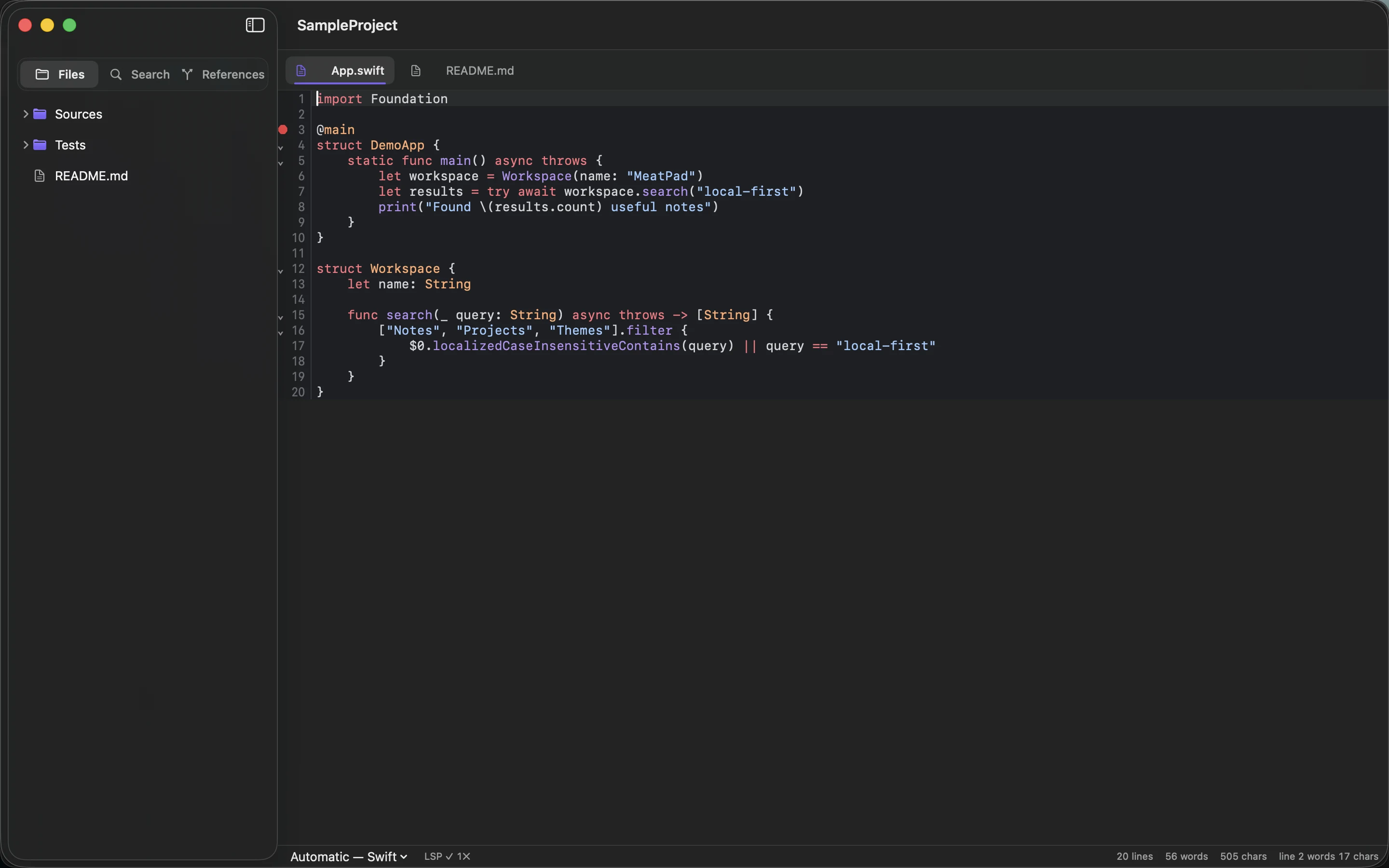
A folder structure should make saving and finding things easier. If every new note requires deciding between six overlapping categories, the structure has become another task. Begin with a few places that match how you work.
Separate capture from organized work
Keep an inbox for quick notes whose destination is not yet clear. Use a projects area for work with a defined outcome and a reference area for material you expect to consult again. An archive can hold completed projects without crowding the active list.
Do not create all possible subfolders in advance. A project with three files may only need one directory. Add a level when the existing collection has a real grouping problem, not because the structure looks more professional.
Keep a project’s context together
Store its brief, working notes and related text files under the same project directory. Put images or supporting files in a clearly named assets folder when needed. Relative links are easier to preserve when the containing project moves as a unit.
MeatPad provides a local project workspace, so the filesystem can stay the source of organization. Keep original filenames stable when other documents link to them. A visual cleanup that breaks links is not an improvement.
Review the inbox, not every folder
Choose a regular moment to move actionable notes into projects and useful information into reference. Delete only material you no longer need, and leave uncertain items with enough context to revisit them.
Try the structure for one real project before reorganizing years of notes. If you can save a new file quickly and find it a week later, it is working. Back up the containing folders, including assets; plain text is portable, but a single local copy can still be lost.
Sources and product details
Keep reading
- Local notes: what you gain and what you need to back up
- A practical Markdown workflow for blog drafts
- Keeping code snippets useful six months later
Start with a note. MeatPad gives notes, Markdown and project files a local workspace on your Mac, without an account requirement.
Explore MeatPad →