
A filename is a small piece of context you see before opening a document. “Notes 7” wastes that space. A useful name tells you what the file concerns and, when necessary, which occurrence it records.
Name the subject before the format
Use the words you would search for later: the project, meeting or problem. You rarely need to put Note in every filename. “Website launch questions” is more informative than “Markdown notes.”
Keep names concise enough to read in a file tree. Avoid squeezing the whole document summary into the filename; the title and opening paragraph can carry detail. Consistency matters more than choosing one supposedly perfect style.
Use dates when time distinguishes entries
Dates help with recurring meetings, daily logs and snapshots. A year-month-day pattern sorts predictably as text. Put the date in a consistent position so related files remain easy to scan.
Do not date every reference note if its identity is a stable subject. A note about printer requirements may need a checked date inside the document rather than a new filename after every correction. Distinguish publication dates, meeting dates and last-review dates when they mean different things.
Rename with links in mind
If another document refers to a file, renaming it can break that path. Update those references or keep the name stable. Avoid chains of Final, Final2 and ReallyFinal; use clear versions only when multiple deliverables must coexist.
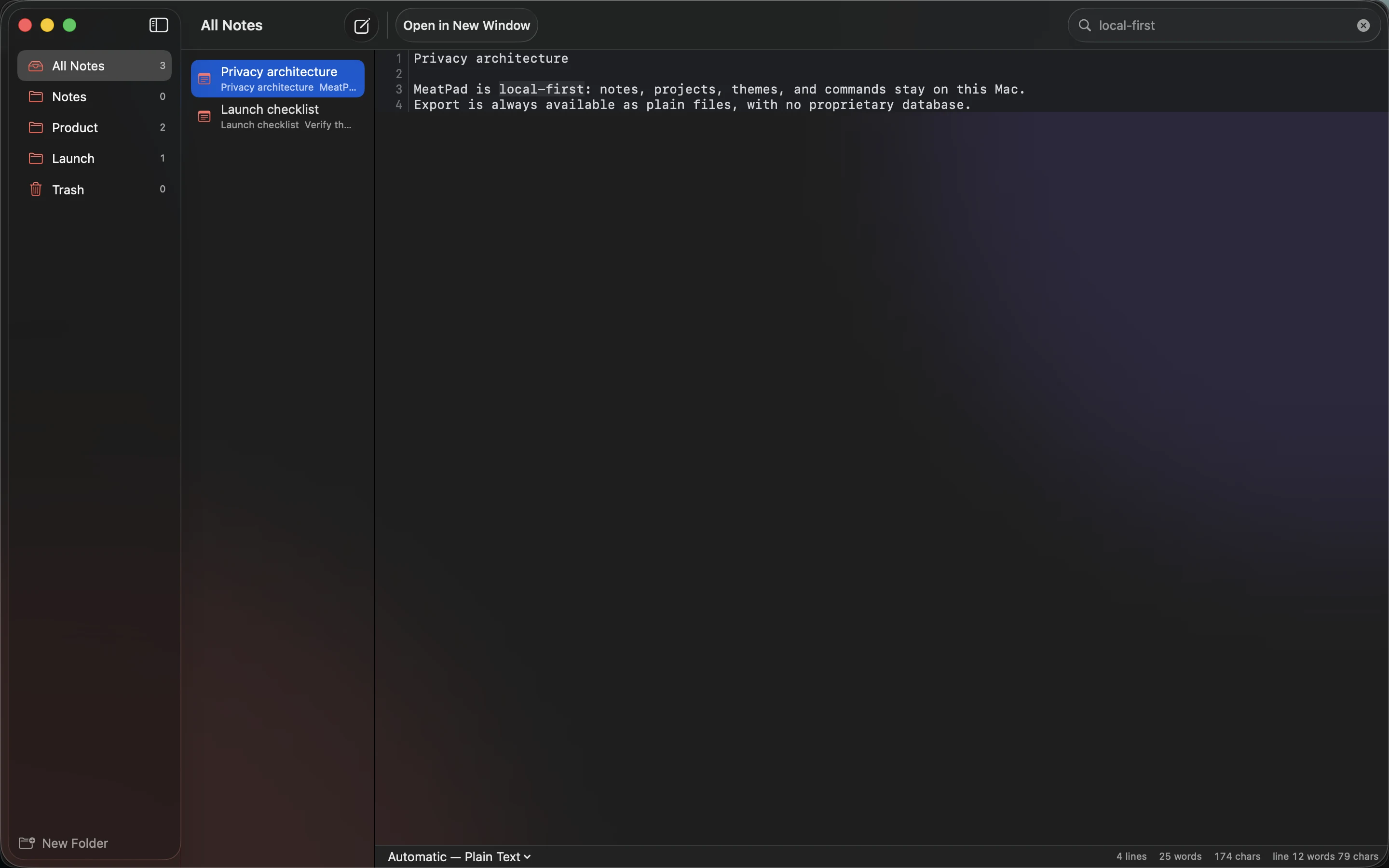
Use MeatPad’s search and project view to test a handful of real filenames. Ask whether you can distinguish them without opening each one. If not, improve the subject words first. Back up before a bulk rename, and inspect references afterward rather than assuming a cleaner tree means a safer collection.
Sources and product details
Keep reading
- Using Markdown tables without making your notes hard to edit
- A weekly review for notes, ideas and unfinished tasks
- From quick note to published article: a simple writing workflow
Start with a note. MeatPad gives notes, Markdown and project files a local workspace on your Mac, without an account requirement.
Explore MeatPad →