
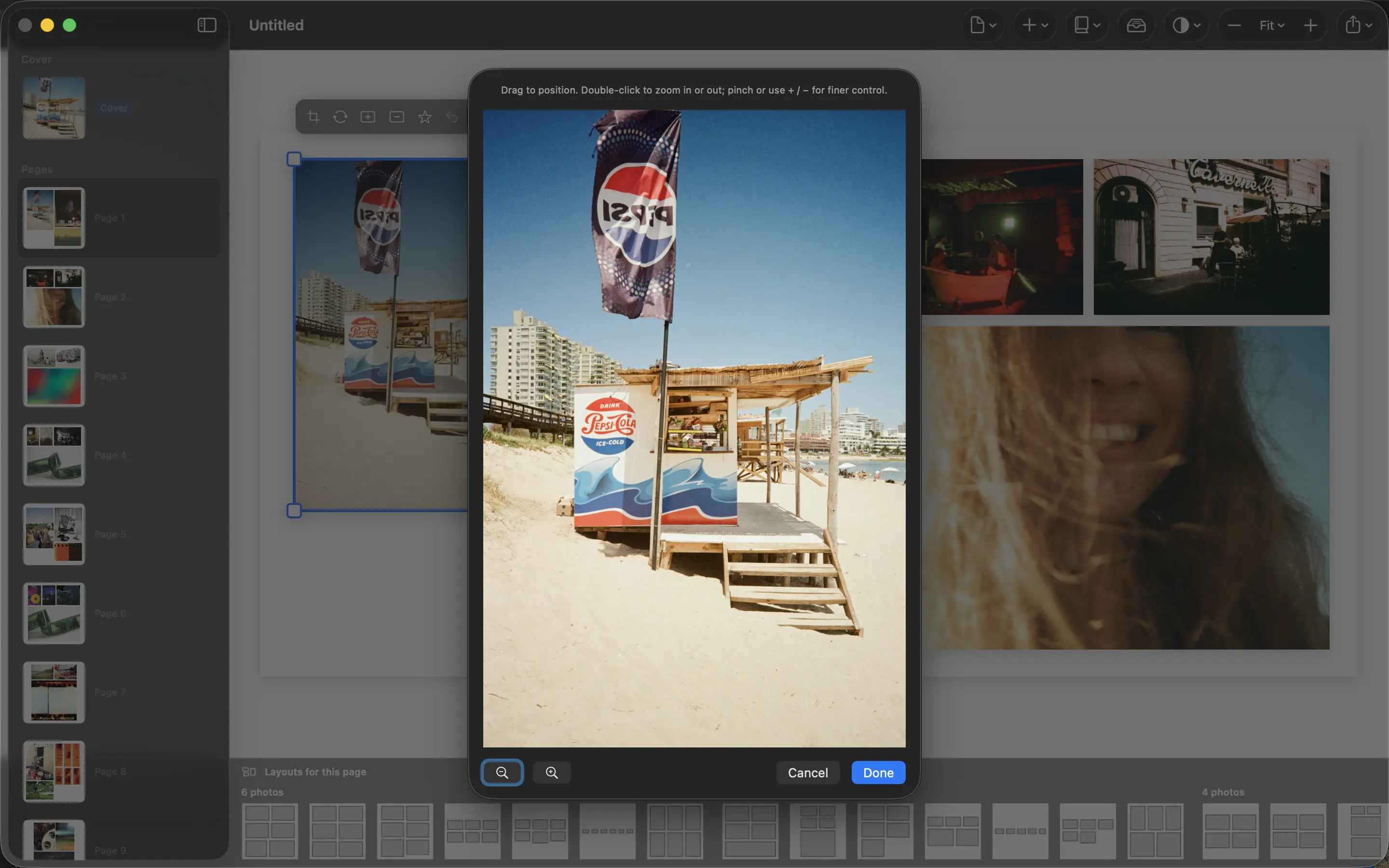
A travel book needs more than proof that you visited the landmarks. The photographs that explain how the trip felt are often less obvious: a wet platform, a shared breakfast, the view from a temporary home.
Start before the biggest attraction
Choose an opening that establishes departure or arrival. A station, packed bag or first view of the destination gives the reader a starting point. Save a dramatic landmark photograph for the place where it belongs in the journey.
Then alternate broad views with closer details. A street scene explains the setting; a handwritten menu or a pair of muddy shoes makes the experience specific. People help connect the location to the travelers rather than leaving the book looking like a brochure.
Give each stop its own rhythm
Group photographs by day or location, but avoid making every chapter the same length. A quiet afternoon may need one spread. A hike with changing weather may deserve several. Let the variety in the trip create variety in the book.
When a sequence feels repetitive, choose one establishing view and one detail instead of several similar panoramas. Keep a photograph of the route or the return journey when it helps connect places. Captions can name an unfamiliar location without turning every page into a diary entry.
Choose an ending, not just the last file
The final photograph by capture time is not automatically the best closing page. Look for an image that feels like a return, a pause or a last look. The book should end intentionally even when the camera roll ends with a receipt.
Arrange the selection in PhotoBooks and read it without stopping to edit. If someone who did not join the trip can follow the journey, the structure is working. Then return to crops and spacing, keeping the story clear as you refine the pages.
Sources and product details
Keep reading
- What makes a good photo book cover?
- Captions that add meaning to a photo book
- Portrait and landscape photos: making them work together
Make a book from your own photographs. Choose an Apple Photos album, refine the pages and export a PDF for printing or sharing.
Explore PhotoBooks →