
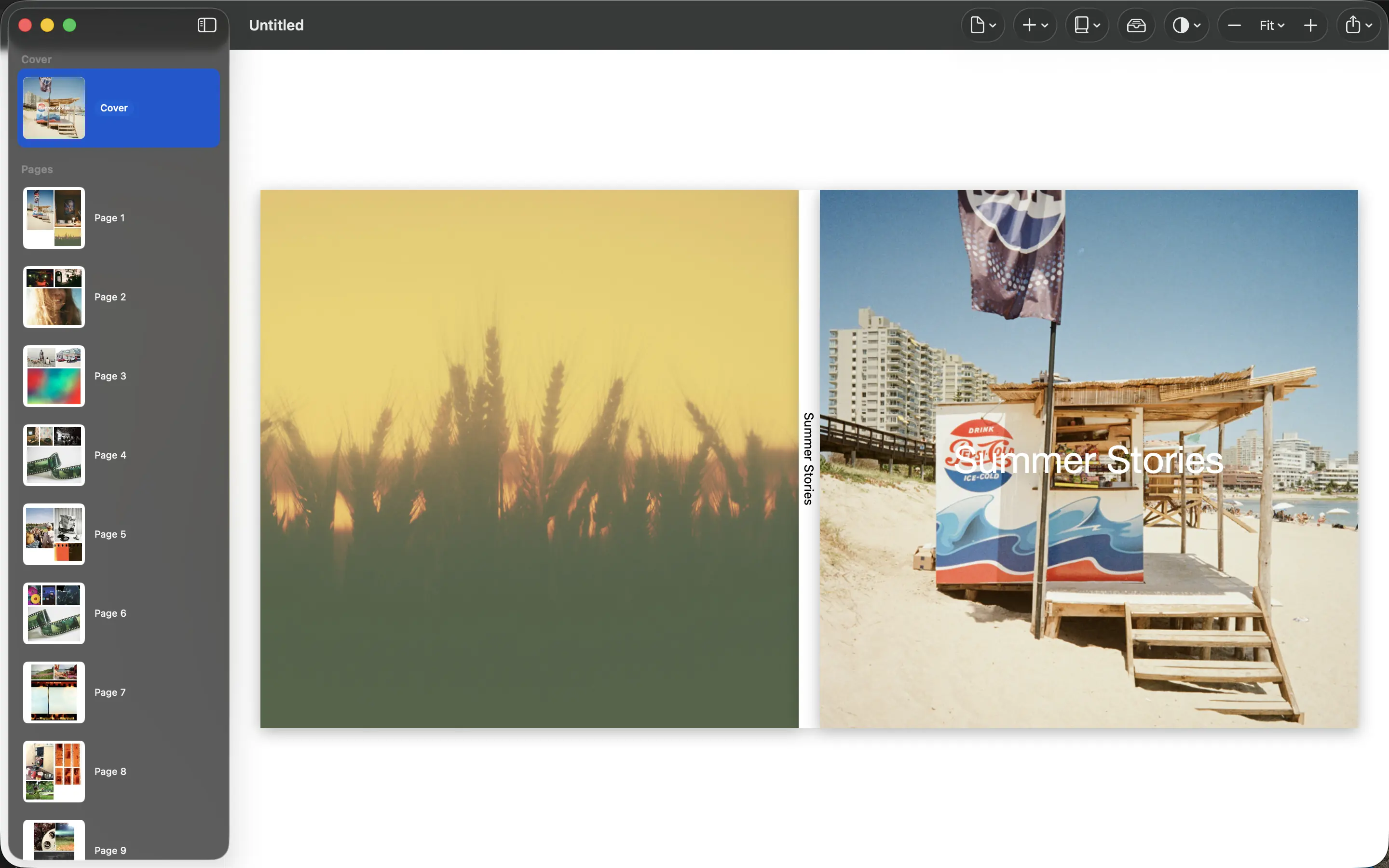
A caption earns its space when it tells the reader something the picture cannot. “At the beach” adds little to a beach photograph. The name of the place, who was there or why everyone was laughing can add years of meaning.
Record the facts you might forget
Make a separate caption list while selecting photographs. Note names, locations and dates where they matter. Verify spellings with the people involved rather than trusting your memory, especially for family history or a book intended as a gift.
Keep uncertain details honest. “Summer 2019” is better than an exact date you guessed. If several pictures belong to one event, one introductory caption may provide enough context for the whole sequence.
Add the missing piece of the story
Use a short sentence to explain what happened just before or after the photograph. A failed picnic, a long-awaited visit or a child’s phrase gives a familiar image a different weight. The aim is context, not a transcript of the day.
Read captions aloud. If a sentence sounds formal beside an ordinary family photograph, write it the way you would explain the moment to a friend. Avoid repeating the same introduction on every page.
Keep a separate copy of the words
Store the caption text with the project so it remains available even if the layout changes. Apply it using the text controls your chosen workflow supports; if a layout has no suitable caption space, do not crowd an important photograph just to include everything.
Review the final PDF for punctuation, names and readability. A caption that looks comfortable on a large monitor may be too small on paper. A useful test is whether a reader unfamiliar with the event understands the added detail without needing another explanation.
Sources and product details
Keep reading
- Portrait and landscape photos: making them work together
- Preparing a photo book PDF for printing
- Why printed photos look different from your screen
Make a book from your own photographs. Choose an Apple Photos album, refine the pages and export a PDF for printing or sharing.
Explore PhotoBooks →