Email journaling records a copy of messages as they pass through the mail server, so an organization has a record for compliance. Email archiving moves messages out of the mailbox and keeps them somewhere else for later use. One is evidence for the organization; the other is a library for the people who use the mail.
Journaling vs archiving in one sentence each
Microsoft’s Exchange documentation draws the line clearly. Journaling means recording email communications as part of an organization’s email retention strategy. Archiving means removing email messages from their native location, such as a user’s mailbox, and storing them elsewhere.
| Aspect | Journaling | Archiving |
|---|---|---|
| What it captures | A copy of messages as they flow through the server | Messages someone chose, or a policy moved |
| When | At send or receive time | Later, after the message has been read |
| Who runs it | Administrators | Administrators or the mailbox owner |
| Main purpose | Compliance, audits, legal requests | Space, organization, finding old mail |
| Can the user change it? | Not meant to | Usually yes |
How email journaling works
In Exchange, a journal rule says whose mail to record and whether to cover internal messages, external messages or both. When a message matches, the server creates a journal report: a new message with the original attached unaltered and a summary of sender, subject, message ID and recipients in its body. The report goes to a journaling mailbox, often a dedicated archiving system.
This happens on the server, before anyone has a chance to delete or edit anything. That is the point: the record exists even if the user later empties their mailbox.
Journaling is now the older approach in Microsoft 365. Microsoft calls it an older feature, recommends Microsoft 365 retention policies where possible, and does not allow an Exchange Online mailbox to be the journaling mailbox. Google Workspace documents retention through Google Vault, and its comprehensive mail storage setting keeps a copy of sent and received mail in users’ mailboxes so Vault rules cover it.
What email archiving is for
Archiving is about keeping and using mail. A company may move older messages out of busy mailboxes to save space. An individual may archive a finished project, an old job or an account they are about to close. The archive needs a clear scope and good search; it does not need to prove that nothing was ever removed.
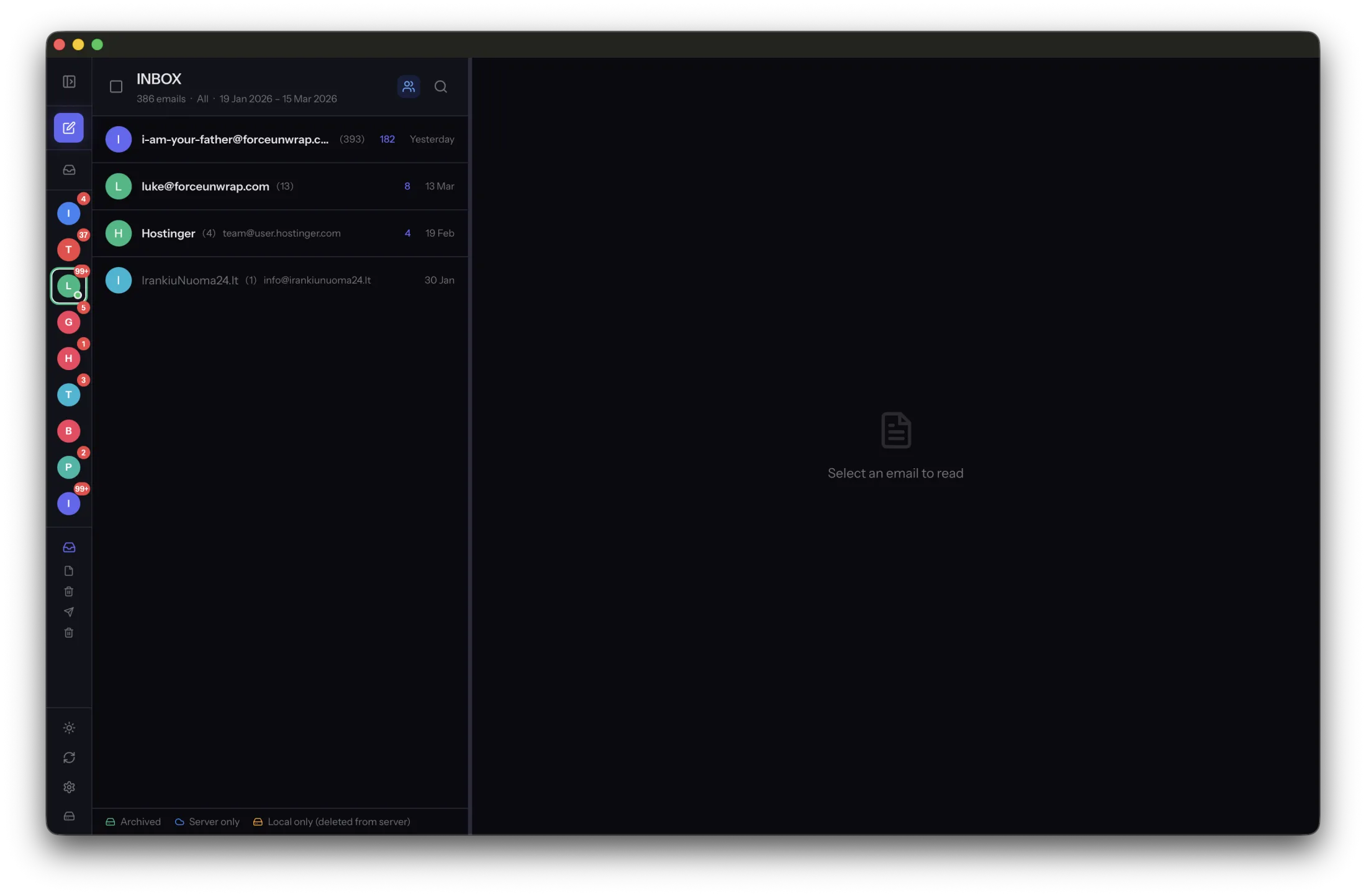
A personal archive such as MailVault works at this level. You choose which accounts, folders or years to keep, and the messages are saved on your own computer, so they stay readable after you delete them from the server or close the account. Nothing is captured automatically at the server, and nobody else reviews what you keep. The format matters too: one standard file per message is easier to open in another app years later than a proprietary database.
If you are deciding which file format to keep archived mail in, compare the options. EML vs MSG vs PST vs MBOX
Archiving is also different from a backup. A backup is a second copy you restore from after something goes wrong.
The archive and backup distinction is covered in its own guide. Email archiving vs email backup
Who needs journaling, and who needs an archive
Journaling is for organizations that must keep a record of business communication. Microsoft lists regulations where journaling may help form part of a compliance strategy, among them the Sarbanes-Oxley Act, SEC Rule 17a-4 and HIPAA. A regulated firm usually needs a system that captures mail automatically, restricts who can access it and supports legal holds.
Individuals, freelancers and small teams without such duties usually need an archive: their own copy of the mail they care about, which stays readable when the provider deletes it or the account closes.
This guide is not legal advice. Whether your organization must journal, and for how long, depends on your sector and jurisdiction. Ask your legal adviser or compliance officer, and do not assume that any archive tool satisfies a retention rule.
What a personal local archive does and does not give you
MailVault is a personal local archive. By default it keeps the messages you archive as standard .eml files on your own computer, so they stay readable after the server copy is gone and do not depend on a hosted service.
- It does give you: your own copy of chosen mail, local search, files other apps can open and a backup you control.
- It does not give you: server-side capture of every message, an administrator console, legal holds or tamper-proof storage.
- Because the files are yours, you can also delete or edit them, which is exactly what a compliance record must prevent.
So MailVault is not a compliance journaling system, and it makes no such claim. If your employer journals your work mail, that record exists separately from anything you keep. If you archive work mail yourself, check that you are allowed to keep it.
For the format your archived messages are stored in, see the overview. What is an EML file?
To understand why a synced mailbox is neither a journal nor an archive, read this next. IMAP sync vs a local archive
Sources and product details
- MailVault: features and workflow
- Microsoft: Journaling in Exchange Server
- Microsoft: Journaling in Exchange Online
- Google: How retention works in Vault
- Google: Set up comprehensive mail storage
Keep reading
- Email archiving vs. email backup: what is the difference?
- IMAP sync vs. a local archive: where your messages live
- EML file: what it is and how to open it
Keep the email history you need. MailVault archives messages as standard EML files on your computer, with local search and optional paid automation.
Explore MailVault →