EML and MSG each hold one email, while PST and MBOX hold many. EML and MBOX are text built on the standard internet message format; MSG and PST are Microsoft Outlook binary formats. For a portable archive, text formats are easier to open in more apps years later.
EML, MSG, PST and MBOX at a glance
| Format | Holds | Text or binary | Usually created by | Opened by | Good for |
|---|---|---|---|---|---|
| EML | One message | Text | Most mail apps when you save a message | Most desktop mail apps, a text editor | Single messages, per-message archives |
| MSG | One Outlook item | Binary | Outlook | Outlook and tools that read the format | Passing one message between Outlook users |
| PST | Many items: mail, calendar, contacts | Binary | Outlook | Outlook | Exporting or moving Outlook data |
| OST | Offline copy of a server mailbox | Binary | Outlook | Outlook, for the account it syncs | Nothing you should keep as an archive |
| MBOX | Many messages | Text | Thunderbird, Apple Mail export, other apps | Many desktop mail apps | Moving a whole mailbox between apps |
What the EML format is
An .eml file is one message in the format defined by RFC 5322: header lines such as From, To, Subject and Date, a blank line, then the body. Attachments and HTML parts are packed into the same file using MIME. Because it is text, you can open it in a text editor or search it with ordinary tools.
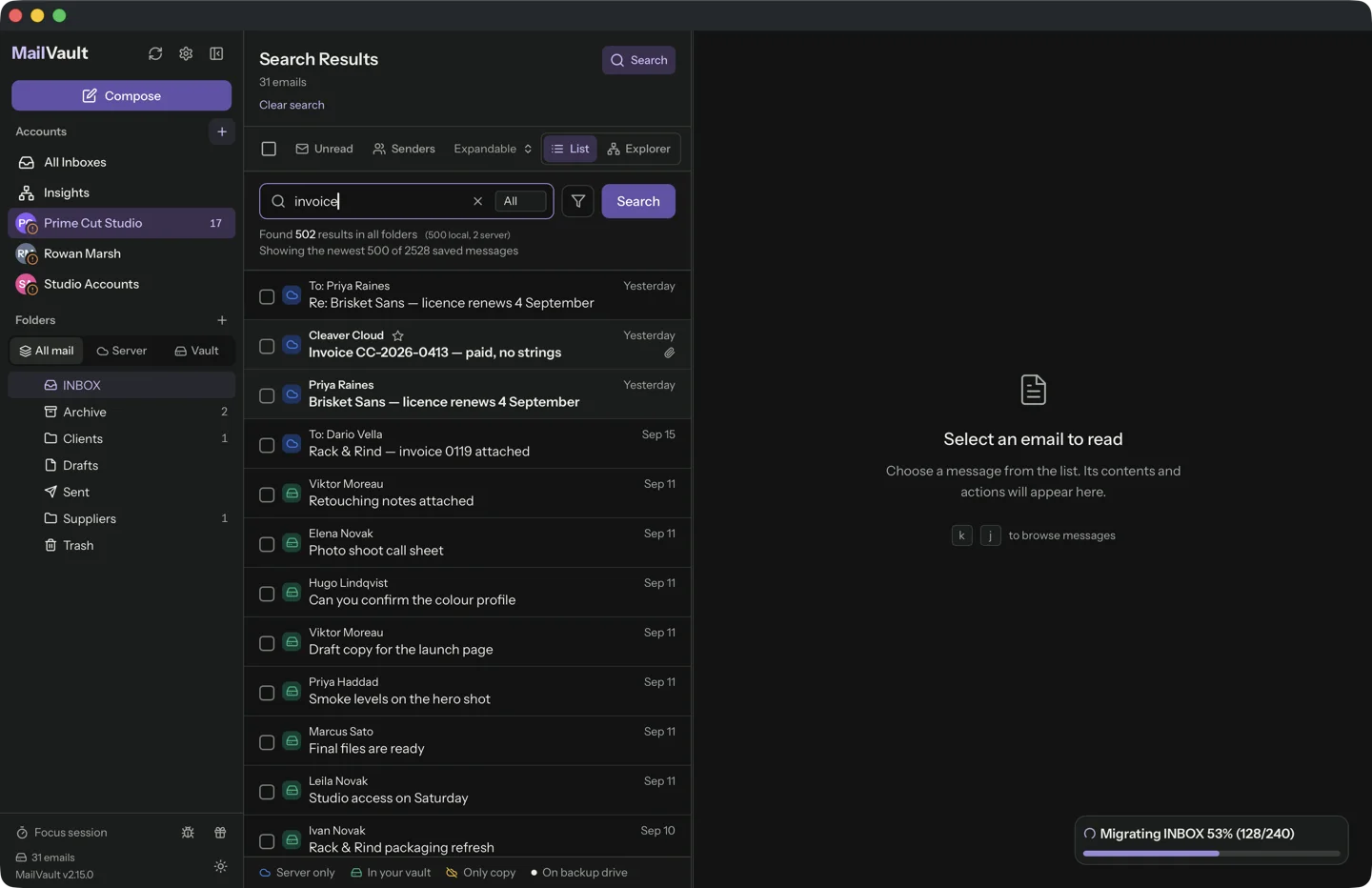
MailVault uses this format for its vault: by default each archived message is a separate .eml file in a Maildir folder tree on your computer, readable without MailVault.
For more detail on what an .eml contains and why it matters, start with the overview. What is an EML file?
MSG: Outlook’s single-message file
An .msg file also holds one item, but in a different way. Microsoft’s specification describes it as the Outlook Item file format, built on the Compound File Binary Format, and it can store an email, appointment, contact or task. It is not plain text, so a text editor shows mostly unreadable data.
MSG files usually come from Outlook on Windows. Microsoft notes that new Outlook for Windows needs a qualifying Microsoft 365 subscription to open .msg files, while .eml files have no such requirement listed. If you send a saved message to someone who does not use Outlook, .eml is the safer choice.
PST and OST: Outlook data files
A .pst file is an Outlook Data File that holds many Outlook messages and other items, such as calendar entries and contacts. Microsoft uses it for POP accounts and for exports and archives you create yourself. Microsoft’s current page says new Outlook for Windows can open .pst files with limits, including that classic Outlook must also be installed.
An .ost file is different: Microsoft describes it as a synchronized copy of the messages saved on a server. The real mailbox lives on the server, which is exactly why an .ost is not an archive. If a message is deleted on the server, the next sync can remove it from the .ost as well.
That difference between a synced copy and an independent one is explained here. IMAP sync vs a local archive
MBOX: many messages in one text file
An mbox file stores a whole mailbox as one text file. Messages are written one after another, each starting with a separator line that begins with the word From followed by a space. RFC 4155 registers the application/mbox media type, but it also notes that no authoritative specification exists, and implementations differ in details such as how lines inside messages are escaped.
From [email protected] Tue Nov  3 09:14:00 2026
From: [email protected]
Subject: Signed contract

Hi Sam, the signed copy is attached.
In practice MBOX is the common exchange format between desktop apps. Apple Mail can import messages exported in mbox format from other apps and exports its own mailboxes as .mbox packages. MailVault can export your vault to one MBOX file for Thunderbird, Apple Mail and others, and import an MBOX from another client into the vault.
Apple Mail also has a format of its own, EMLX, which it uses internally inside its mailbox folders. The Library of Congress describes it as a proprietary variant of EML with little public documentation. Treat EMLX as Mail’s storage, and export to mbox when you need to move mail out.
Which format should you choose?
- Moving a whole mailbox to another app: MBOX, or let both apps connect to the same IMAP account.
- Moving Outlook data, including calendars and contacts, to another Outlook: PST.
- Sending one message to someone: forward it as an attachment, or save it as .eml so it opens outside Outlook.
- Long-term archive: one .eml per message in folders you control, plus a separate backup.
- Never rely on an OST file alone; it is a cache of the server mailbox.
For an archive, one file per message has a practical advantage. A damaged or edited file affects one message, not the whole mailbox, and backup tools copy only what changed. Whatever you choose, open a sample in a second app before you delete anything from the server.
Before relying on any of these files, check the result. How to check that an email archive is complete
If you just need to read a file someone sent you, start here. How to open an EML file
A personal archive is not the same as a company compliance record. Email archiving vs journaling
Sources and product details
- MailVault: features and workflow
- RFC 5322: Internet Message Format
- RFC 4155: The application/mbox media type
- Microsoft: [MS-OXMSG] Outlook Item (.msg) File Format
- Microsoft: Introduction to Outlook Data Files (.pst and .ost)
- Microsoft: Create an Outlook Data File (.pst) to save your information
- Microsoft: Open .eml, .msg and .oft files in new Outlook
- Apple: Import or export mailboxes in Mail on Mac
- Library of Congress: Apple EMLX format description
Keep reading
- EML file: what it is and how to open it
- How to open an EML file on Mac, Windows and phones
- IMAP sync vs. a local archive: where your messages live
Keep the email history you need. MailVault archives messages as standard EML files on your computer, with local search and optional paid automation.
Explore MailVault →