
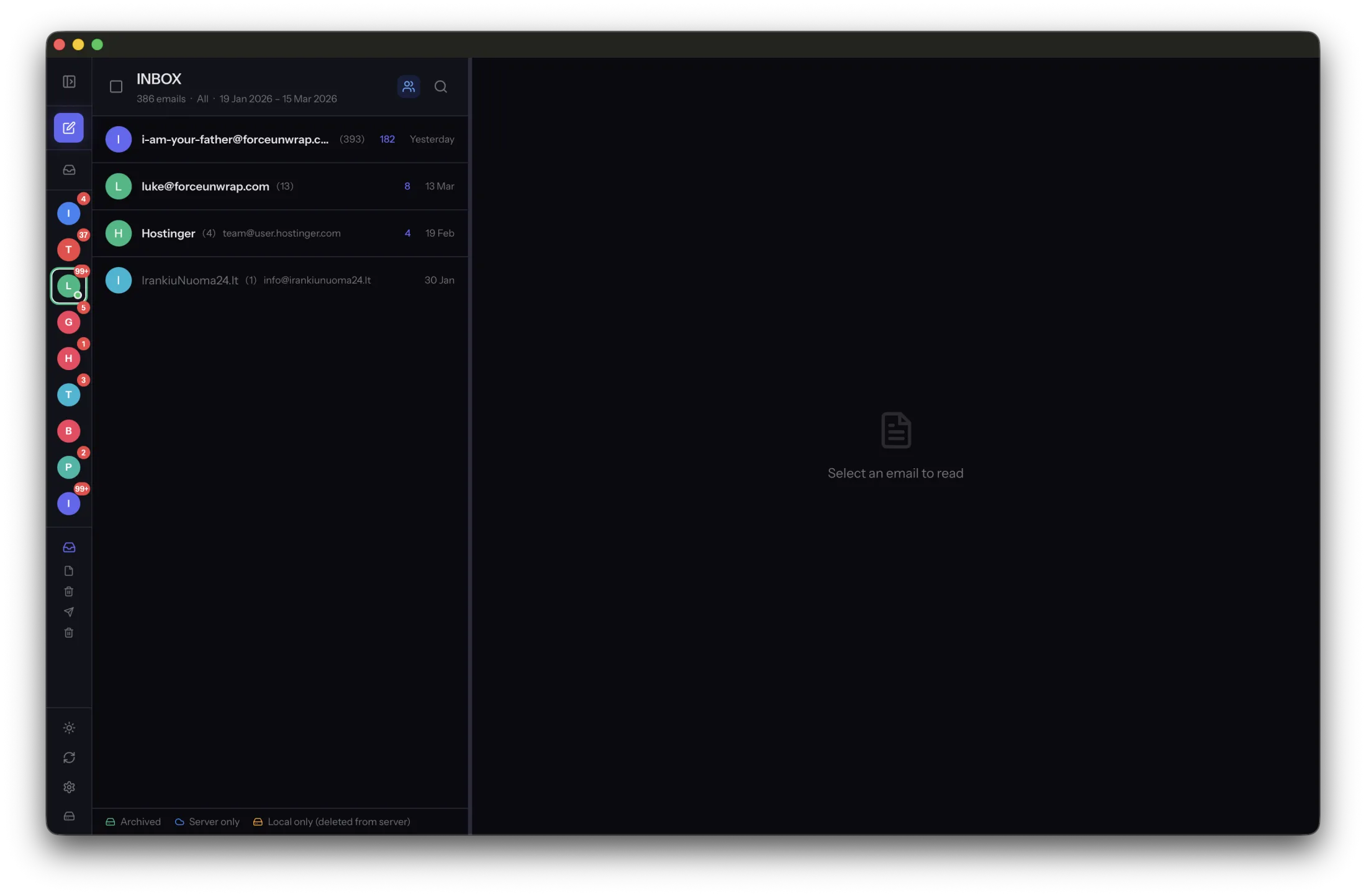
An archive helps you keep and use older messages. A backup helps you recover when something goes wrong. One collection of email can contribute to both jobs, but the words do not describe the same protection.
An archive is a collection you still use
You might archive completed projects, old correspondence or messages removed from a crowded server. The useful properties are readability, search and a clear scope. You should know which accounts and periods the collection contains.
MailVault keeps archived messages as standard EML files on your computer. That gives you a local record, but a single copy on the same computer is still exposed to that computer’s failure or loss.
A backup provides a recovery path
A backup is a separate copy you can restore from. A useful routine also preserves older versions or recovery points when appropriate, so an accidental deletion does not immediately remove every copy. Its success is measured by restoration, not by the existence of a folder called Backup.
Copying an archive to another folder on the same disk may help with an editing mistake, but it does not protect against a failed disk. A separate device or suitable backup service addresses a different failure.
Synchronization has another purpose
IMAP synchronization keeps clients aligned with the server’s current mailbox. That is convenient for daily work, but it can also carry deletions between devices. A synchronized view is not necessarily an independent record of what used to be there.
A practical setup uses the server for current mail, an archive for history and a separate backup for recovery. Start by saving a small batch, opening its local messages and testing a restore from the backup destination. Expand only after you understand which copy survives which action.
Sources and product details
Keep reading
- How to free mailbox space without losing your email history
- What is an EML file, and why does it matter?
- A practical folder structure for your email archive
Keep the email history you need. MailVault archives messages as standard EML files on your computer, with local search and optional paid automation.
Explore MailVault →