
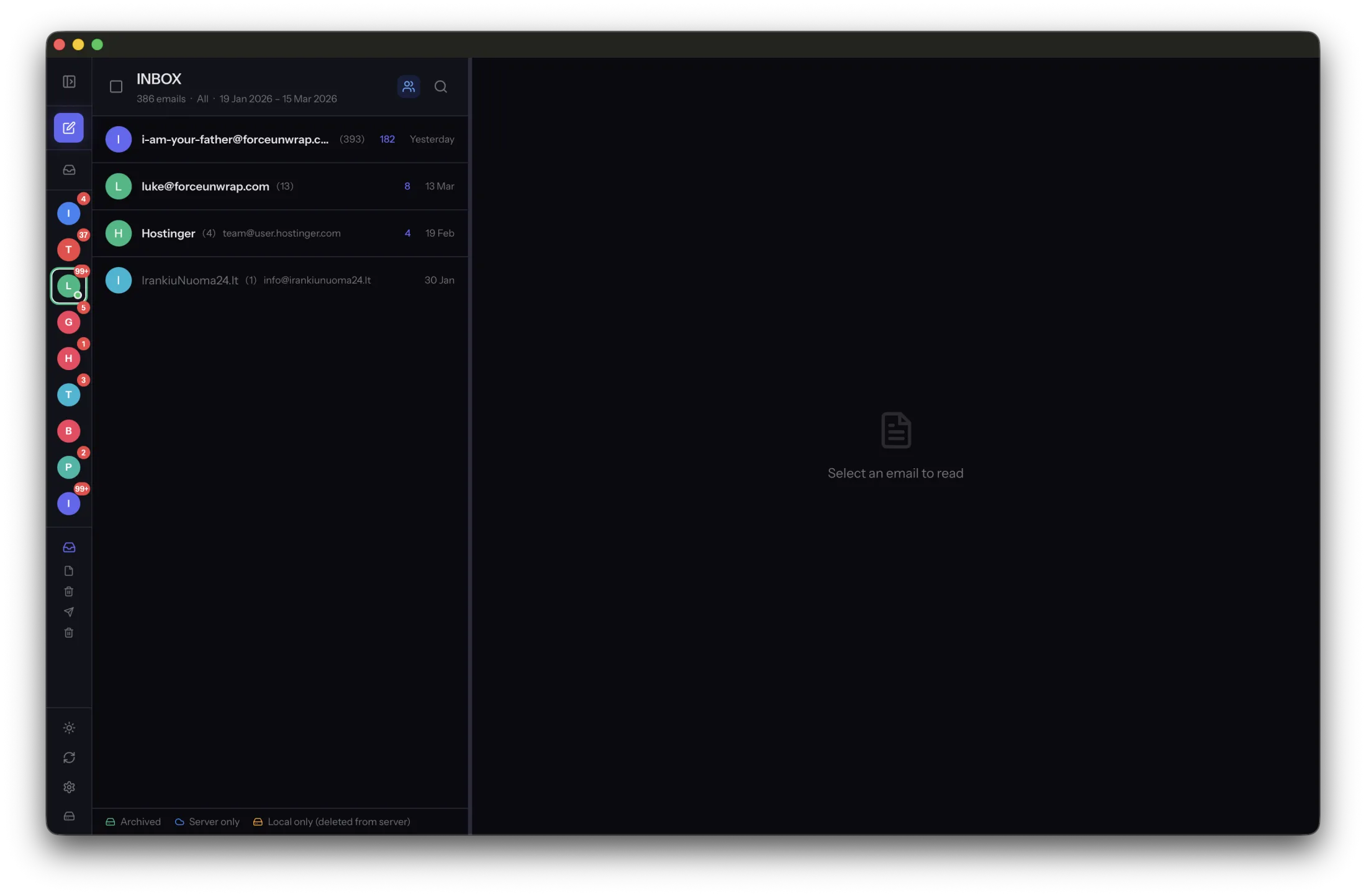
An EML file is commonly used to store one email message. It keeps the message as email rather than turning it into a picture of email. That distinction matters when you want to search, inspect or move a collection later.
Keep the message, not only its appearance
A message file contains headers and the body. Attachments and inline content may be packaged through MIME. The headers preserve details such as sender, recipients and subject that a screenshot may omit or make difficult to inspect.
A PDF can be useful for reading or printing one conversation, but it is a different representation. It may not preserve attachments as separate usable files or include the full original headers. Keep the message file when you need the original email record.
Use portability without assuming perfection
MailVault archives messages as EML files rather than requiring its own service to read them. Compatible mail applications can open standard message files, although rendering and import behavior differ. Test the application you expect to use before moving a large collection.
An EML file is not automatically encrypted. Anyone with access to an unprotected file may be able to read its contents. It also does not guarantee that every external image or linked document remains available forever.
Test a few representative messages
Choose a plain-text message, an HTML message and one with an attachment. Open each saved file in a compatible viewer. Check dates, body text and attachment access. This small test shows more than confirming that filenames end in .eml.
Keep the archive’s folder structure and a separate backup. Treat exported files as private correspondence, and avoid uploading them to an unfamiliar online viewer. An open format gives you choices; maintaining readable copies and controlling access remain your responsibility.
Sources and product details
Keep reading
- A practical folder structure for your email archive
- How to keep old emails readable without the original app
- Finding old attachments in a local email archive
Keep the email history you need. MailVault archives messages as standard EML files on your computer, with local search and optional paid automation.
Explore MailVault →