
Meeting notes are useful when they let someone act afterward. A detailed account of who spoke can still omit the decision, the person responsible or the date that mattered. Capture those explicitly.
Separate discussion from decisions
Begin with the date, purpose and participants when appropriate. Keep brief context for topics that need it, but place agreed decisions in their own section. A proposal is not a decision merely because it was discussed at length.
Use wording that records what was agreed. If there was no agreement, write that down and name the unresolved question. This is more accurate than smoothing every conversation into a confident conclusion.
Make each action assignable
An action should name the task, its owner and the expected completion or next check-in. “Look into the launch” leaves too much interpretation. “Prepare two launch-date options for Friday’s review” gives someone a concrete deliverable.
Record dependencies when they matter. If work cannot start until a file or approval arrives, name that condition. Keep optional ideas separate from commitments so nobody mistakes a brainstorming suggestion for an assigned task.
Review and distribute the right version
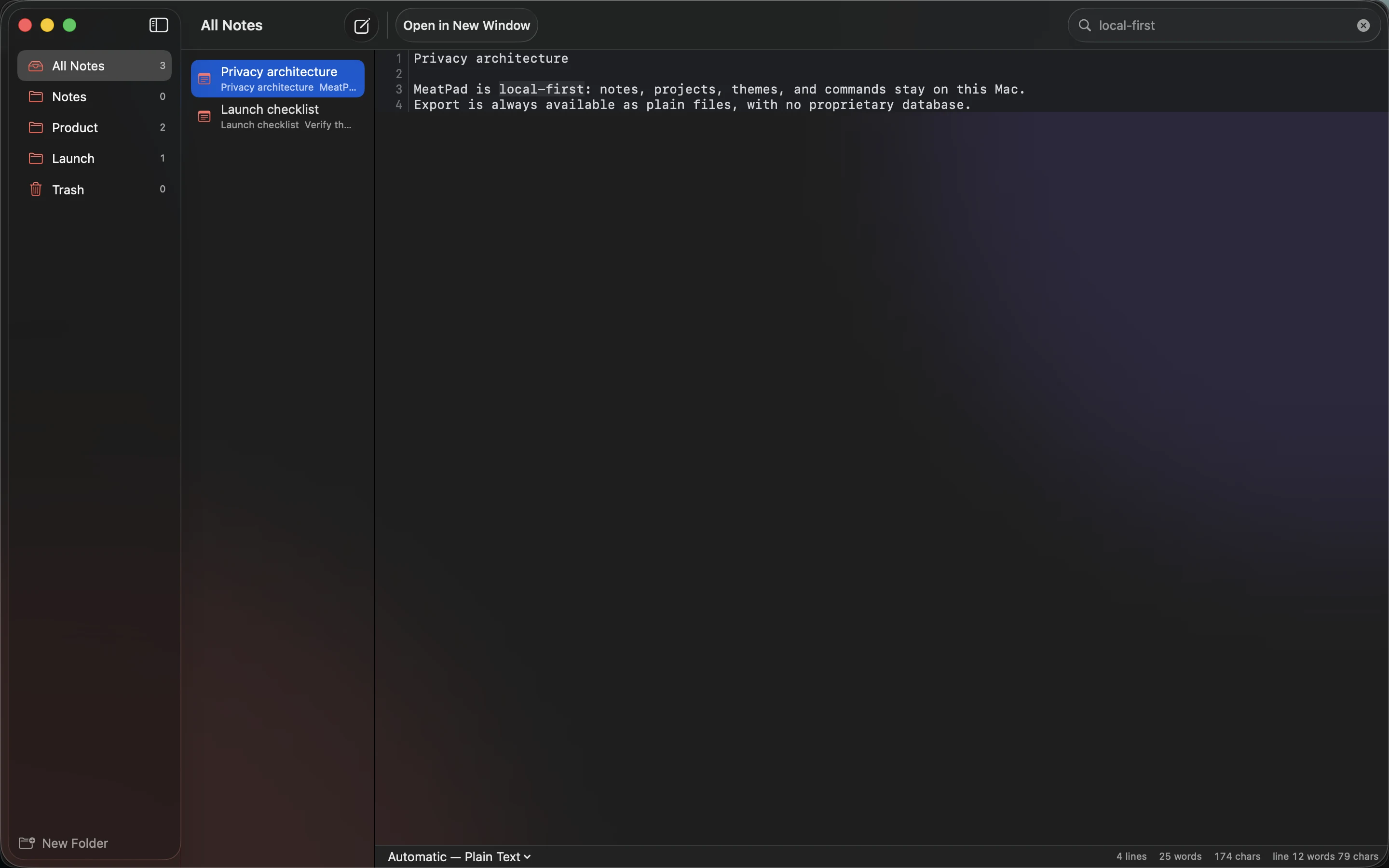
After the meeting, clean up ambiguous shorthand while the discussion is fresh. Confirm action owners before distributing the notes. Use a plain Markdown document in MeatPad with headings for decisions, actions and open questions. Keep supporting context below the items people need first.
Share through the team’s agreed channel and respect access boundaries for private material. At the next meeting, review outstanding actions rather than starting from memory. If a decision changes, add the new date and reason so the notes preserve an understandable history.
Sources and product details
Keep reading
- When a plain text file is enough
- Moving your notes between apps without losing their structure
- Markdown checklists for everyday projects
Start with a note. MeatPad gives notes, Markdown and project files a local workspace on your Mac, without an account requirement.
Explore MeatPad →