
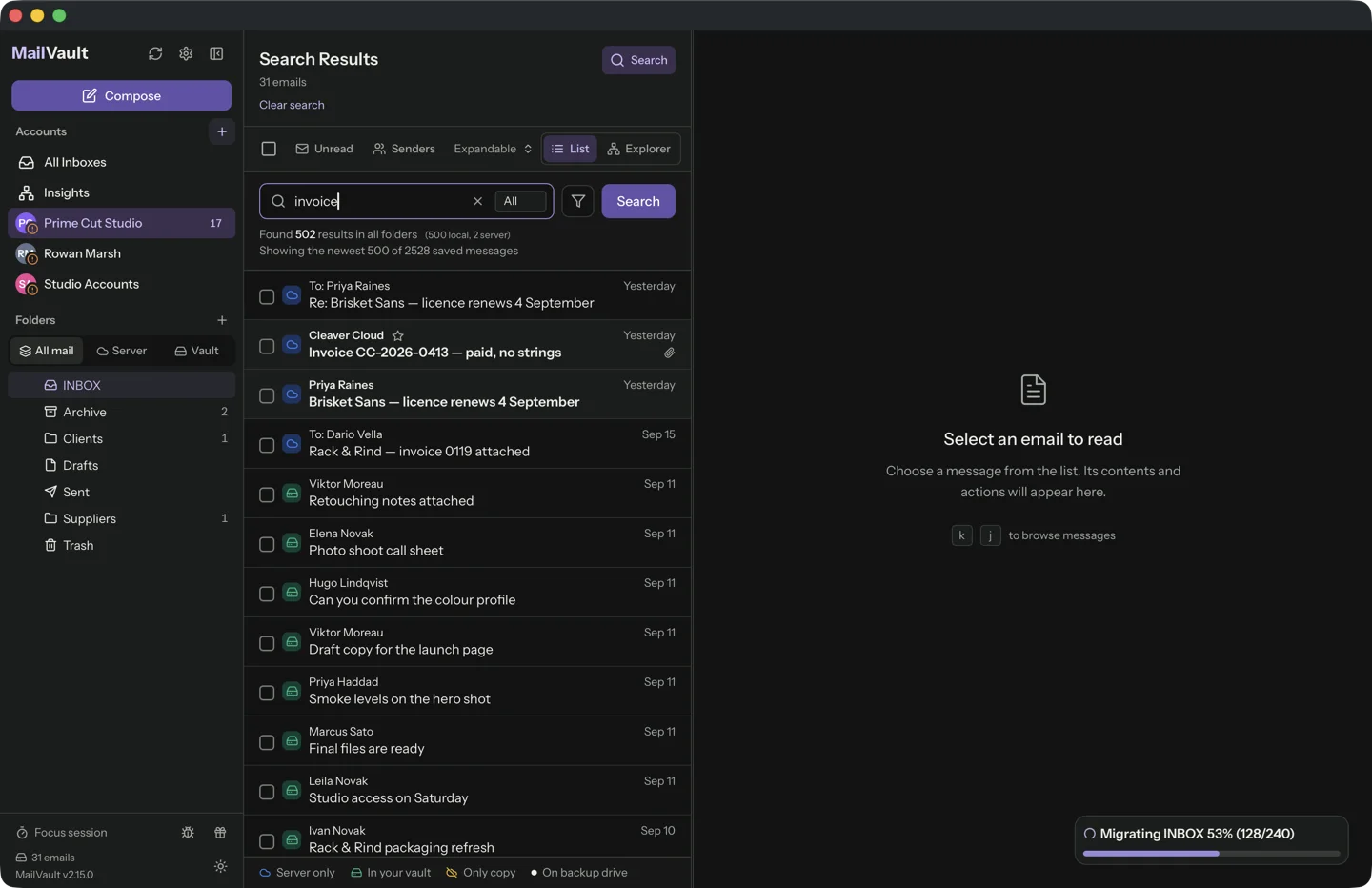
Changing computers is a good test of whether an archive is truly yours. The messages should remain readable, but the app, account credentials and search data may need separate handling. Plan those parts before wiping the old machine.
Back up before moving
Identify the complete archive and make a verified backup to a separate destination. Record its accounts and coverage dates. Use the application’s supported migration or backup procedure where available, and preserve its message directory structure.
For a manual copy, avoid copying while the archive is changing. Keep the old collection intact until the new computer has been checked. A transfer that reports success is only the beginning of verification.
Separate files from account access
MailVault’s archived EML messages are portable files. That does not mean provider sign-ins or system-keychain credentials automatically travel with them. Configure account access using the supported process on the new system.
Search indexes and preferences may also need recreation or migration. Follow the app’s current guidance rather than overwriting arbitrary application folders. Do not reconnect an account merely to establish that an independently saved message can be read.
Verify before retiring the old copy
Open messages from different dates and accounts on the new computer. Check attachments and search for a known conversation. Disconnect the network for part of the test so the server cannot fill gaps without you noticing.
Confirm that the new computer’s backup routine includes the archive. Only then decide what to remove from the old machine, following your normal secure retirement procedure. Keep the transfer inventory and verified backup; they make another move or a failed setup easier to recover from.
Sources and product details
Keep reading
- Building a backup routine for your archived emails
- Email archiving vs. email backup: what is the difference?
- How to free mailbox space without losing your email history
Keep the email history you need. MailVault archives messages as standard EML files on your computer, with local search and optional paid automation.
Explore MailVault →