
The right backup routine is one you can maintain and restore from. Frequency matters, but so do the destination, the completeness of the copied material and whether anyone checks failures.
Choose the recovery gap first
Ask how much new archived email you could afford to lose: a day, a week or the period between occasional archive sessions. Let that answer guide the schedule. An archive that changes daily needs a different routine from a closed historical collection.
Identify the full message storage and any separately saved documents. Do not back up only a search index. Keep an inventory of the accounts and folders included so exclusions remain deliberate.
Use an independent destination
A second physical drive or a suitable backup service addresses failures that another folder on the same disk cannot. Version history can help when accidental deletion or corruption is discovered later. Check that private correspondence has appropriate access controls.
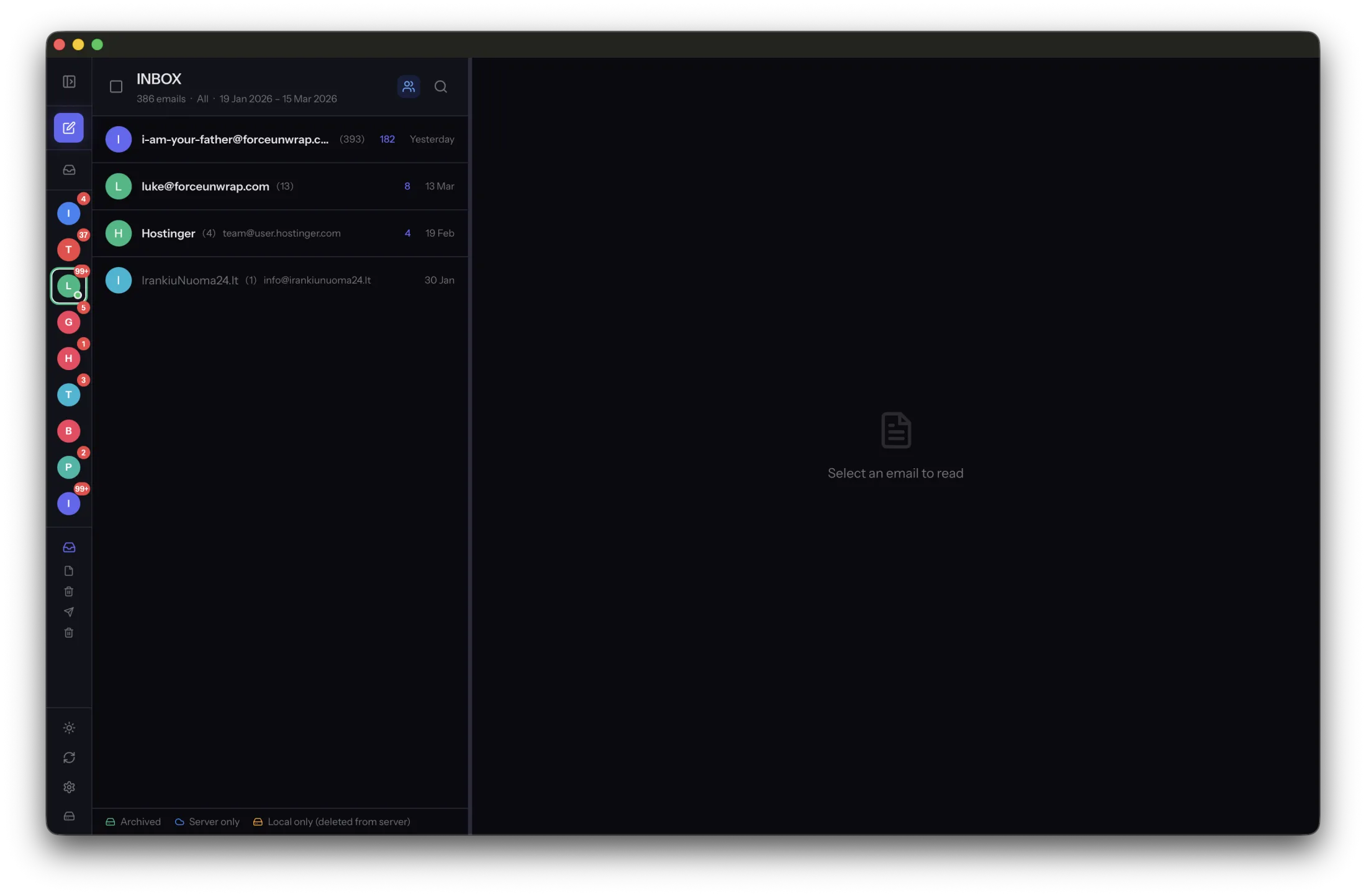
MailVault offers manual backups, with scheduled backup automation in Premium. If you use other backup software, verify its scope and how it handles files that change during a copy. A schedule configured once is not proof that subsequent jobs completed.
Make restoration part of the routine
Periodically restore a representative sample to a separate location. Open older and newer messages, including attachments, without altering the live archive. Record the test date and the backup copy used.
After a new account, storage-location change or computer move, repeat the scope check. Monitor failures and disconnected destinations instead of relying only on a green status from an earlier run. A dependable backup is one whose recovery path you have exercised, with a gap in new material you knowingly accept.
Sources and product details
Keep reading
- Email archiving vs. email backup: what is the difference?
- How to free mailbox space without losing your email history
- What is an EML file, and why does it matter?
Keep the email history you need. MailVault archives messages as standard EML files on your computer, with local search and optional paid automation.
Explore MailVault →