
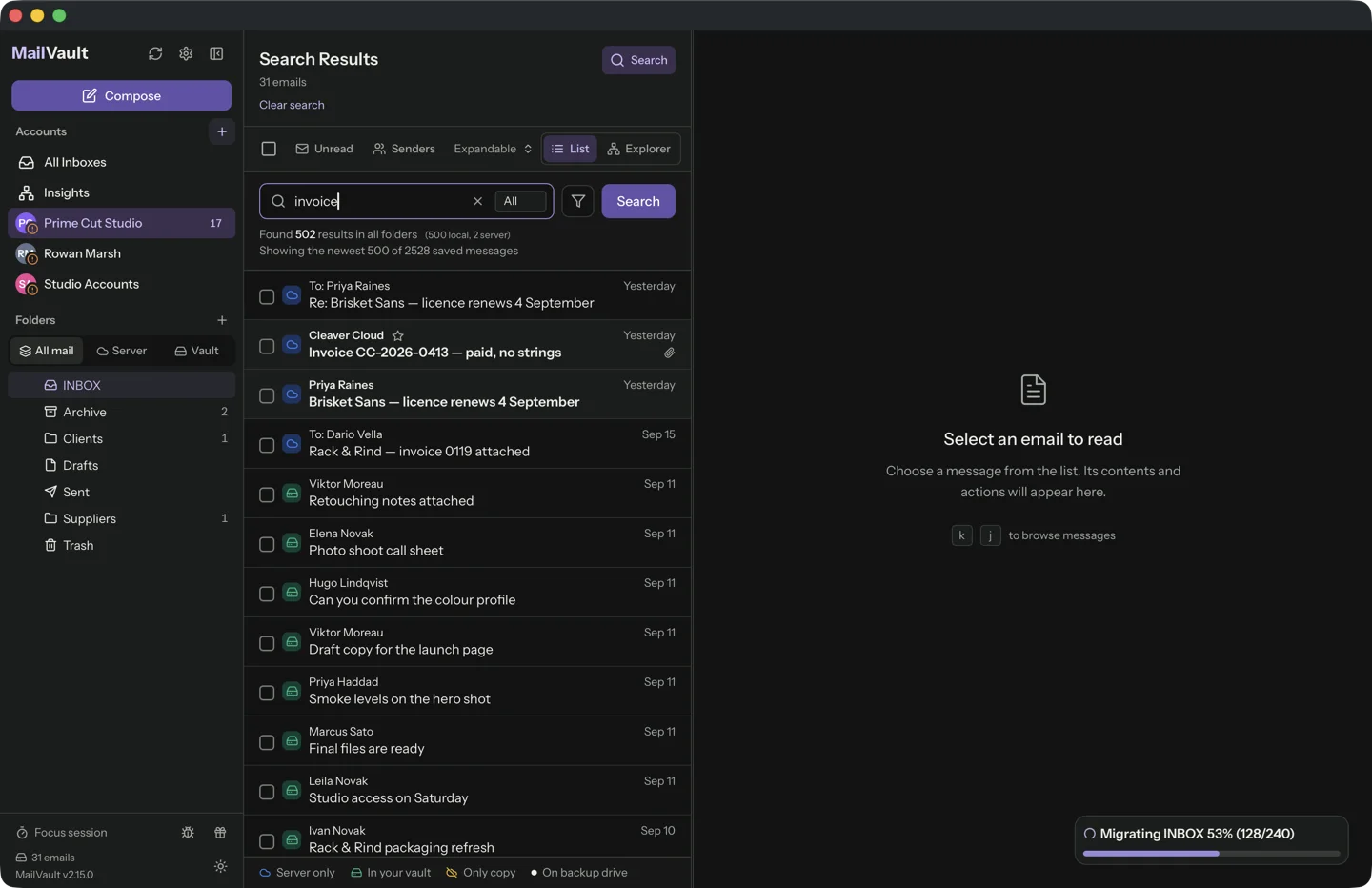
A completed progress bar tells you an operation finished. It does not tell you whether you selected everything you meant to preserve. Completeness starts with a written scope and ends with files you can actually read.
Define what complete means
List the accounts, folders and date ranges you want. Include sent mail and custom folders where relevant. Note exclusions deliberately, such as spam you do not need. This turns “all my email” into something you can check.
Compare counts within that scope, but interpret them carefully. Providers can expose labels or virtual views that represent the same underlying message more than once. A count difference needs investigation rather than an immediate assumption that mail is missing.
Inspect representative files
Open messages from the earliest and latest dates in each important collection. Include a plain-text message, an HTML message and several attachments. Verify the contents, not only the visible subject and sender.
Search for a known old conversation and a distinctive attachment. Try with the network disconnected so the app cannot silently fetch missing material. A local index that points to unavailable message bodies is not the archive you were trying to create.
Test the recovery copy too
Back up the collection and restore a small sample to a separate location. Open the restored files using a compatible reader. Record the scope, backup destination and verification date in an inventory kept with the collection.
If you find a gap, leave the server copies in place and fix the affected batch. Do not expand a deletion operation while verification is uncertain. MailVault can provide the local archive, but your own selection and restore check establish whether it covers the material you intended to keep.
Sources and product details
Keep reading
- IMAP sync vs. a local archive: where your messages live
- Why deleting an email on one device can remove it everywhere
- Keeping receipts and order confirmations easy to find
Keep the email history you need. MailVault archives messages as standard EML files on your computer, with local search and optional paid automation.
Explore MailVault →