To open an EML file, double-click it and let a mail app display it: Mail on a Mac, or Outlook on Windows. An .eml file is one email message saved in the standard internet message format, so many mail apps can read it, and any text editor can show its raw contents.
Which app opens an EML file?
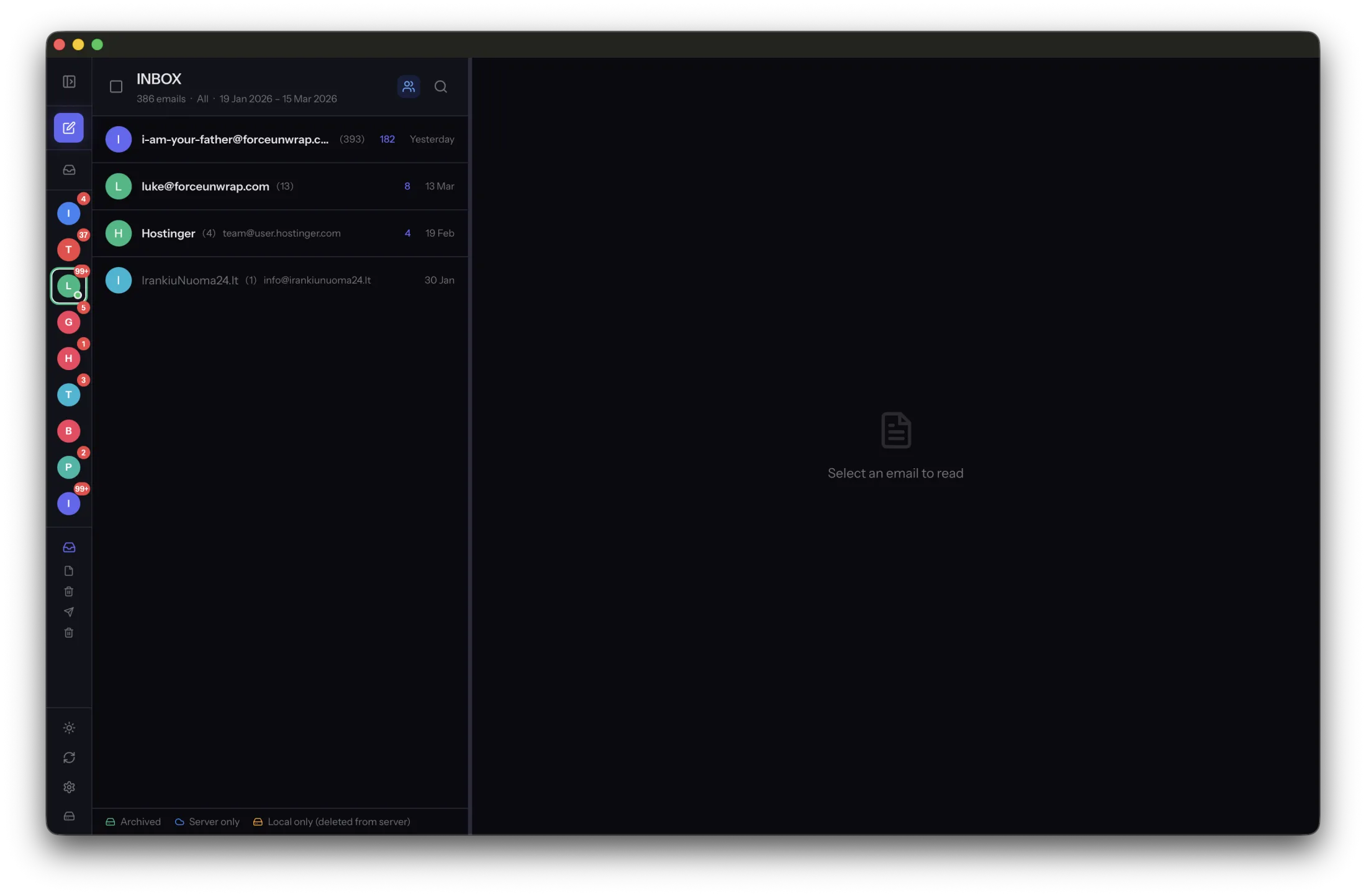
The file holds the message headers, the body and any attachments in one text file. That is why the same .eml usually opens in more than one program, although each app draws it slightly differently. MailVault, for example, by default keeps every archived message as a standard .eml file in a Maildir folder on your computer, so those files follow the same rules as any other .eml.
| Where you are | App to try | How |
|---|---|---|
| Mac | Double-click the file, or use Open With in the Finder | |
| Windows | New Outlook or Outlook | Double-click, right-click and choose Open with, or drag it onto the reading pane |
| Browser | Outlook on the web | Drag the file onto the reading pane |
| iPhone or iPad | Files app | Tap the file to try a preview |
| Android | A mail or file viewer app | Open it from your file manager and pick an app |
| Any computer | A text editor | Open it to read the raw message |
How to open an EML file on a Mac
On a Mac, an .eml file normally opens in Mail when you double-click it and shows the message in its own window. If another program has claimed the file type, Control-click the file, choose Open With and pick Mail, or another mail app you already use, such as Thunderbird.
How to open an EML file on Windows
Microsoft documents three ways to open an .eml file in new Outlook for Windows: double-click it in File Explorer, right-click it and choose Open with, then Outlook (new), or drag it from File Explorer onto the reading pane. If a double-click opens the wrong program, change the default app for the .eml file type in Windows Settings under Default apps.
Classic Outlook can usually open .eml files as well. If it does not, use Open with and choose it, or try another mail app such as Thunderbird. Microsoft notes that new Outlook needs a qualifying Microsoft 365 subscription to open .msg and .oft files; that requirement is not listed for .eml.
Opening EML files on iPhone, iPad and Android
Phones are less predictable. On an iPhone or iPad, save the file to the Files app and tap it; if no preview appears, try sharing it to a mail or document app that offers to open it. On Android, open the file from your file manager and choose an app from the list it suggests. Mail apps vary in whether they display an .eml that arrives as an attachment.
If a phone shows only a list of attachments or nothing at all, open the file on a computer instead. That is usually quicker than installing an unfamiliar viewer app with access to your files.
Open an EML file in a browser or with no mail app
Most webmail services have no option to open a loose .eml file from your computer. Outlook on the web is an exception: Microsoft says you can drag an .eml file onto its reading pane.
With no mail app at all, a plain text editor still works, because the file is text. You will see the headers first, lines such as From, To, Subject and Date, followed by a blank line and the body. This is the raw message, not a formatted view, but it is enough to confirm who sent something, when and what it was about.
From: [email protected]
To: [email protected]
Subject: Signed contract
Date: Tue, 3 Nov 2026 09:14:00 +0000
Content-Type: text/plain; charset=utf-8

Hi Sam, the signed copy is attached.
MailVault does not open loose .eml files that you double-click; it reads the messages in its own vault. When it writes a second copy to a backup drive, though, those copies are plain .eml files organized by account and folder, so every method on this page works on them.
Why an EML file opens as gibberish
If you see long blocks of letters and numbers, the file is not broken. Email uses MIME transfer encodings such as base64 and quoted-printable to carry attachments, images and non-English text safely. A mail app decodes those parts for you; a text editor shows them as they are stored.
- Long unbroken lines of letters and digits are usually a base64 attachment or image.
- Text full of equals signs and codes such as =C3=A9 is quoted-printable encoding of accented letters.
- If a double-click opens a text editor or a browser, the wrong default app owns the .eml type; change it to a mail app.
- If the file is very small or empty, it may have been saved incompletely; ask the sender for another copy.
Is it safe to open an EML file?
The file itself is text, but the message inside carries the same risks as any email. Attachments can contain malware, links can lead to phishing pages and remote images can tell the sender that you opened the message. Treat an unexpected .eml exactly as you would treat the same email arriving in your inbox.
Do not upload private mail to an unknown online EML viewer. The message may contain addresses, contract details or password reset links, and you cannot see what the site keeps. A mail app or text editor on your own computer is enough.
For what the format contains and why it is good for keeping mail, read the overview. What is an EML file?
If you are choosing between saving one message or a whole mailbox, compare the common formats. EML vs MSG vs PST vs MBOX
To keep old messages readable for years, test a second reader early. Keep old emails readable without the original app
Sources and product details
- MailVault: features and workflow
- Microsoft: Open .eml, .msg and .oft files in new Outlook and Outlook on the web
- Microsoft: Change default apps in Windows
- RFC 5322: Internet Message Format
- RFC 2045: MIME, including base64 and quoted-printable
Keep reading
- EML file: what it is and how to open it
- EML vs MSG vs PST vs MBOX: email file formats compared
- How to keep old emails readable without the original app
Keep the email history you need. MailVault archives messages as standard EML files on your computer, with local search and optional paid automation.
Explore MailVault →