
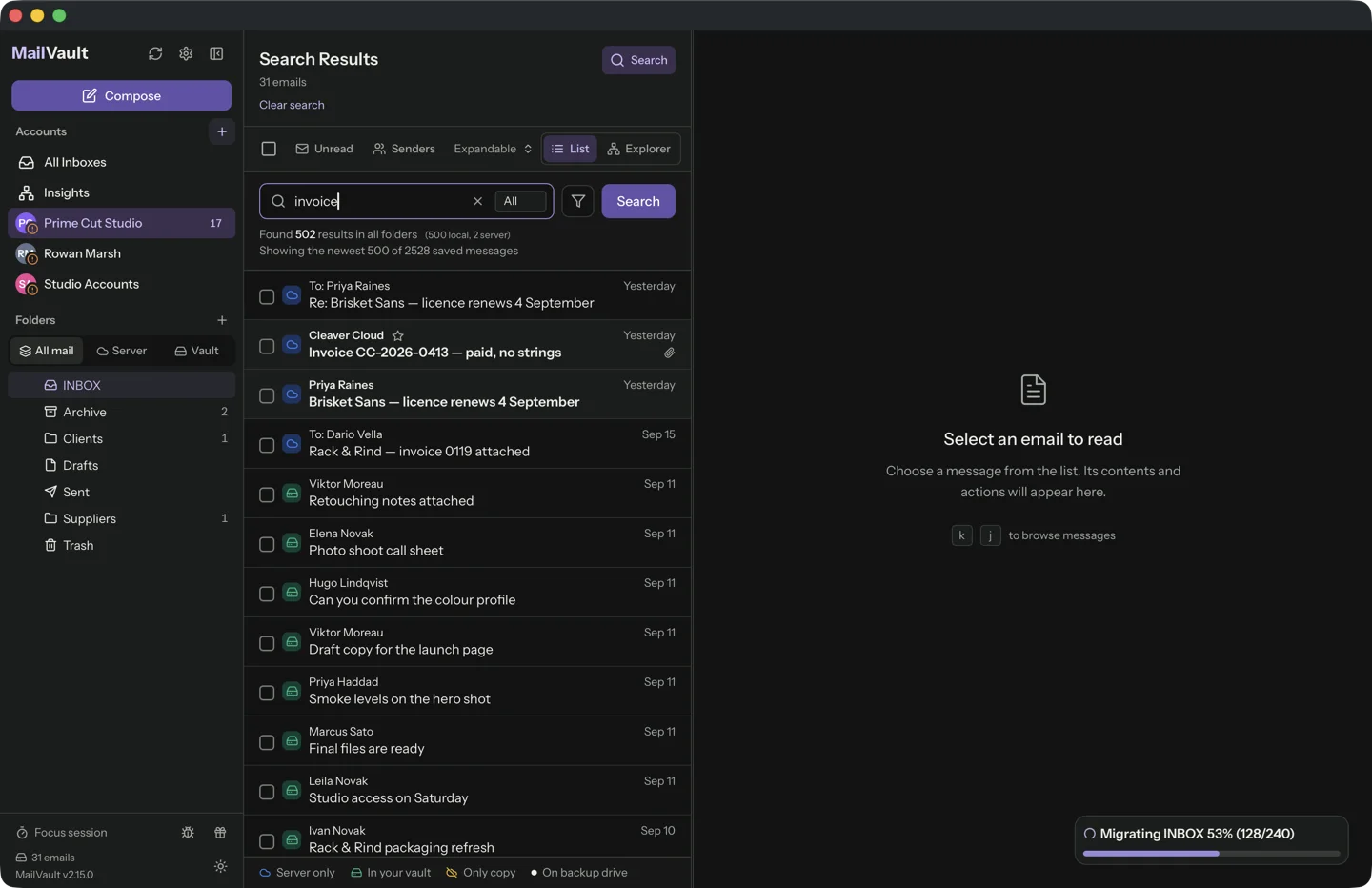
Offline email is useful when the connection is unreliable or the original account is no longer available. The important question is not whether an app opens without Wi-Fi. It is whether the messages and files you need are already on the computer.
Distinguish a local message from a preview
A list of subjects can remain visible even when full bodies are fetched only on demand. A search index can identify a message without containing its attachments. Check what your download mode retains before depending on it during a trip.
MailVault’s archived messages are saved locally. Its download modes for live mail serve different purposes, so do not assume that every message visible in a live account view has been archived permanently.
Test with the network disconnected
Choose a few representative emails and switch off the connection. Open an older message, one from a different folder and one containing an attachment. Search for something you know should be in the saved collection.
Watch for external dependencies. Images loaded from the sender’s server, web links and shared documents can remain unavailable even when the message itself is present. Save authorized travel documents or other essential files separately when necessary.
Prepare for the task, not the entire internet
Before travel, save the confirmations, correspondence and attachments you expect to need. Check them offline while you still have time to fix omissions. Keep a separate backup of the archive in case the travel computer is lost.
Reading a saved message does not require the original provider, but sending a reply still needs a working connection and account configuration. Treat offline access as a dependable reading and reference tool, and verify the sending behavior separately when you reconnect.
Sources and product details
Keep reading
- How to check that an email archive is complete
- IMAP sync vs. a local archive: where your messages live
- Why deleting an email on one device can remove it everywhere
Keep the email history you need. MailVault archives messages as standard EML files on your computer, with local search and optional paid automation.
Explore MailVault →