
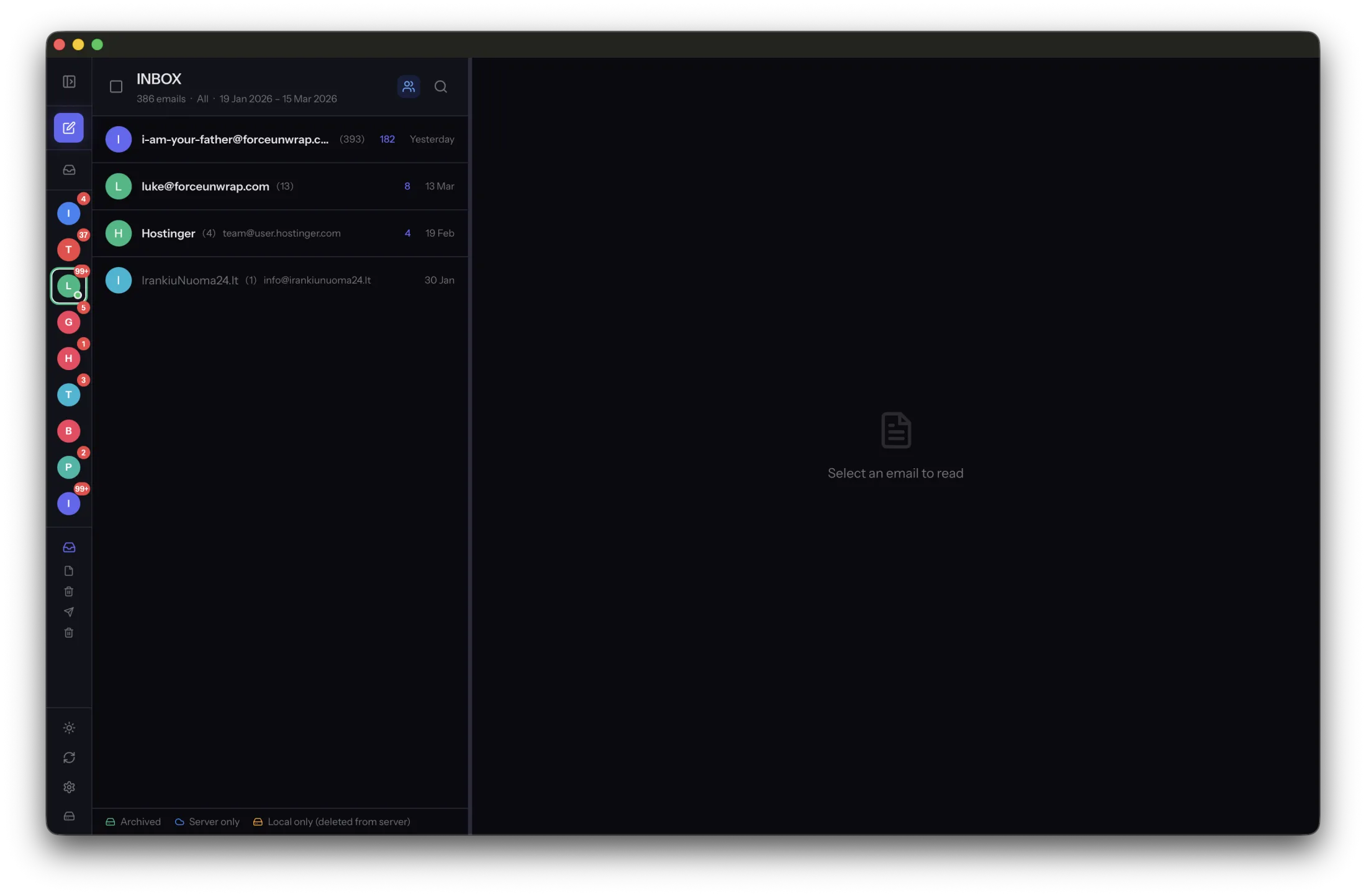
Closing an account removes more than an inbox you no longer check. It can also remove your access to sent conversations, old attachments and password-reset messages. Make an inventory before treating the account as disposable.
Check every folder you still need
Review sent mail, custom folders and older date ranges as well as the inbox. Identify receipts, project conversations and messages that explain important decisions. Check whether an export or archive selection actually includes these folders.
Contacts, calendars and linked cloud documents may need separate exports. An email archive does not automatically preserve everything associated with the provider account. List those services explicitly rather than assuming one download covers them.
Separate account closure from email preservation
Save the chosen messages in MailVault and verify full bodies and attachments. Make an independent backup. Then disconnect from the network and open representative messages to establish that they do not still depend on the live account.
Update services that use the old address for sign-in, recovery or notifications. Confirm changes through each service’s own settings. Receiving a final confirmation at the old address is not proof that all future recovery messages will go to the new one.
Leave time to catch omissions
Keep the account available during a review period when possible. Ask yourself whether a recent search or account recovery still led back to it. Resolve gaps before submitting the provider’s closure request.
Record the archive’s scope, location and verification date. Keep the final backup distinct from later working copies, and store the closure confirmation if one is provided. Provider closure and reopening rules vary, so check the current policy directly; do not rely on an assumed grace period to recover missing material.
Sources and product details
Keep reading
- Offline email access: when a local archive comes in handy
- How to check that an email archive is complete
- IMAP sync vs. a local archive: where your messages live
Keep the email history you need. MailVault archives messages as standard EML files on your computer, with local search and optional paid automation.
Explore MailVault →