To delete large emails, find them by size before anything else: search larger:10M in Gmail, or sort a folder by size in Outlook.com or Apple Mail. Download any attachment you still want, remove the messages, and clear Trash afterwards, since deleted mail is still counted against you until it is purged.
Why size beats count
When a mailbox fills up, the instinct is to delete as many emails as possible. That is usually the wrong target. Text is tiny and attachments are not, so a short list of messages carrying files can outweigh years of plain mail. Wiping out a decade of newsletters feels productive and may hardly move the storage bar.
So sort by size first, and leave age and sender for later. A size search surfaces the handful of messages doing most of the damage, and a short list is one you can actually read with care.
Where each service keeps its size controls
| Service | How to find large mail | What to do after deleting |
|---|---|---|
| Gmail | Search larger:10M, then larger:5M; add older_than:1y to stay with old mail | Open Trash and empty it |
| Outlook.com | Settings, Account, Storage shows use per folder; in a folder, Filter, Sort by, Size | Empty Deleted Items |
| Yahoo Mail | Yahoo suggests going through messages with attachments, biggest first | Keep the files you need, then delete |
| iCloud and other accounts in Mail on a Mac | View, Sort By, Size | Mailbox, Erase Deleted Items |
Outlook.com rewards this twice. Attachments are counted in the 15 GB mailbox and again in the Microsoft cloud storage you share with OneDrive, so each one you remove frees room in both places.
A sweep in rounds
Working in rounds keeps every list short enough to read. This is the order I would use in Gmail:
- Search larger:10M older_than:1y. Old and large is the safest first batch.
- Search has:attachment filename:mp4 to catch video, often the heaviest thing in a mailbox.
- Scan senders and subjects. Anything that looks like a contract, a scan or an invoice gets opened and its file saved first.
- Select everything, and if the results run past one page, take the link that selects every matching conversation. Then delete.
- Drop the threshold to larger:5M and go round again.
- Clear Trash last, then give the storage figure a day to settle.
What can go wrong
- The heaviest messages are often the important ones. Contracts, scanned documents, photos and invoices all arrive as attachments.
- Removing a message removes its attachment too. Download the file if that is all you want, or copy the whole message to a local archive if you want the context.
- Clearing Trash cannot be undone. Until then, Gmail and Outlook.com give you up to 30 days to change your mind.
- Google warns the storage figure may lag a day or more after a big clean-up, so a bar that has not moved yet is not a reason to delete more.
Where MailVault fits, and where it does not
MailVault has no size sort or size filter, so use your provider to find the heavy mail. Where MailVault helps is the part that goes wrong: making sure a copy exists on your own disk before the server copy disappears.
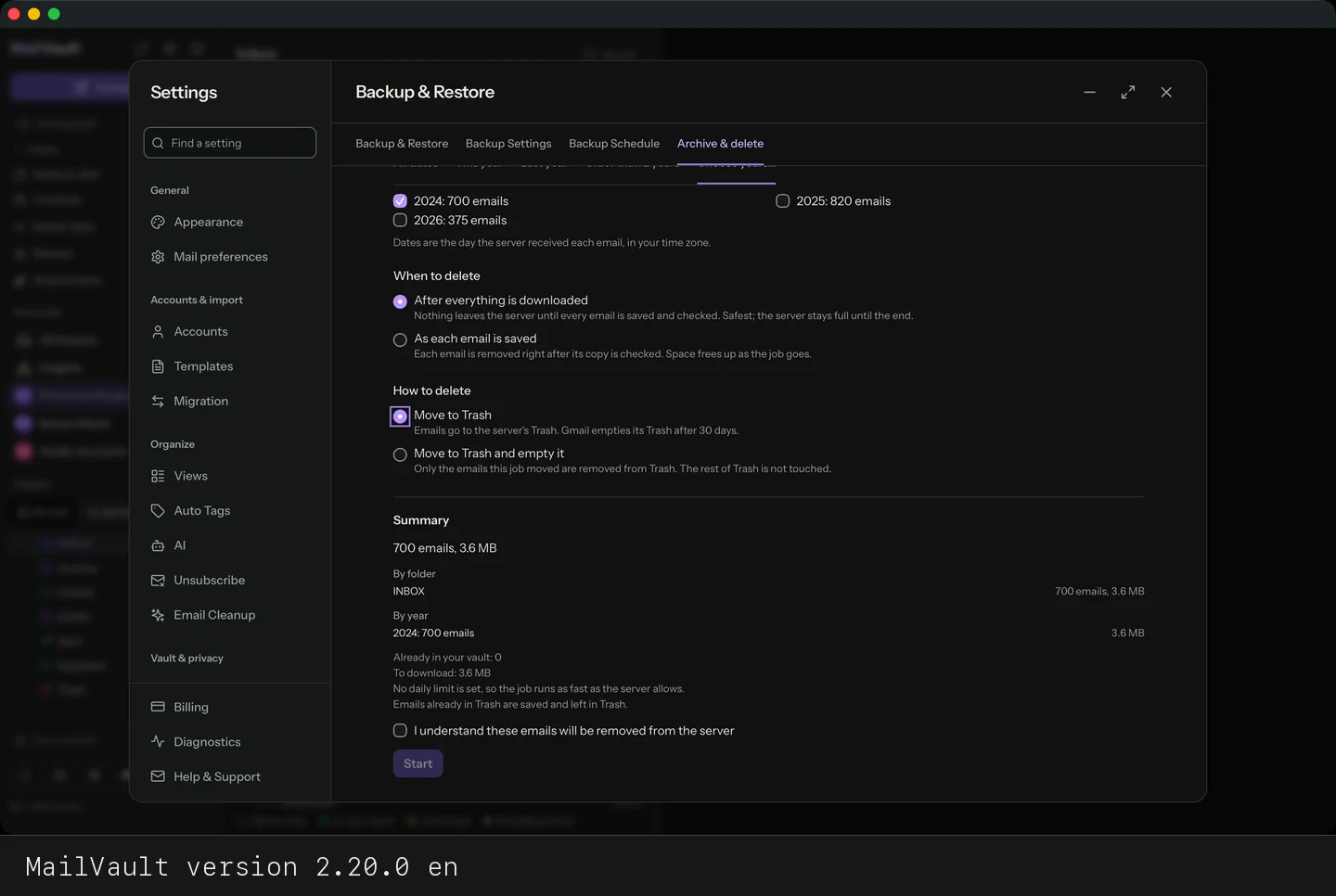
In practice that means a has:attachment search in MailVault, narrowed by date or sender, then Archive on the results, a quick look in the Vault view to confirm the files open, and Delete from Server on the same messages. Both actions are free. The Premium Archive & delete job adds a summary that breaks the selection down into emails and megabytes per folder and per year before anything is removed, which is a useful map of where the space went.
Provider steps and the full MailVault workflow are on the MailVault site. How to delete large emails in Gmail, Outlook, Yahoo and iCloud
If the problem is volume rather than size, use the checklist instead. Deleting thousands of emails: a checklist
Sources and product details
Keep reading
- Deleting thousands of emails: a checklist before you press Delete
- Archived email and your storage quota: what actually counts
- Getting rid of old emails: delete, archive or export, compared
Keep the email history you need. MailVault archives messages as standard EML files on your computer, with local search and optional paid automation.
Explore MailVault →