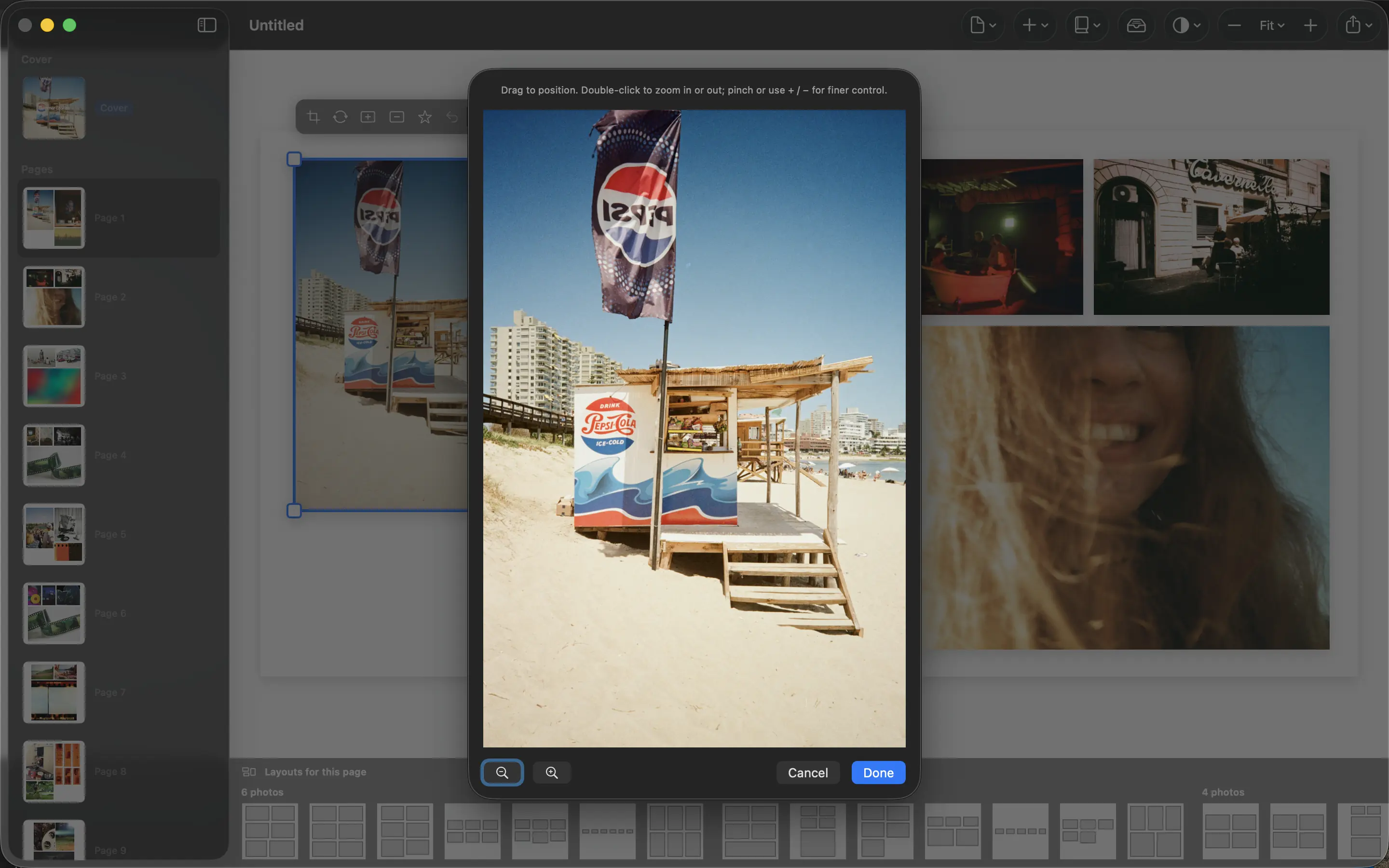
For a sharp photo book page, the common print-industry target is 300 pixels per inch at the size the photo is printed, and some services accept down to about 150. Multiply the printed size in inches by 300 to get the pixels you need, then check your print service’s own requirement.
How to calculate the resolution a photo needs
Resolution for print is a simple relationship between pixels and printed size. Pixels needed equal printed inches multiplied by dots per inch. One inch is 2.54 cm, so 300 dpi works out to about 118 pixels per centimeter.
- Pixels needed = printed size in inches x dpi. Example: 7 in x 300 dpi = 2100 pixels.
- Largest print size = pixels / dpi. Example: 4032 pixels / 300 dpi = 13.4 in (about 34 cm).
Strictly speaking, an image has pixels per inch and a printer has dots per inch, but photo book editors and print services use dpi for both. The dpi value stored in a file, often 72, does not matter here. What counts is the number of pixels and the size you print them at.
Pixels needed for common photo book sizes
The table shows the pixels a photo needs to fill a full page at three common thresholds. A smaller frame on the same page needs proportionally fewer pixels. A photo that bleeds off the edge needs slightly more, and a photo across a two-page spread needs twice the width.
| Printed size | At 300 dpi | At 200 dpi | At 150 dpi |
|---|---|---|---|
| 4 x 6 in (10 x 15 cm) | 1200 x 1800 | 800 x 1200 | 600 x 900 |
| 5 x 5 in (13 x 13 cm) | 1500 x 1500 | 1000 x 1000 | 750 x 750 |
| 7 x 7 in (18 x 18 cm) | 2100 x 2100 | 1400 x 1400 | 1050 x 1050 |
| 8 x 10 in (20 x 25 cm) | 2400 x 3000 | 1600 x 2000 | 1200 x 1500 |
| A4 (21 x 29.7 cm) | 2480 x 3508 | 1654 x 2339 | 1240 x 1754 |
| 12 x 12 in (30 x 30 cm) | 3600 x 3600 | 2400 x 2400 | 1800 x 1800 |
| 12 x 12 in spread (61 x 30 cm) | 7200 x 3600 | 4800 x 2400 | 3600 x 1800 |
Read 300 dpi as the common target, not a guarantee. Blurb and ifolor both name 300 ppi as the goal for sharp prints, and ifolor treats 150 ppi as its minimum for a detailed print. Your print service may use a different figure, so check its own requirement before you lay out the book.
What an insufficient resolution warning means
Photo book editors calculate effective resolution: the pixels in the visible part of a photo divided by the size of its frame on the page. Cropping counts. If you zoom into a third of a photo’s width, you print only a third of its pixels.
PhotoBooks checks this before export and warns when a photo would print below 200 DPI. The suggested fixes are a higher-resolution original, a smaller frame or less crop zoom. Other editors use their own thresholds; ifolor’s editor, for example, warns below 150 ppi. A warning is guidance about detail, not a verdict on whether the photo belongs in the book.
How to check a photo’s pixel dimensions on Mac and iPhone
File size in megabytes does not tell you the resolution. Look for the dimensions in pixels instead.
- Photos on Mac: select the photo and click the Info button or press Command-I.
- Finder on Mac: select the file, choose Get Info and look under More Info for Dimensions.
- Preview on Mac: open the image and choose Tools, then Show Inspector.
- Photos on iPhone: open the photo and swipe up or tap the Info button. Recent versions of iOS list the size in pixels with the other details.
Then divide each dimension by 300 to see the largest size the photo prints at the common target, or by 150 for the lower floor.
Why a photo has fewer pixels than expected
A modern phone photo is usually large enough for a full page. When a photo turns out small, one of these is the usual cause.
- It came through a messaging app. WhatsApp, for example, sends standard quality unless you choose its HD option.
- It is a screenshot, which only has as many pixels as the screen.
- It was downloaded from social media, which often stores a reduced copy.
- It was cropped heavily, before or during the layout.
- Only a storage-saving version is on the device, because iCloud Photos keeps the original in iCloud until it is downloaded.
What to do when a photo is too small
First look for a better source: the original in the photographer’s camera roll, or the full-quality version from iCloud. If none exists, print the photo smaller. A 1200-pixel-wide image fills 4 inches at 300 dpi and 8 inches at 150 dpi. Enlarging the file in an editor does not add the missing detail.
For placement ideas when a meaningful photo is small, see the companion guide. How to handle low-resolution photos
Sources and product details
- PhotoBooks: features and workflow
- Blurb: Image quality checklist, is your photo ready for print?
- ifolor: Optimise images for your photo book
- MacRumors: How to send high resolution photos in WhatsApp
- Apple Support: Set up and use iCloud Photos
- PhotoBooks documentation: Resolve missing photos and review print warnings
Keep reading
- How to handle low-resolution photos in a printed book
- How to make a photo book from iPhone photos
- A final checklist before printing your photo book
Make a book from your own photographs. Choose an Apple Photos album, refine the pages and export a PDF for printing or sharing.
Explore PhotoBooks →