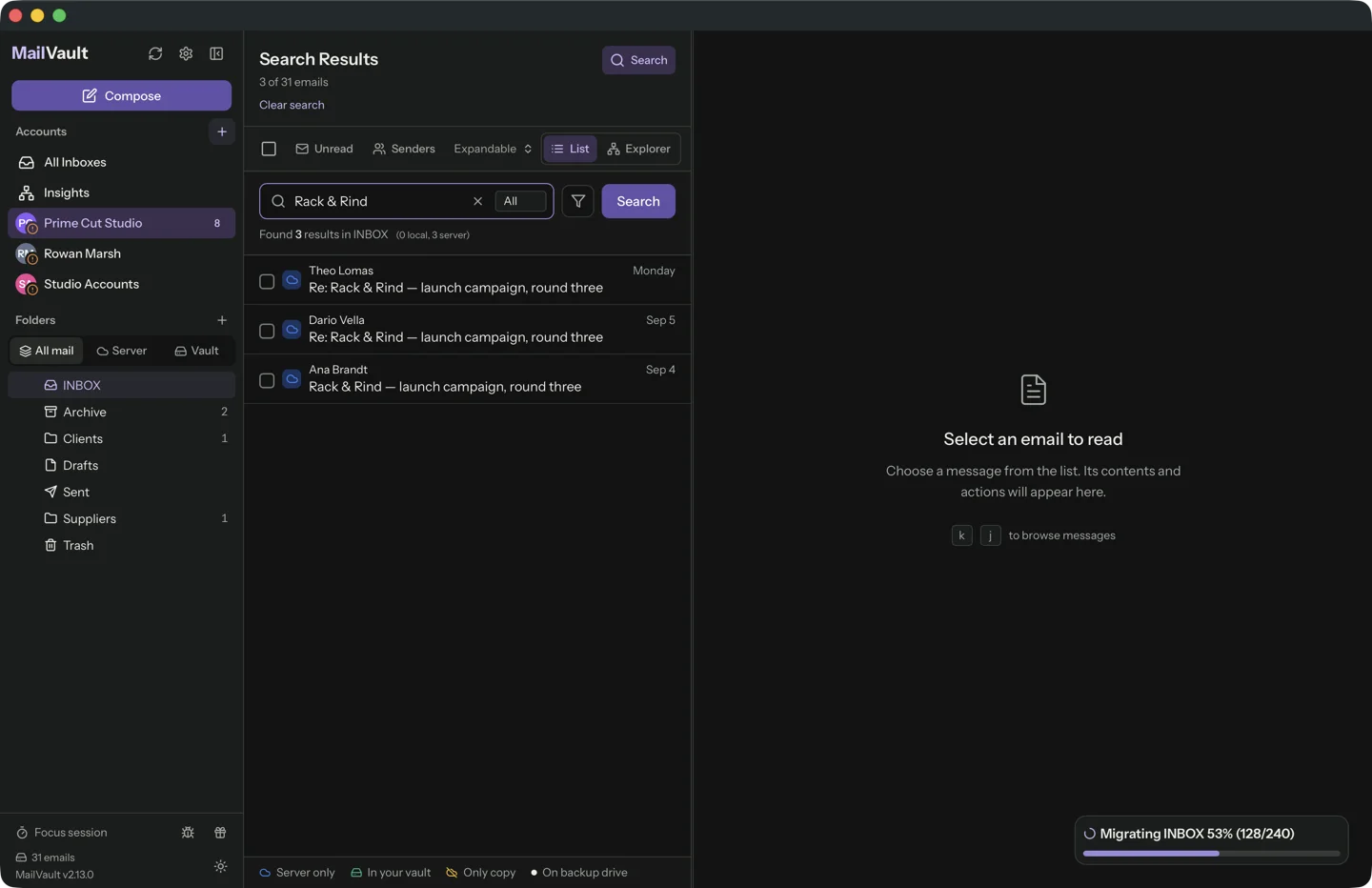
Most mail clients treat search as a feature. We treat it as a latency budget. MailVault's whole reason to exist is that you keep decades of mail on your own disk, and an archive you cannot search in under a heartbeat is a landfill.
So we built a 50,000-message vault and timed it. The slowest query took 14 milliseconds. The interesting part is what it took to get there, and the release in which we made it 30 times slower without noticing.
The numbers
One machine, five query shapes, six runs each (three on a scratch build of the fix, three on the merged code). Times are the search plus assembling the rows the list draws:
MailVault daemon · release build · Apple M4, 16 GB · warm cache
50,000 synthetic messages, avg 3,334 bytes, 3 folders

query                    matches   rows    time (6 runs)
invoice                  ~2,500    500     7.1 – 7.5 ms
budget meeting           246       246     13.4 – 14.1 ms
update 4999              15        15      13.5 – 14.0 ms
会議                    1,529     500     4.3 – 4.6 ms
last 7 days, no words    1,008     500     1.0 ms

index build (cold)       50,000 msgs   10.9 – 11.9 s
index on disk            224,968,704 bytes
result-row parses        0
The corpus is generated, not real mail: 200 filler words per message in plain text and HTML, plus ten planted words at fixed rates (invoice 5%, budget 8%, meeting 6%, three Japanese and accented terms among them) so every query has a known answer size. The generator is deterministic, so a rerun builds the same 50,000 files. The machine was shared with other builds while the tests ran, so this is a busy computer, not a lab.
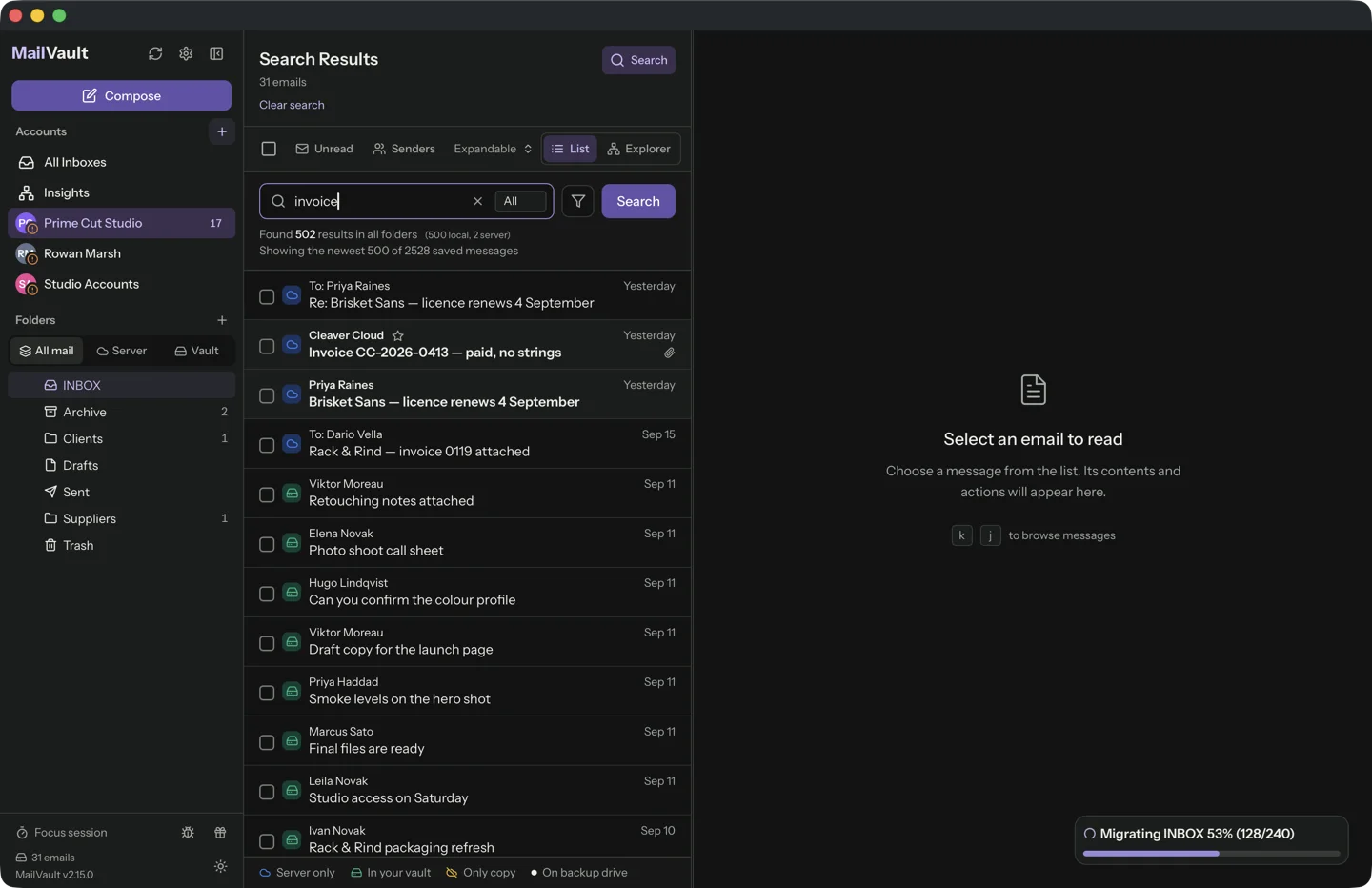
To make the scale concrete: a 60 Hz display redraws every 16.7 ms, and every query above finishes inside one redraw. Jakob Nielsen’s response limits, unchanged since 1993, are 0.1 s for “instantaneous”, 1 s for uninterrupted thought and 10 s for lost attention. Our slowest answer is a seventh of the first limit. The ruler below is logarithmic, each tick ten times the last, and its right-hand end is where the first version of offline search lived.
Check it yourself
The benchmark is an ignored test in the source tree, so it never slows ordinary runs. It builds the corpus in a temp directory, indexes it with the real MIME parser, and prints every line above:
cargo test -p mailvault-daemon --release \
  search_index_bench_50k_real_parser -- --ignored --nocapture
The corpus is written to a fresh directory just before the queries run, so the page cache is warm. The first search after a reboot reads more from disk. We have not measured that case and do not claim it.
Why a plain SQL database, and not a search engine
The requirements were unglamorous. The index has to live inside the vault, because the vault can be moved to an external drive or a NAS mount. It has to work offline. It has to be derived data we can throw away and rebuild. And it must not add a service to start, patch or explain to a user.
That is SQLite with its FTS5 full-text module. One file, opened by one process, in write-ahead-log mode with an exclusive lock, chosen because the vault can sit on a network share. Two virtual tables carry the text:
- A trigram table for Latin text. Every word is stored as overlapping three-letter pieces, so
voicfindsinvoice, with no wildcard syntax and no whole-word rule. Diacritics are folded, soreunionfindsRéunion. One- and two-letter queries are shorter than a trigram, so they fall back to a plain substring match on subject and sender. - A second table for CJK. Japanese and Chinese have no spaces to split on and their words are often two characters, shorter than a trigram, so they go through a tokenizer that splits them into single characters and matches those as a phrase. Without it a search for
会議finds nothing.
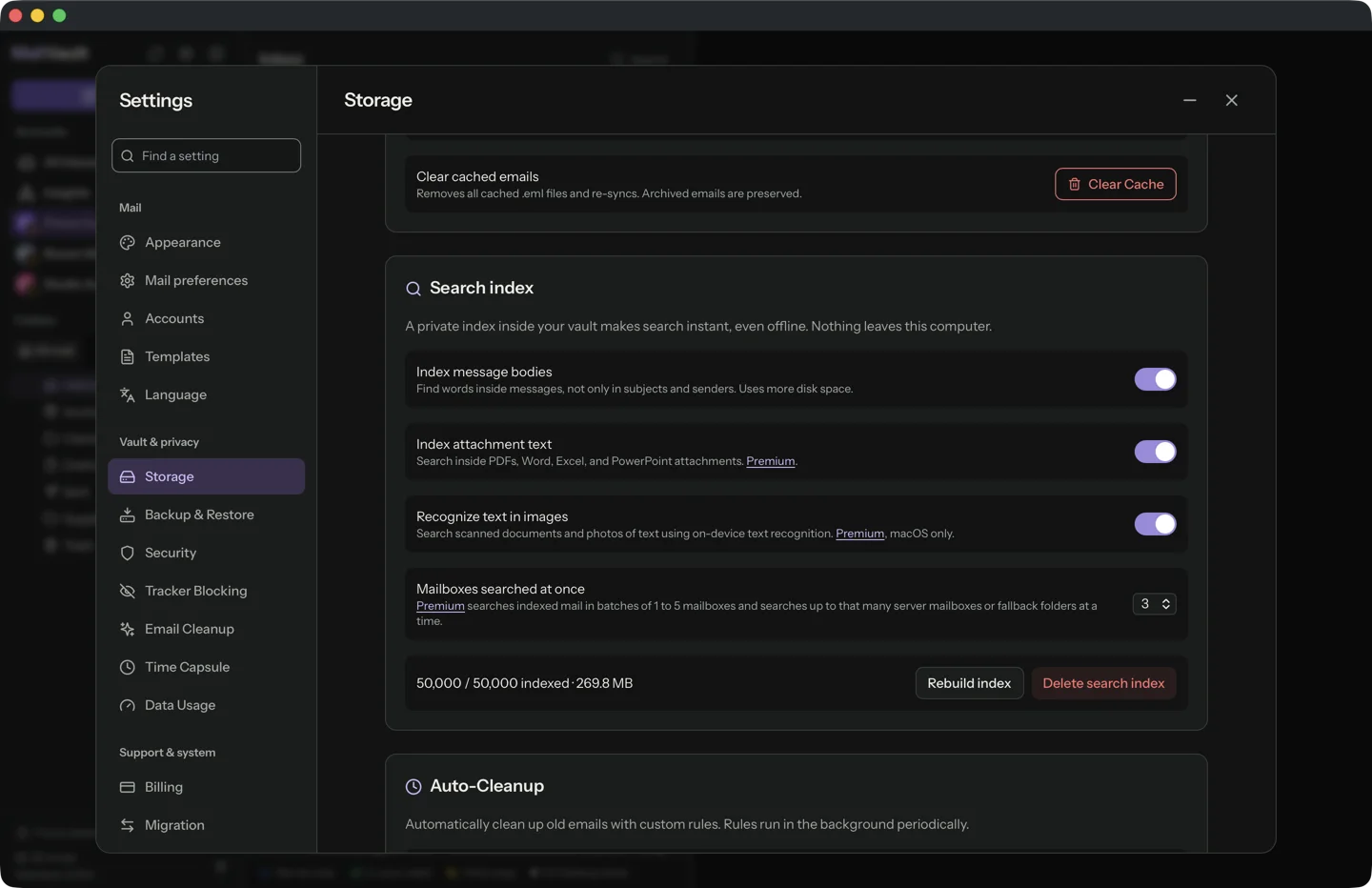
Both tables are contentless: they hold the search structures and not a second copy of your mail, which is a large part of why 50,000 messages fit in 225 MB.
Search never opens a message
The list needs sender, subject, date, folder and flags for each hit. Parsing 500 message files to get them would cost more than the query. So the index row stores the list row already built, and current flags are read off the filename, where the maildir format keeps them. The benchmark counts calls to the MIME parser while results are assembled, and the answer is zero.
The message is opened only when you click it, and then it is checked against the Message-ID the index recorded, so a UID that was reissued by a server cannot show you the wrong mail.
Keeping the index honest
An index that drifts from the vault is worse than none. There is no long chain of "on delete, also update the index" hooks. One reconciler compares the folder listing (uid, filename, size, modification time) with what the index holds and repairs the difference. Every writer only nudges it. If the file is damaged or from a newer schema, it is deleted and rebuilt from the mail, and the recovery code only ever removes the four derived index files. Messages, custody records and accounts are never touched.
What the first version did instead
The first offline search read files. Every search listed the folder, looked each message up by UID with a fresh directory scan, parsed it, serialised every body over the process boundary and filtered in JavaScript. We measured one piece of it: a directory rescan costs about 4.4 ms on a 20,000-message folder, and it ran once per message, which projects to roughly 88 seconds for that folder alone. That is why the index exists, and why a search that opens no files is the design constraint rather than an optimisation.
The slowdown we shipped
While preparing the numbers for this note, the benchmark failed. On the code that includes the 2.15.0 release, "invoice" took 221 ms, "budget meeting" 500 ms, and the test's own 200 ms assertion tripped on all three runs. On 13 September the search step of the same query had measured 4 to 7 ms.
The cause was a good feature added carelessly. To highlight matched terms in the reader and to mark hits found only inside an attachment, each result row was given two questions: does the body match, does the attachment text match. Each was written as a subquery that asks the full-text table about one row at a time, and a correlated subquery like that is re-run for every row it is asked about. Each run re-walks the term's postings, so the price depends on the query terms: a two-word phrase with 246 hits (500 ms) was slower than a single word with about 2,500 (221 ms).
The fix is one line of shape: ask the index once for the set of matching rows and test membership in it. Same results, all 18 existing query tests unchanged and one new guard test, and the four figures dropped to 7.4, 14.0, 14.0 and 4.5 ms. The lesson is the boring one. The 200 ms gate existed and was marked ignore, because building 50,000 messages takes twenty seconds. A gate nobody runs is documentation, so the fix ships with a guard that runs in ordinary test runs.
Attachments and Vision, the Premium half
Bodies are free. Attachment text is a Premium option, and it plugs into the same index as one more column, so a search hits messages and the documents inside them together.
- Office files (Word, Excel, PowerPoint) are zip archives of XML and are read in pure Rust on every platform.
- PDFs use the text layer: PDFKit on macOS, a separate
pdf-extractprocess elsewhere. - Images and scanned PDFs go through Apple's Vision framework on macOS, on-device, with a cap of 50 pages a document. Small images (under 10 KB or 128 pixels on the short side) are skipped as too small to hold readable text. Windows and Linux have no OCR step.
Limits are deliberate: 25 MB per part, 50 MB uncompressed for an archive, and an unreadable file becomes a recorded state, never a retry loop. A transient failure such as an I/O error is retried on the next sweep, and a genuinely unsupported file is marked so it is not tried forever. We did not time extraction for this note. It runs once per attachment in the background, and its cost depends on your files.
What the others say about theirs
We benchmarked none of them, and none publish times at 50,000 messages, so this is designs and not stopwatches. Apple says Spotlight's first indexing can take hours or even days. Microsoft documents that classic Outlook's search depends on the Windows Search index, that results can be incomplete until it finishes, and that only cached mail is indexed. Thunderbird's tracker has a sixteen-year-old report of global indexing slowing on large mailboxes, one user citing several days for 36,000 messages on a dual-core machine. That is anecdotal and old hardware, and we would not compare it to ours.
What this does not show
The mail is synthetic and short, real messages are longer and the index grows with body text. Everything was warm cache on one Mac. Attachment search was not timed. Mail that only lives on the server is not in the index at all: MailVault asks the server, lists local hits first, and that leg is bounded by the provider, so it has no number here. Premium searches up to five server mailboxes at once instead of one.
Fifty thousand emails, one heartbeat. MailVault keeps a private search index next to your archive: bodies for free, attachments and on-device image text with Premium.
Get MailVault →